Waydoo Flyer EVO USER GUIDES
© 2024 All rights reserved by Waydoo
altitude within the altitude range you set.
Tips:
It is recommended to use this function in calm conditions. Try to turn off this
function in strong winds and waves.
3) Settings
a. Time Setting
b. Gear setting
The step can be set to 1, 2, 3 or 4. After setting, when you operate the "+"
/"-" buttons in the control mode, one operation increases or decreases the
gear of the corresponding step until the maximum or minimum gear is
reached.
c. Throttle calibration
d. About
4) Bluetooth
After entering, scan the connectable Waydoo Flyer EVO boards and display
the boards.
Tips: The remote menu interface will be adjusted with product updates.
Powerflight Battery
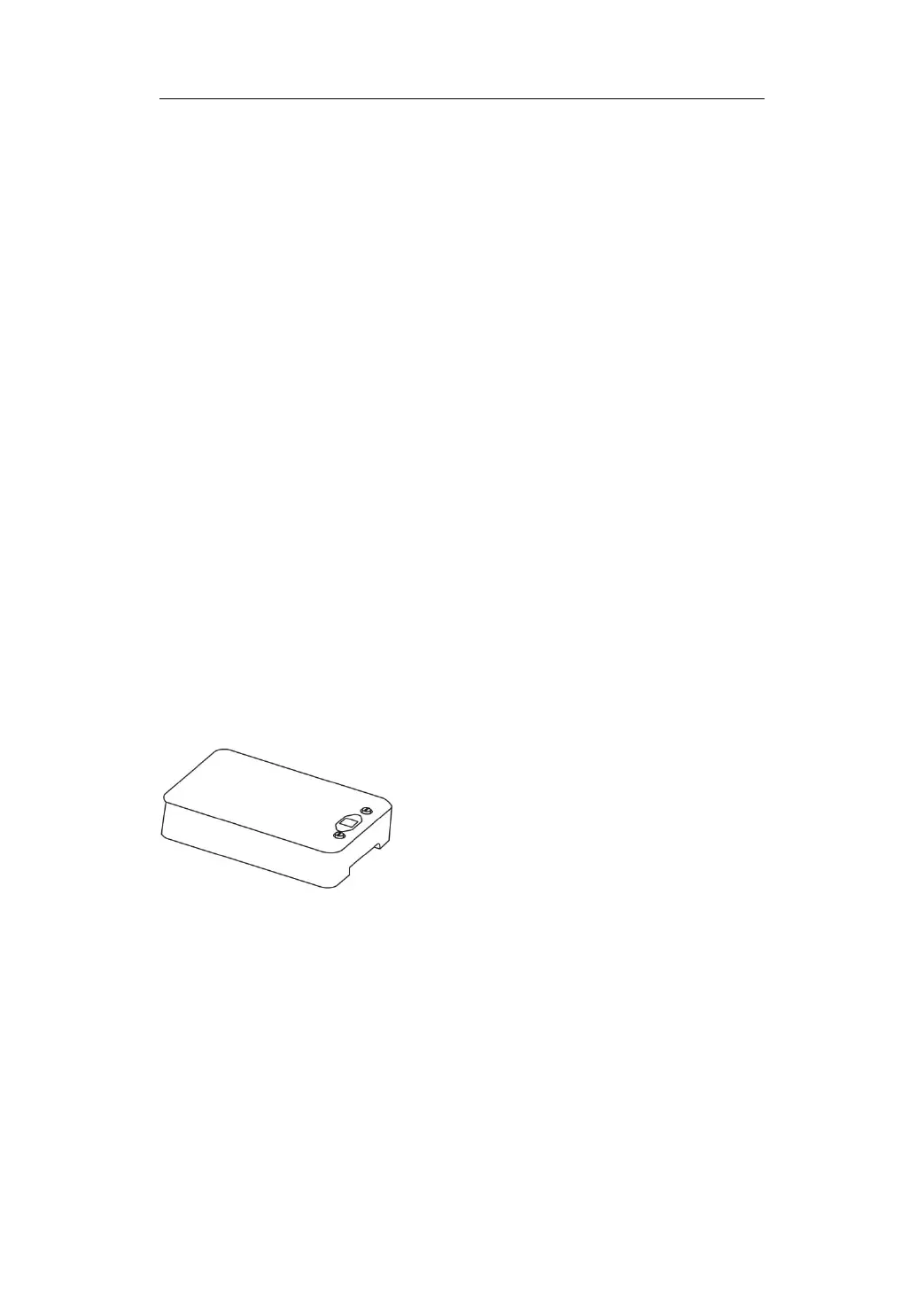
The Waydoo Powerflight Battery is designed specifically for the Waydoo
Flyer EVO. The battery provides a safe, reliable and powerful energy source
for the product. The battery is equipped with an LCD display to provide
friendly human-computer interaction. The Powerflight Battery has two
capacity options of 36Ah and 45Ah to meet users' various needs for weight
and battery life. The battery adopts a wire-free design and is easy to install.


 To Next Page