Waydoo Flyer EVO USER GUIDES
© 2024 All rights reserved by Waydoo
How to Stop Charging
When the battery is in charging mode, press the charging start/stop button
once, and then unplug the AC cord from the wall outlet to stop charging,
and the battery display screen will turn off after awhile.
Tips: When the battery is charging, please do not unplug the DC plug from
the battery directly to avoid damaging the charger or battery.
Battery charging maintenance
During the charging process, when the battery is in a state of excessive
voltage difference between cells, the charging status will display
maintenance. At this time, the user can stop charging and continue to use
the battery. The maintenance will be completed when charging next time.
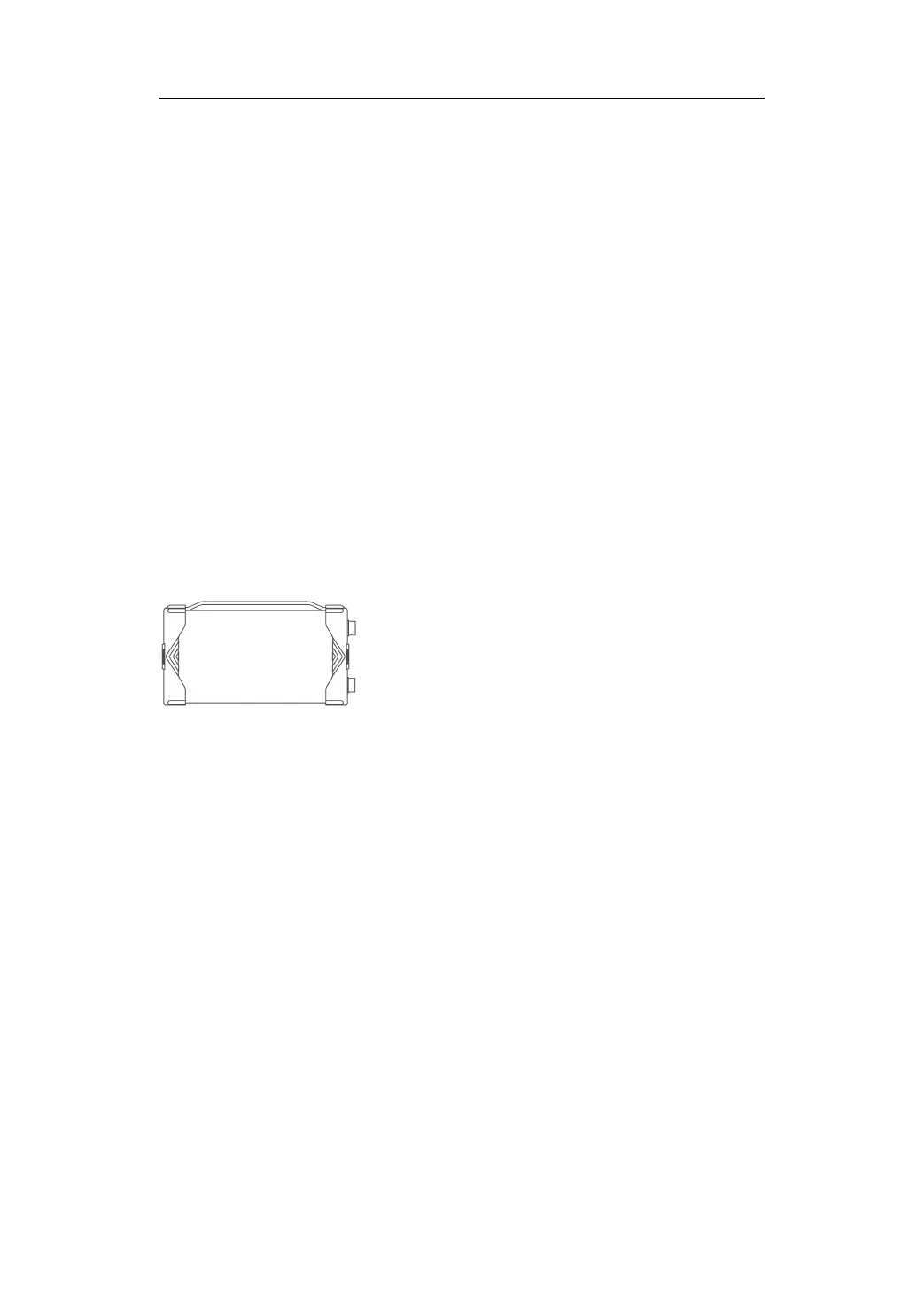
Powerflight Inverter Charger
The Powerflight Inverter Charger can charge the Powerflight battery and can
also connect the Powerflight battery to output AC power (110V/220V), so
that users can use the Powerflight battery to power other electrical
appliances outdoors. It has a stylish and compact appearance and is easy to
carry.
Charging safety tips:
Charging should be carried out in an environment free of flammable and
explosive materials in the surrounding area. It is forbidden to charge in the
children's activity area and sleeping area to avoid personal safety accidents!


 To Next Page