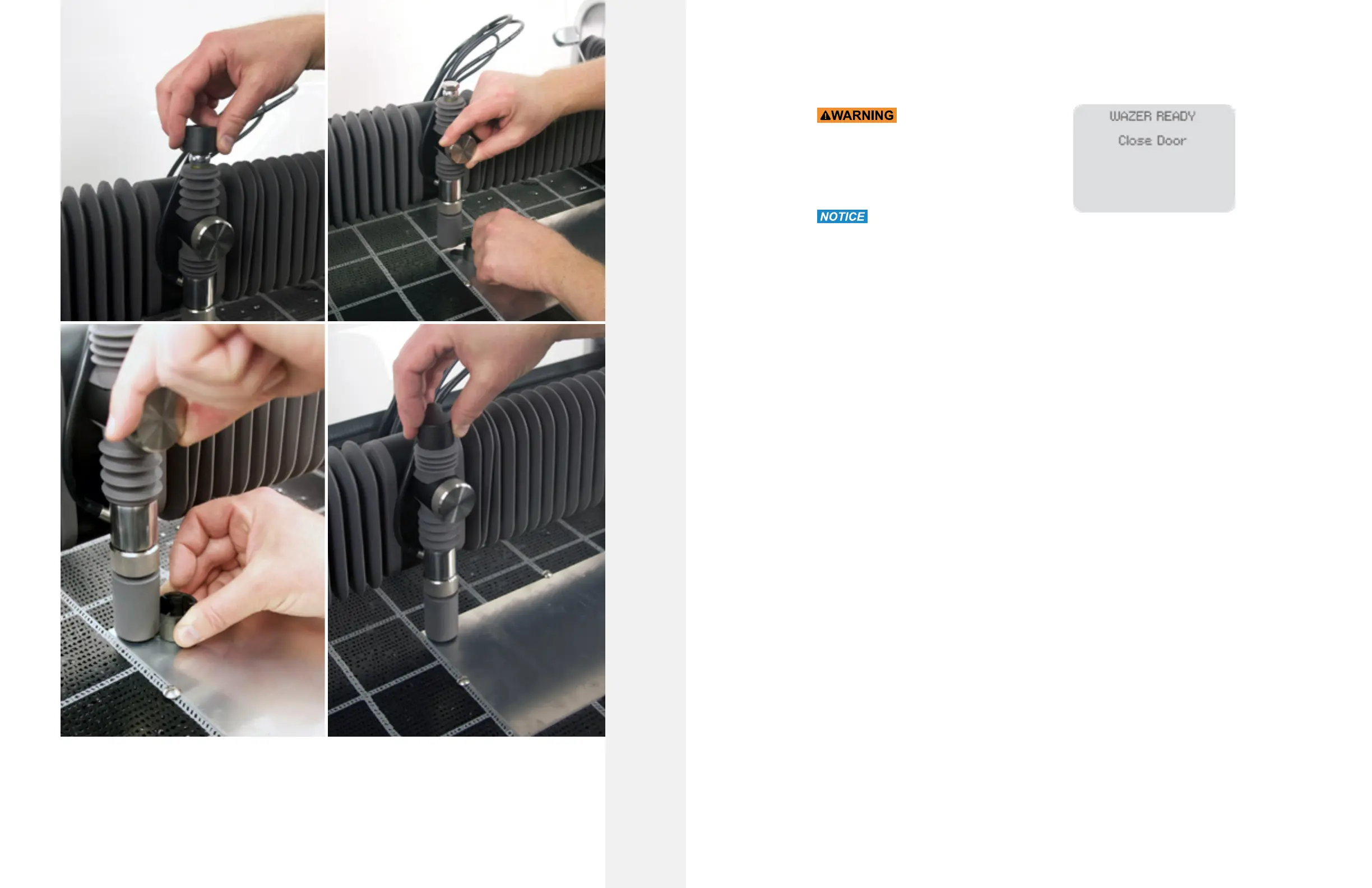
Finalize the Setup
Once you have checked your setup select “Cut Material” on the Control Panel. WAZER is now ready to cut.
Start Cutting with WAZER
Now that you have completed the setup, you can
begin your Cut:
•
proper personal protective equipment.
•
it. Once the Door is closed you can proceed by
Button.
• Verify that WAZER is cutting
properly.
• When WAZER starts, you will first hear the Main Unit gantry move to its pierce location.
• This will be followed up by the Pump Box turning on and a vibration sound coming from the
Main Unit.
• WAZER will then start to pierce through the Material. If this is the first time you are
experiencing a Waterjet cut, this may be noticed as a sudden “burst-like” experience. For
the next few seconds you may feel some Used Abrasive spray from the openings of WAZER
during this operation. Additionally, used Abrasive will build up on top of your Material. Both
of these are normal.
• If you listen carefully, once the pierce is completed you will hear a distinct difference in
noise where the water stream has now pierced through the material and rushing into the
water tank, thereby starting your cut!
• Within a couple seconds of completing its pierce the Nozzle will begin to move slowly,
cutting out your part.
• As the cut progresses WAZER will have a constant vibrating buzz while cutting along with a
few ticking sounds at
• The start and end of cut segment that come from the Pump Box. The Pump Box should emit
a smooth hum – there should be no erratic sounds coming from the Pump Box or constant
“ticking”. WAZER will also generate noise from the Jet cutting the Material and creating
turbulence in the Tank.
• If you observe the Control Box, all four LEDs on the left side will be on, the top and bottom
lights of the middle column will be on, the middle two LEDs of the middle column will be
flashing. Lastly, some, if not all, of the LEDs on the right side will be on, depending on what
state the WAZER is in.
• Feed Rate Override: Allows you to increase or decrease the speed of cut to compensate for
event that your rates were incorrectly set or your machines starts to tail cut, prevents you from
• Carefully watch the Cut:
• Common First Cut Hangups: If this is the first time you are running the machine it is possible a
water leveling error may occur. This is simply your WAZER learning its water position. Therefore
you can acknowledge the error message and continue cutting without performing any actions.
However, if you haven’t yet performed “Priming the Plumbing and Setting the Machine Water
Level” , please complete that prior to continuing.
Cutting With WAZER |
SECTION 5
66 67



 To Next Page