WEBASTO DBW SERIES HEATERS
7-Day Digital Timer Programming and Operating Instructions (Models 1529 & 1531)
Setting the time and
day of the week
Viewing the time
Switching heater on
for instant heater
operation
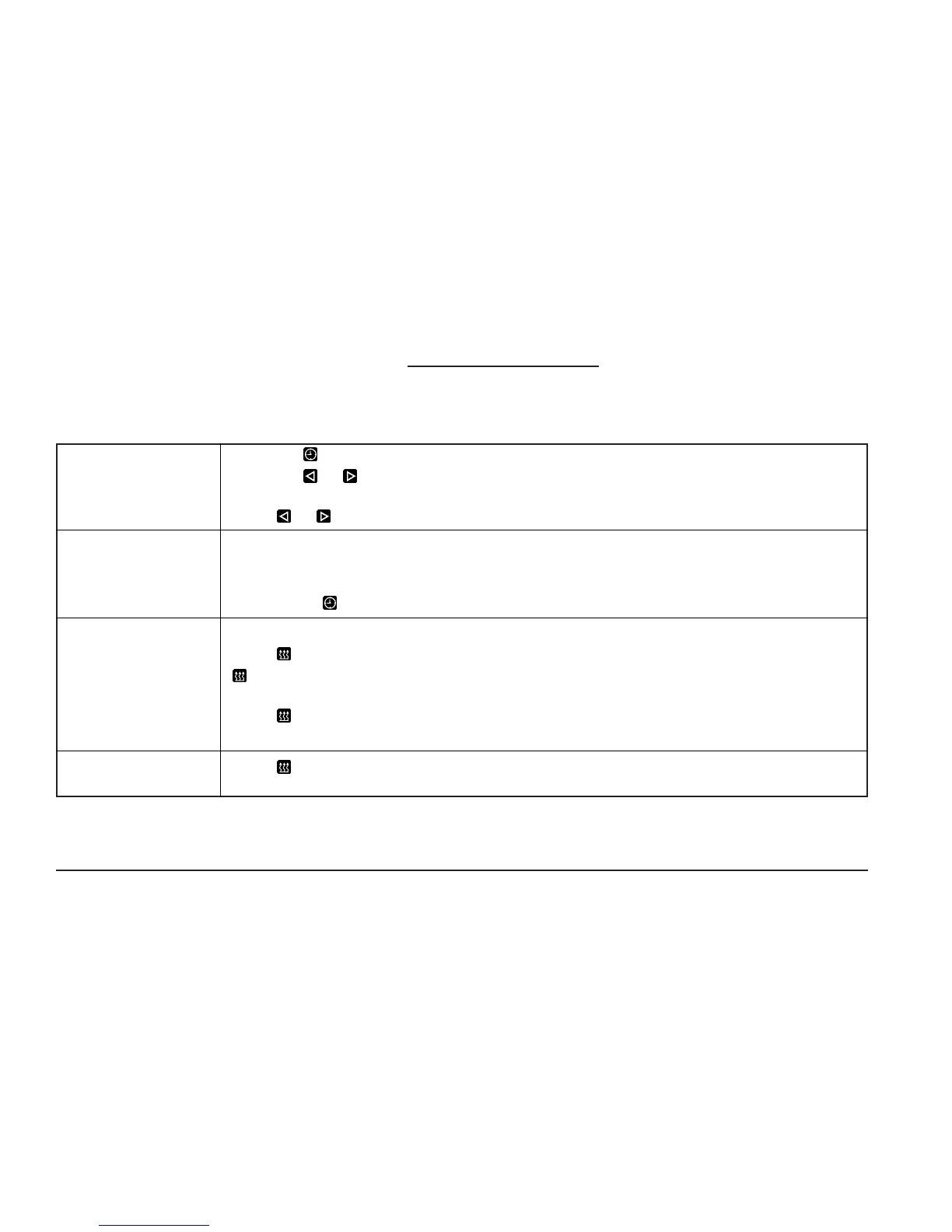
Press the button for more than 2 seconds. Time display flashes.
Press the or button to set time of day. Wait 5 seconds. Time is now stored.
Day of week flashes.
Press or button to set day of week. Wait 5 seconds. Day of week is now stored.
With ignition “ON”:
Continuous display of current time and day of the week.
With ignition “OFF”:
Briefly press button. Display of current time and weekday appears for 5 seconds.
With ignition “ON”:
Press button. Heater is switched on (continuous heating) and continues to operate until
button is pressed again or ignition is switched off.
With ignition “OFF”:
Press button. Heater is switched on for the preset operating time
(the factory-set heater operating duration is 60 minutes).
Switching the
heater off
Press button. Heater begins cool-down (after-run) cycle and is switched off thereafter.
14
OPERATING INSTRUCTIONS
Table 1: Digital Timer Instructions






 To Next Page