f- Press this button to go backwards.
How to upload or delete a video in your software kids ? Refer to page 16 5)
How to transfer documents via USB ?
b-Photos
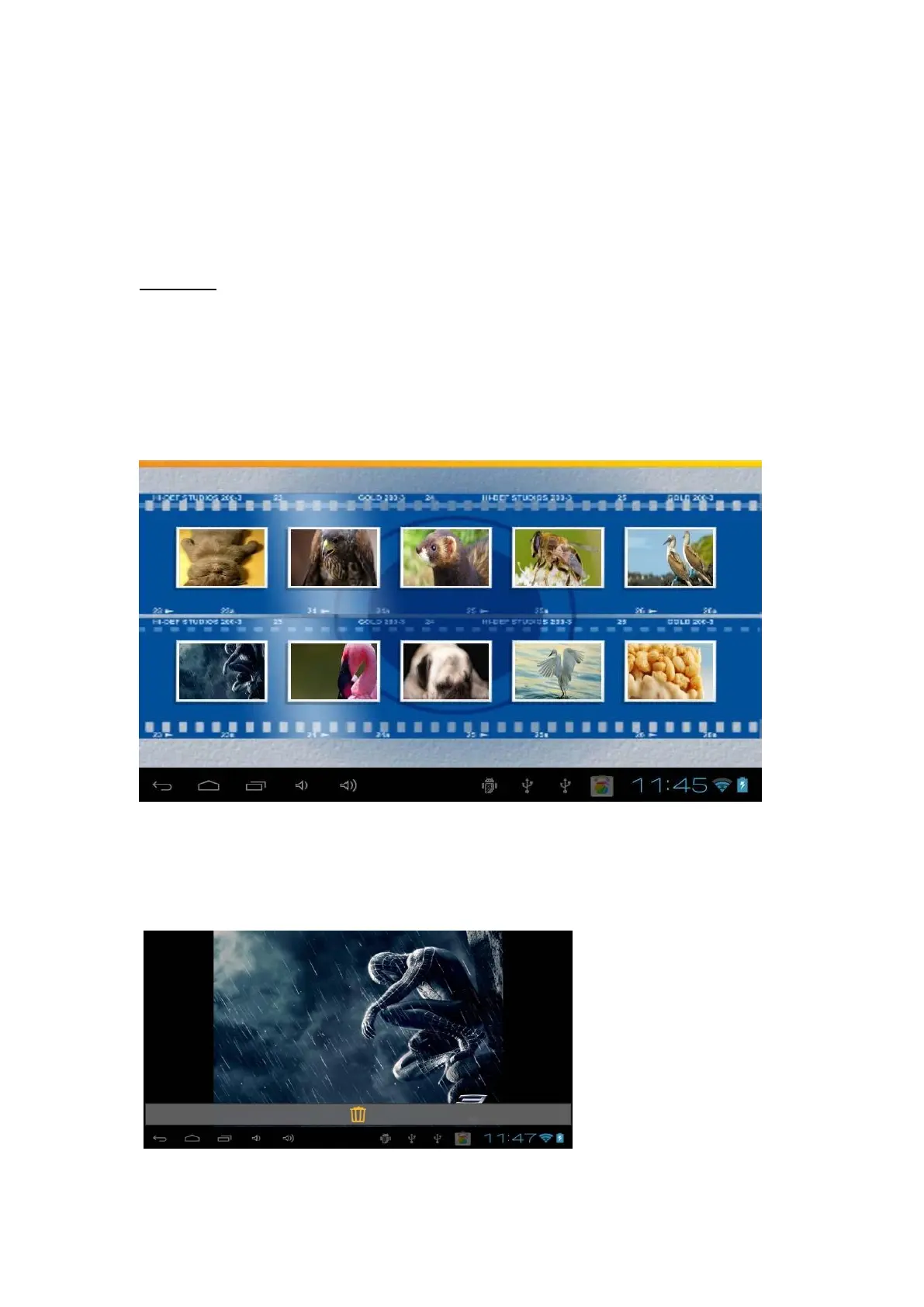
To open the photo section, press the corresponding icon on the top of the home page.
To see your pictures, just move your finger on the screen from right to left to go forward
in the list of pictures, or from leftto right to go backwards in the list of pictures.
How to upload a picture in your software kids ? Refer to page 18 5) How to transfer
documents via USB ?
To delete a picture, press on one to be on full screen. Then press another time, and a
trash will appear.
.



 To Next Page