7
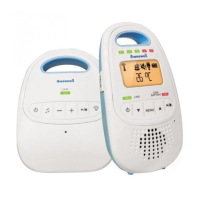
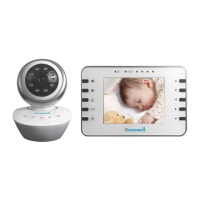
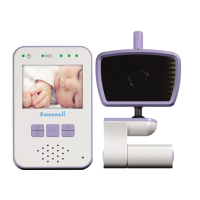
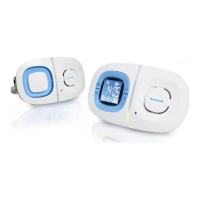
BABY UNIT DESCRIPTION
1. Stand-by light
2. Integral speaker
3. Integral microphone
4. 2-colour LED (Green / Red): ON / TRANSMISSION / BATTERY
CONDITION indicator
Green xed: Operang and properly connected to the parent unit
Green ashing: Operang and loss of connecon to the parent unit
Red xed: Operang and baery low
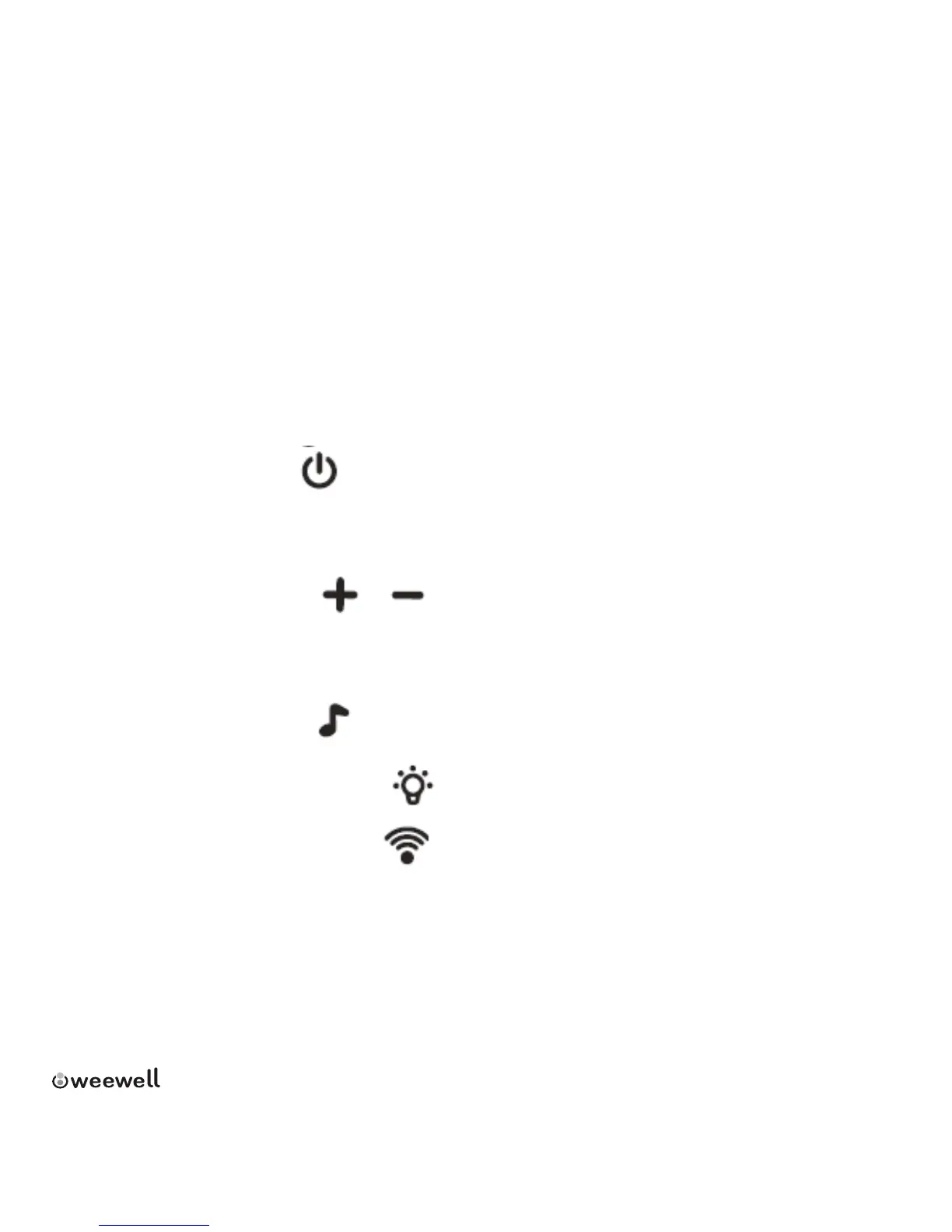
5. ON / OFF switch
Press and hold down for 2 seconds to switch the appliance ON or
OFF
6. VOLUME switches
When the volume reaches its maximum or minimum level a beep is
emied. There is 10 levels for volume.
7. LULLABIES switch
8. STAND-BY LIGHT switch
9. TRANSMISSION switch
Press to make the parent unit send an alarm beep. This helps in
nding an appliance that has been mislaid.
10. Temperature and hygrometry sensor
11. Baery ap (2 AAA baeries)
12. Jack socket (audio cable supplied)


 To Next Page