9
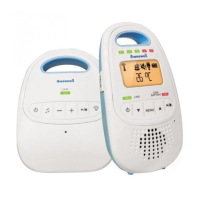
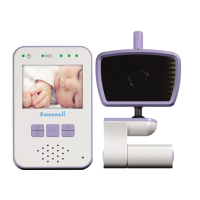
PARENT UNIT DEFINITION
1. LCD screen
2. OK / MENU switch
3. RETURN switches
4. VOLUME switch
When the volume reaches its maximum or minimum, three beeps
are emied, there are 10 levels in all.
5. 2-colour LED (Green / Red): ON / TRANSMISSION / BATTERY
CONDITION indicator
Green xed: Operang and properly connected to the baby’s
transmier
Green ashing: Operang and loss of connecon to the baby’s
transmier
Red ashing: Baery charging
Red xed: Operang and baery low
6. Integral speaker
7. Integral microphone
8. ON / OFF switch
Press and hold down for 2 seconds to switch the appliance ON or
OFF
9. SPEECH switch
Hold the switch down to reply via the baby transmier speaker. The


 To Next Page