I
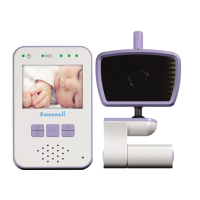
WMV812 USER MANUAL
7
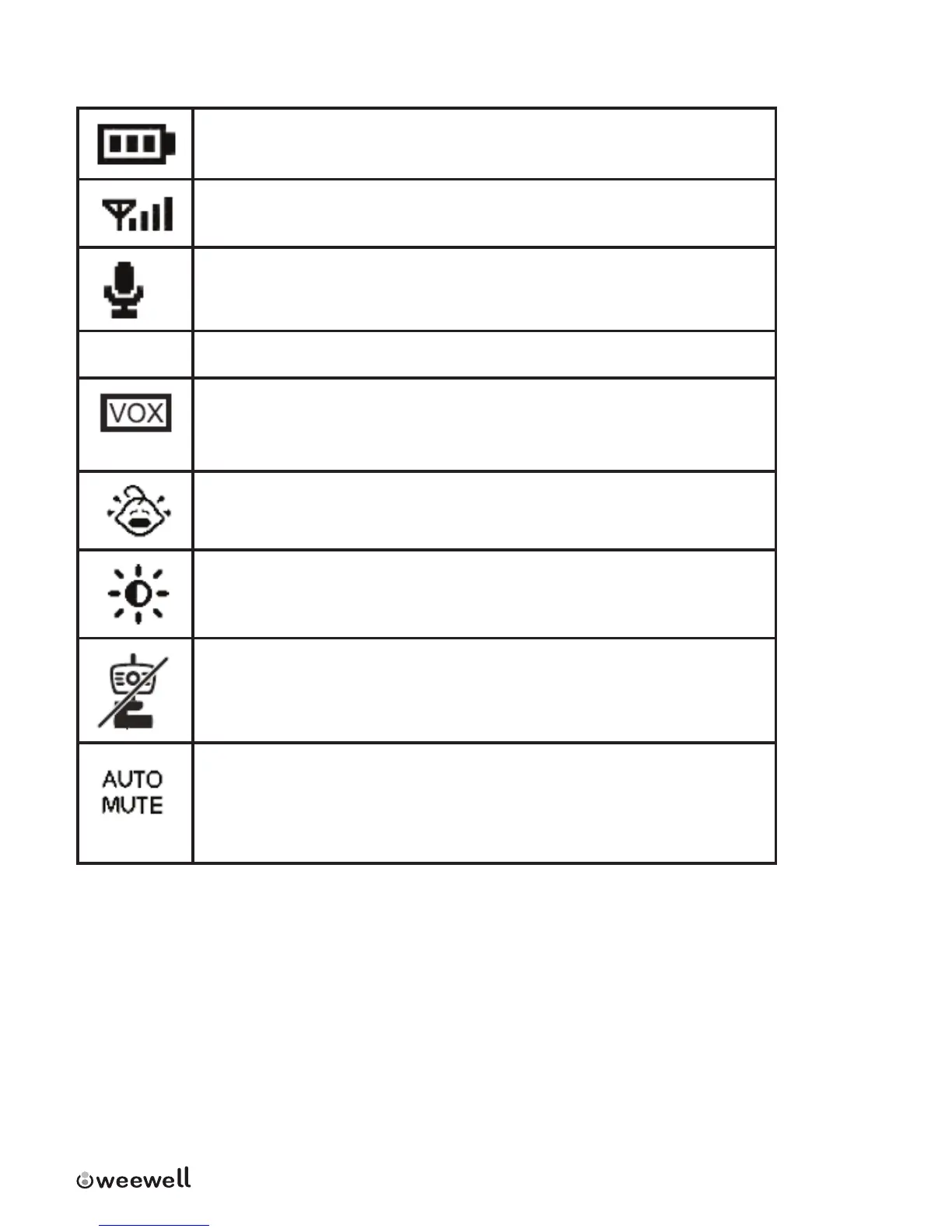
1.3 Parent Unit menu icons
Baery level (3 levels plus ashing of baery low)
Signal strength (4 levels)
Talk Mode
Night vision mode (Image becomes black/white)
VOX mode (Baby and parent unit are in sleep mode while
baby sleeps. Baby and parent unit will start streaming video
and audio when baby cries.
Trigger sensivity level (3 levels)
Brightness level (5 levels)
Out of range/Lost link alert need icon
Auto mute on/o. Switch auto mute “on”, parent unit enters
audio mute mode automacally when baby does not make
much noise. Parent unit starts to stream audio when baby’s
sound level exceeds preset sensivity level.


 To Next Page