45
July, 2016
HOME SCREEN
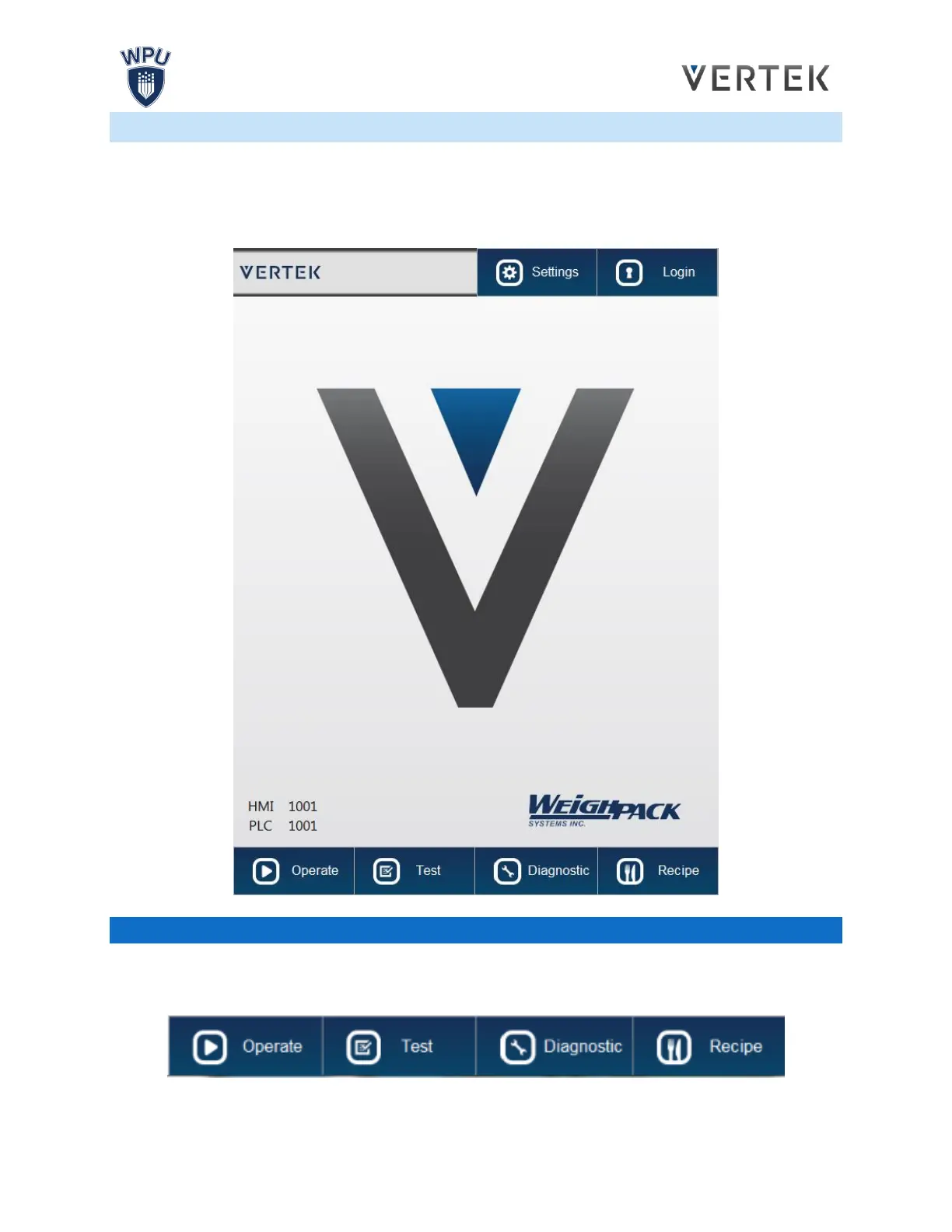
When the bagger is first powered on, the Home screen will appear, displaying the P.L.C. and H.M.I.
versions installed, the Login and Logout buttons as well as the navigation bar at the bottom of the screen.
Pressing the Login button will bring up an input screen where the operator can enter their password to
access locked screens of the H.M.I. Pressing the Logout button will log the operator out.
NAVIGATION BAR
The bottom of the screen displays the Navigation Bar: The Home, Automatic, Testing, Manual, Recipe
and System buttons that can be accessed at any time in any screen. These buttons will always be
displayed, unless entering a submenu.



 To Next Page