71
July, 2016
INPUT ASSIGNMENT
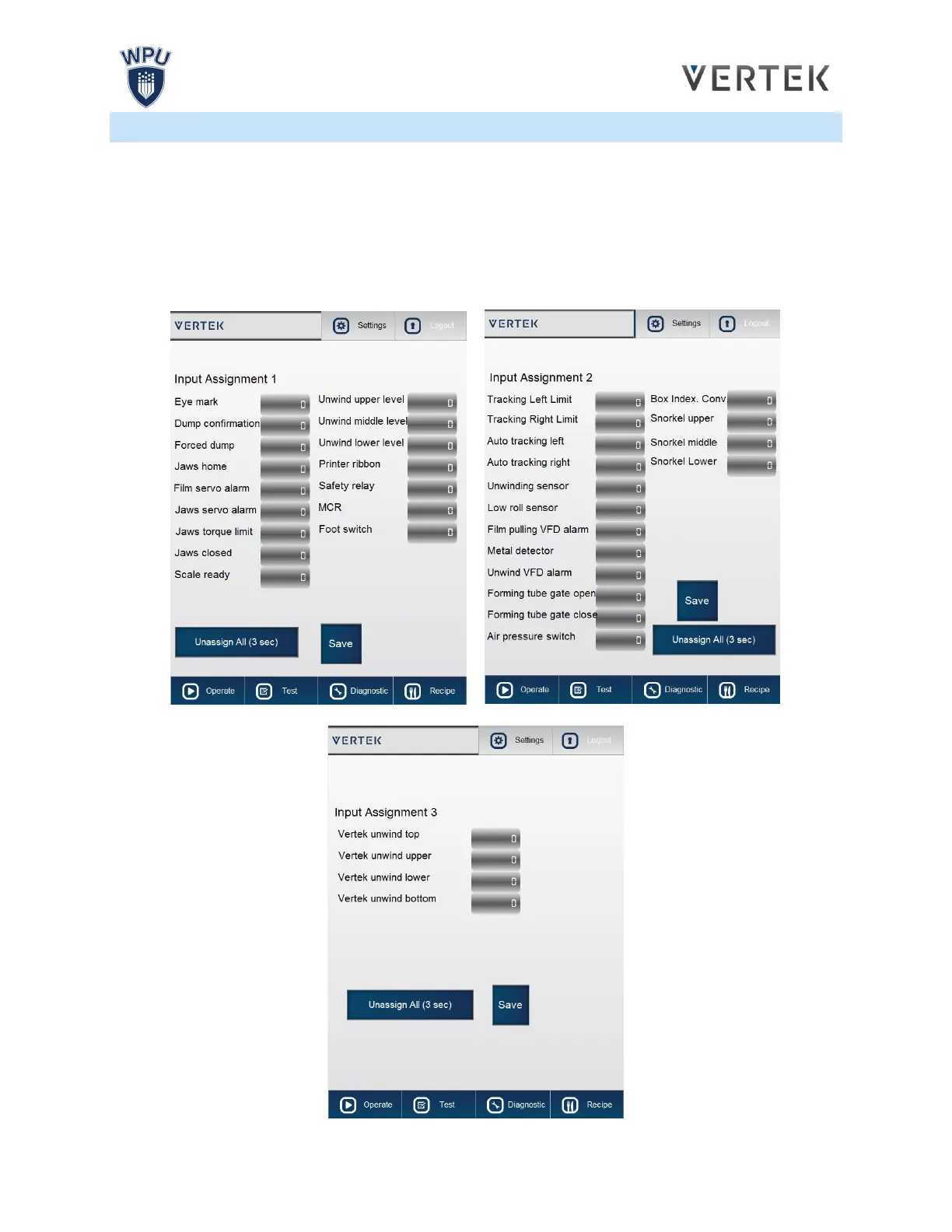
The Input Assignment submenu can be accessed from the Settings screen. The submenu displays
signals being sent from each port on the P.L.C. (Programmable Logic Controller.) When an Input is
active, the button will turn green. When an Input is inactive then the button associated with that Input will
become greyed out.
The Input screen is used to troubleshoot the P.L.C.’s connectivity with the bagger. Use the Inputs screen
to test if signals are getting through to the bagger when they should be.



 To Next Page