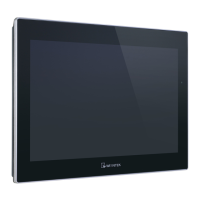
M02 Startup Guide
UM021003E_20210505 Copyright© 2021 Weintek Lab., Inc. All rights reserved.
Chapter 2 Wi-Fi Settings
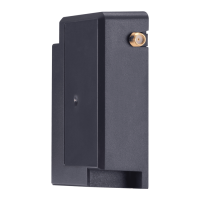
Connect M02 to HMI and then start up HMI. Log in system settings in one of the following two ways
and configure Wi-Fi parameters.
2.1 Set in internet browser
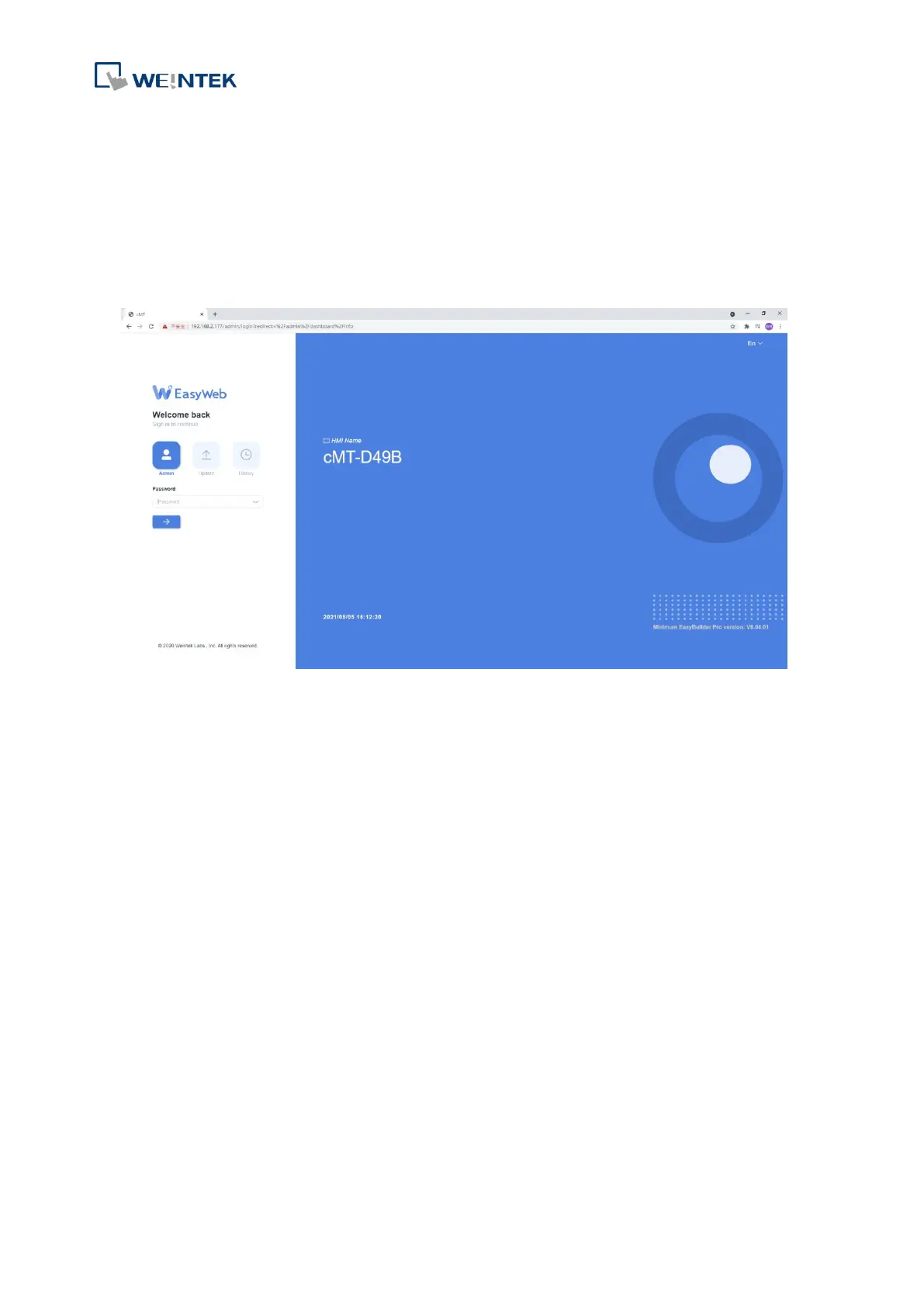
Connect HMI with PC using an Ethernet cable, open internet browser (IE, Chrome, or Firefox), and
enter HMI’s IP address (e.g.: 192.168.2.177) to configure HMI settings.


 To Next Page