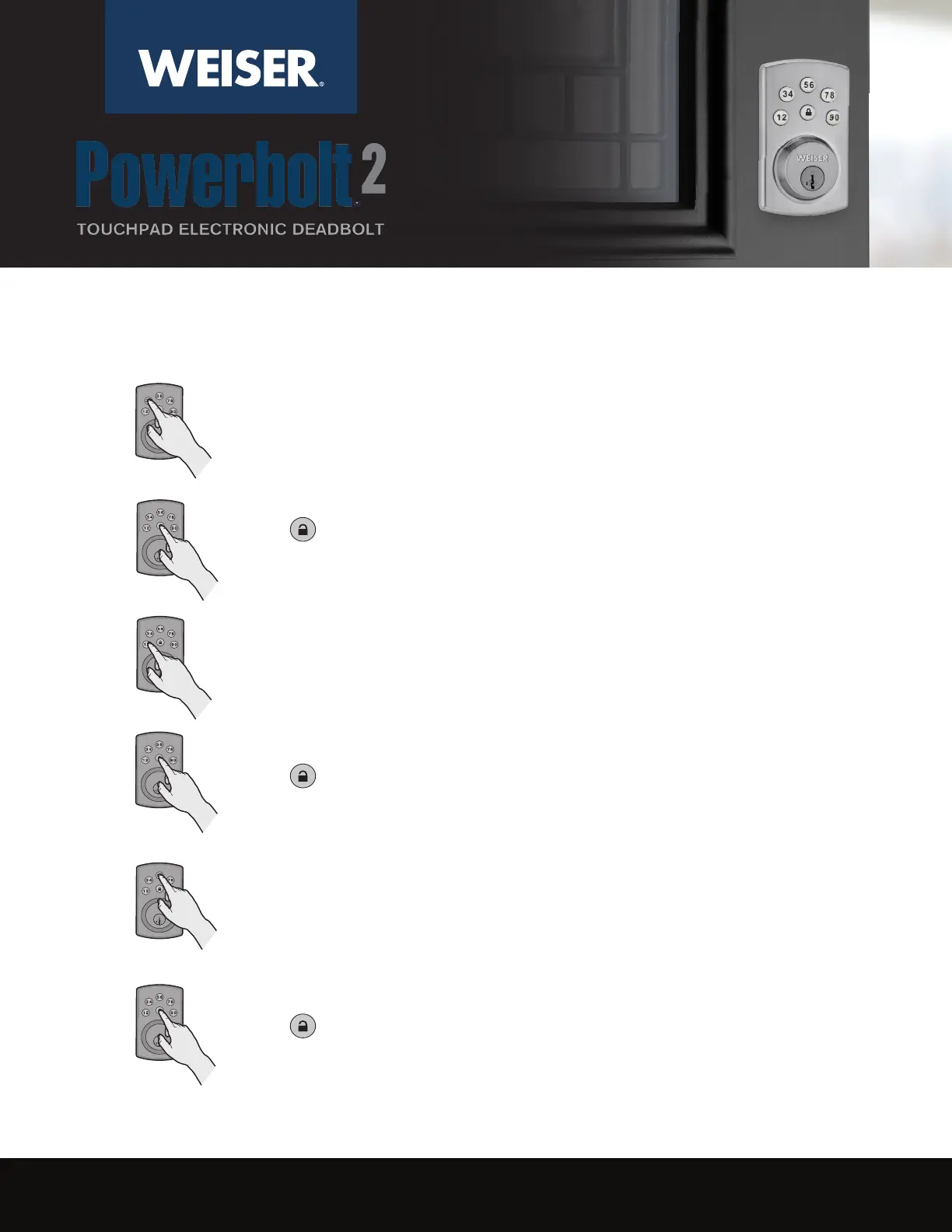
Press . You will hear one beep.
THE LEADER IN RESIDENTIAL SECURITY
213826 10/17
Make sure the lock is unlocked and the door is open. Enter your existing
Mastercode.
1
Enter a new User Code. It must be 4-10 digits.
Press . You will hear two beeps if successful. If you hear three beeps, it
was unsuccessful. Repeat from step 1 slowly.
4
3
2
How to Add a Code:
Press 1 - 9.
Press . You will hear one beep.
5
6



 To Next Page