Weiss Enginering Ltd. DAC501-4ch/DAC502-4ch
List of Figures
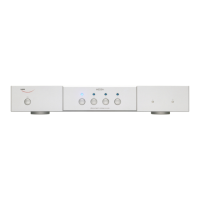
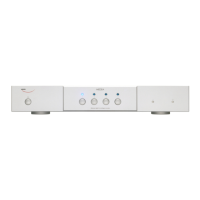
1 The front panel of the DAC502-4ch . . . . . . . . . . . . . . . . . . . . . . . . . . . . . . . . . . . 1
2 The front panel of the DAC501-4ch . . . . . . . . . . . . . . . . . . . . . . . . . . . . . . . . . . . 1
3 The back panel of the DAC501-4ch . . . . . . . . . . . . . . . . . . . . . . . . . . . . . . . . . . . 2
4 The back panel of the DAC502-4ch . . . . . . . . . . . . . . . . . . . . . . . . . . . . . . . . . . . 3
5 XLR/RCA Output with Speakers Termination . . . . . . . . . . . . . . . . . . . . . . . . . . . . . 3
6 JACK Output with Headphones Termination . . . . . . . . . . . . . . . . . . . . . . . . . . . . . . 3
7 Output Level menu section on the LCD . . . . . . . . . . . . . . . . . . . . . . . . . . . . . . . . 4
8 Input selection of Roon Ready via LCD menu . . . . . . . . . . . . . . . . . . . . . . . . . . . . . 5
9 Input selection of Roon Ready via Webinterface . . . . . . . . . . . . . . . . . . . . . . . . . . . 5
10 IR remote control . . . . . . . . . . . . . . . . . . . . . . . . . . . . . . . . . . . . . . . . . . . . . 6
11 Pop-up window for renaming your device via the web interface . . . . . . . . . . . . . . . . . . . 7
12 Screenshot of the DAC50x-4ch web interface . . . . . . . . . . . . . . . . . . . . . . . . . . . . . 8
The first steps with your DAC50x-4ch 9 Quick Start Guide



 To Previous Page
 Loading...