44
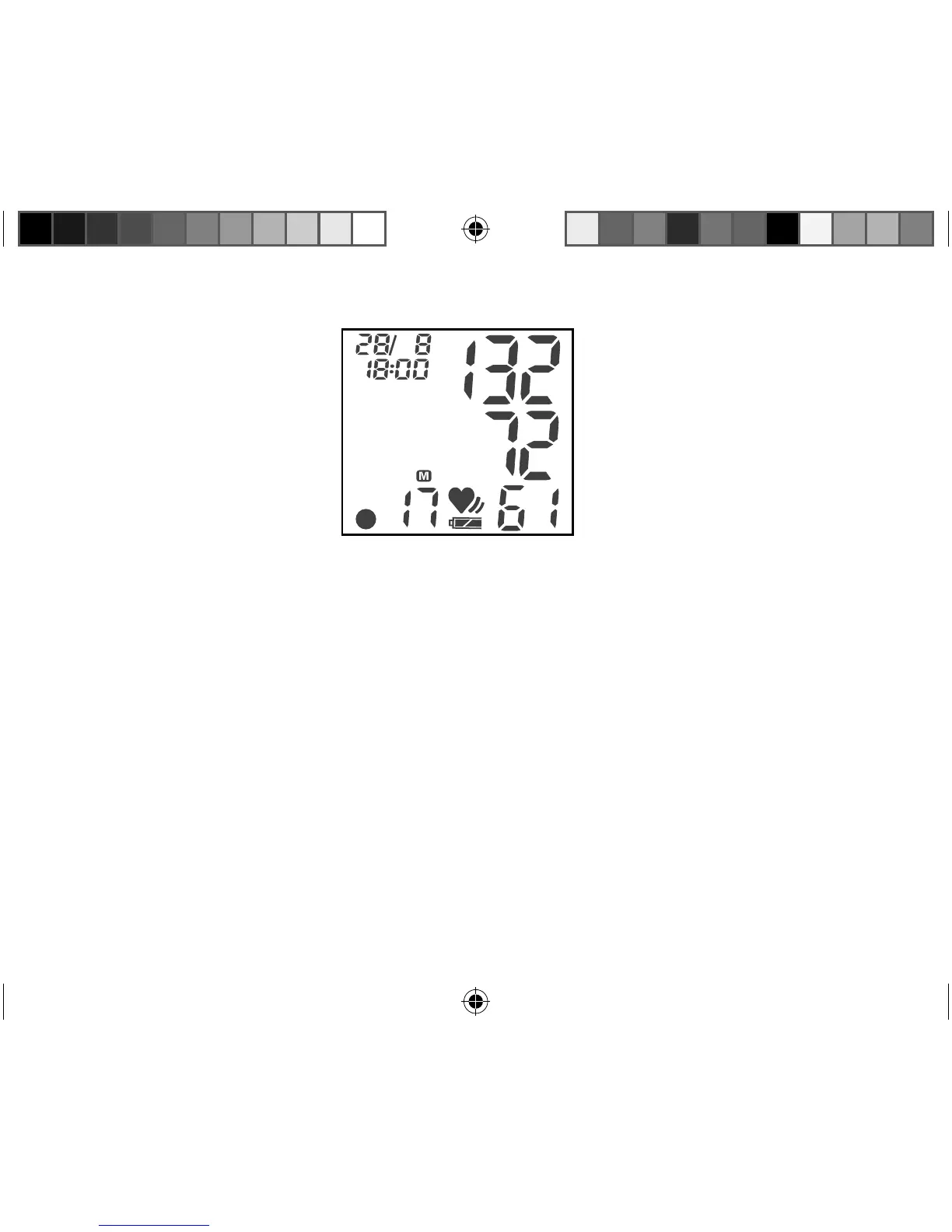
If you have switched on language output, this value will also be given verbally.
To switch o the monitor, press the corresponding button for approximately three
seconds.
Deleting the values of a user
Press button 1 for deleting User 1 memory (or button 2 for deleting User 2 memory)
and hold it down for approximately 2 seconds.
Press button 1 (or button 2) again to get into the menu.
To clear all values of the User 1 memory (or User 2 memory), press button 2 and 1
and hold it down simultaneously until
CLOO is displayed.
12450 USA final Content REV1.indd 4412450 USA final Content REV1.indd 44 18.10.2012 12:00:2018.10.2012 12:00:20


 To Next Page