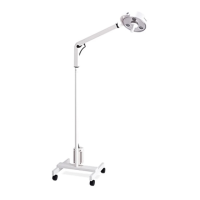
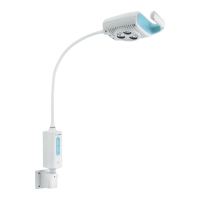
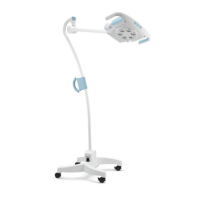
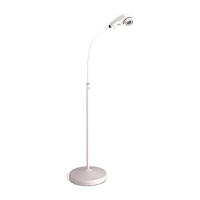
Service Section 2
Service Manual 488061 Rev. B Welch Allyn Exam Light III 1
Incoming Inspection
NOTE: Use the following guidelines when unpacking the Exam Light III from its shipping
carton.
1. Before opening the Exam Light shipping carton, check for damage.
2. If damage is apparent, stop unpacking the carton and contact the shipping company for
further instructions. If the carton is intact, unpack the Exam Light.
3. With the Exam Light out of its carton, check to see that all the items listed on the
packing slip are in the shipping carton.
4. If an item is missing, first check the carton, then check with your receiving
department. If necessary contact Welch Allyn at the Address and phone number
shown in Section 1.
5. Clean and disinfect by following the instructions printed in the Operator Manual.
NOTE: Perform all functional tests before and after servicing.
6. Operate the Exam Light to verify the customer complaint before making any changes to
the unit. Call the customer if the complaint is unclear.
7. If the unit has caused or is suspected of having caused an injury of any type:
DO NOT DISASSEMBLE OR REPAIR THE UNIT IN ANY WAY.
Contact Welch Allyn Customer Service immediately.
Required Tools
Phillips Screw Driver
Flat Head Screw Driver
Standard Needle Nose Pliers
11/32 Nut Driver
5/64 Nut Driver
3/8 Nut Driver
5/64 Hex wrench
Digital MultiMeter


 To Next Page
 Loading...