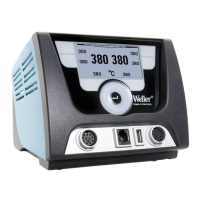
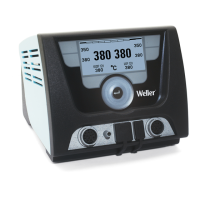
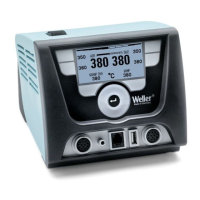
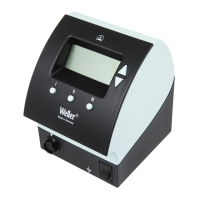
WD 2 / WD 2M 9-18
DE EN FR IT ES PT NL SV DK FI GR TR CZ PL HU SK SL EE LV LT
Setting the temperature using the temperature buttons
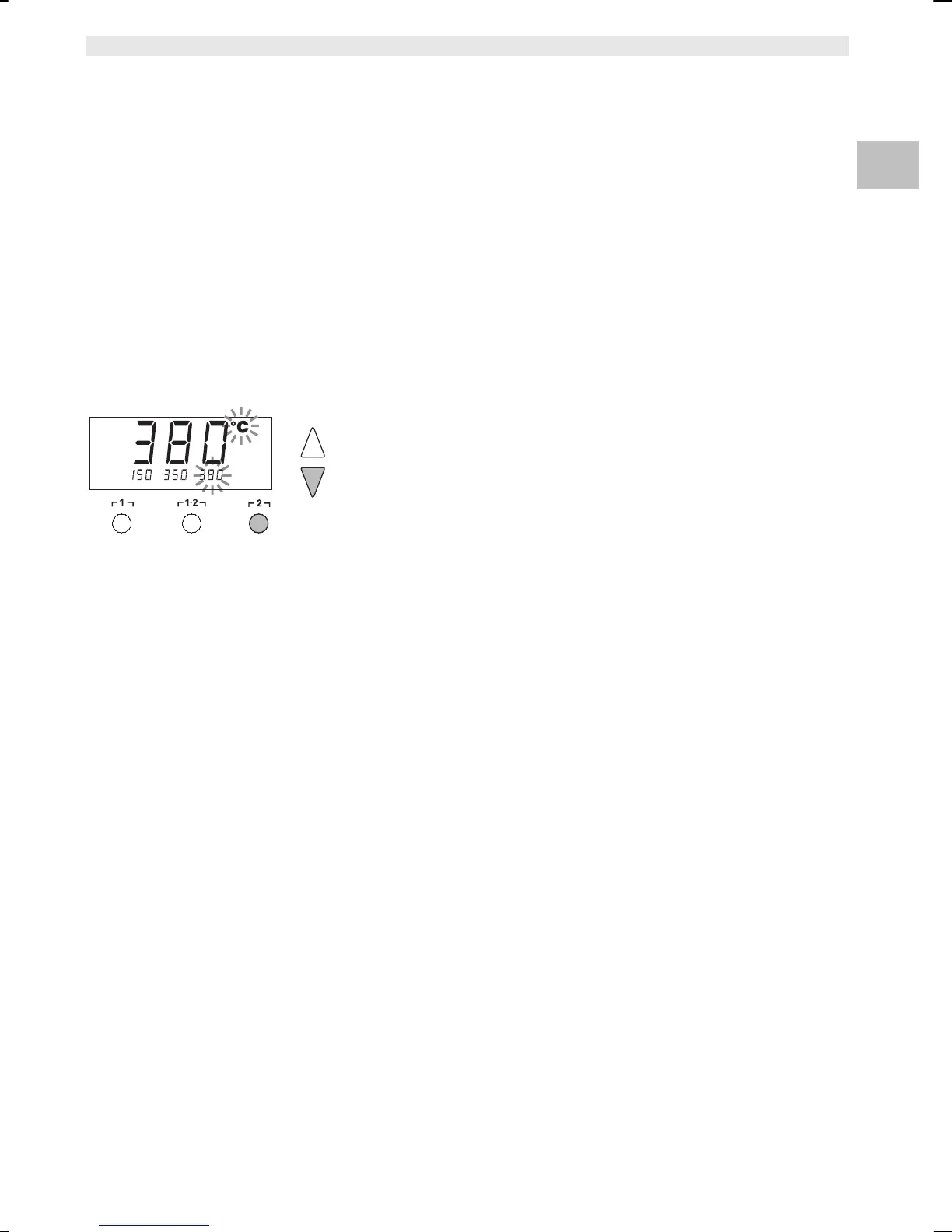
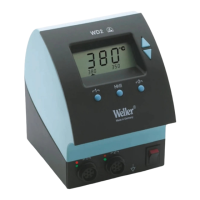
1. Select the desired channel by pressing the┌ 1 ┐ or ┌ 2 ┐ button.
2. 3 fixed temperatures are displayed for approx. 2 s.
The desired temperature can be selected as long as the
temperature icon is flashing.
3. Press the desired temperature button ┌ 1 ┐, ┌ 1·2 ┐ or ┌ 2 ┐.
The unit switches back to the actual value display automatically.
Setting fixed temperatures
The setpoint temperature value can be set for each channel
separately by selecting three preset temperature values (fixed
temperatures).
Factory settings:
┌ 1 ┐ = 150 °C (300 °F), ┌ 1·2 ┐ = 350 °C (662 °F),
┌ 2 ┐ = 380 °C (716 °F)
These values can be change individually.
1. Select the desired channel by pressing the┌ 1 ┐ or ┌ 2 ┐ button.
The three fixed temperatures are displayed for approx. 2 s.
The buttons under the display now serve as temperature buttons.
2. Press the UP or DOWN button to set the desired setpoint
temperature:
- Brief touching alters the setpoint value by one degree
- Permanent pressing alters the setpoint value in rapid pass
mode.
3. Press and hold down the desired temperature button ┌ 1 ┐,
┌ 1·2 ┐ or ┌ 2 ┐ three seconds to save the setpoint temperature.
Note Assigning a low "Setback“ temperature to a temperature button
offers the possibility of manual temperature reduction when the
soldering bit is not in use.


 To Next Page