WD 2 / WD 2M 11-18
DE EN FR IT ES PT NL SV DK FI GR TR CZ PL HU SK SL EE LV LT
7.1 Selecting Menu 1 special functions
Special functions Navigation
STANDBY
SETBACK
AUTO OFF
OFFSET
WINDOW
°C/°F
EXIT
┌ 1 ┐
┌ 1·2 ┐
┌ 2 ┐
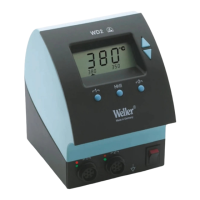
1. Select the desired channel (see 6.1, on page 8)
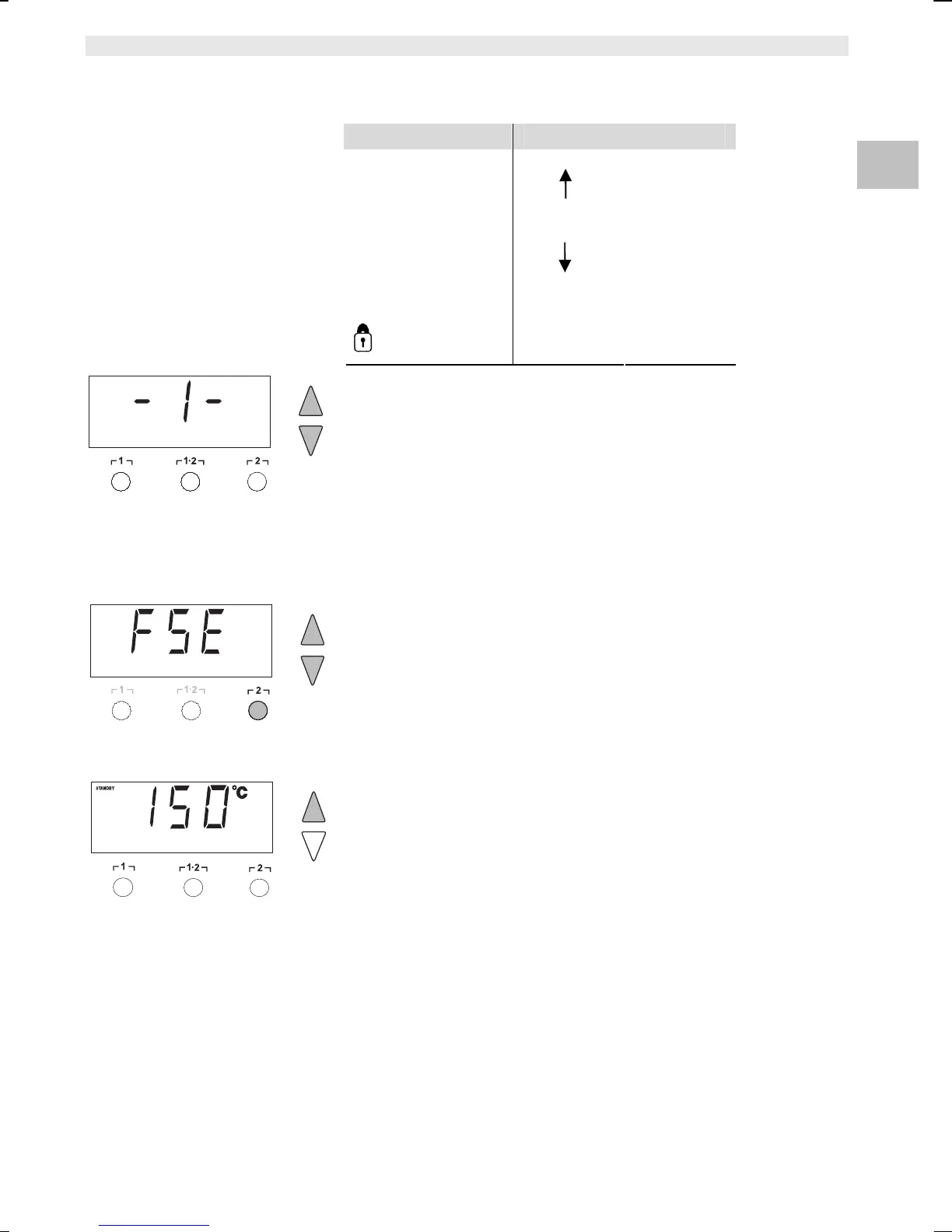
2. Press and hold down the UP and DOWN buttons simultaneously.
"– 1 –“ appears in the display after 2 s.
3. Release the buttons.
Selection of the special functions of Menu 1 is activated.
The settings can now be made:
- Select menu items with buttons ┌ 1 ┐, ┌ 1·2 ┐.
- Exit the menu again with button ┌ 2 ┐ (EXIT).
Resetting the special functions to the factory settings
1. Press and hold down button ┌ 2 ┐.
2. Then press the UP and DOWN buttons simultaneously.
"FSE“ appears in the display.
The soldering station is now reset to the factory settings.
Setting the standby temperature
The standby temperature is automatically set after a temperature
deactivation. The actual temperature flashes in the display.
"STANDBY“ appears in the display.
1. Select the menu item STANDBY in Menu 1.
2. Set the setpoint value for the standby temperature with the UP or
DOWN button.
3. Proceed to the next menu item with the button ┌ 1 ┐ (back) or
┌ 1·2 ┐ (forward).


 To Next Page