EasyManua.ls Logo

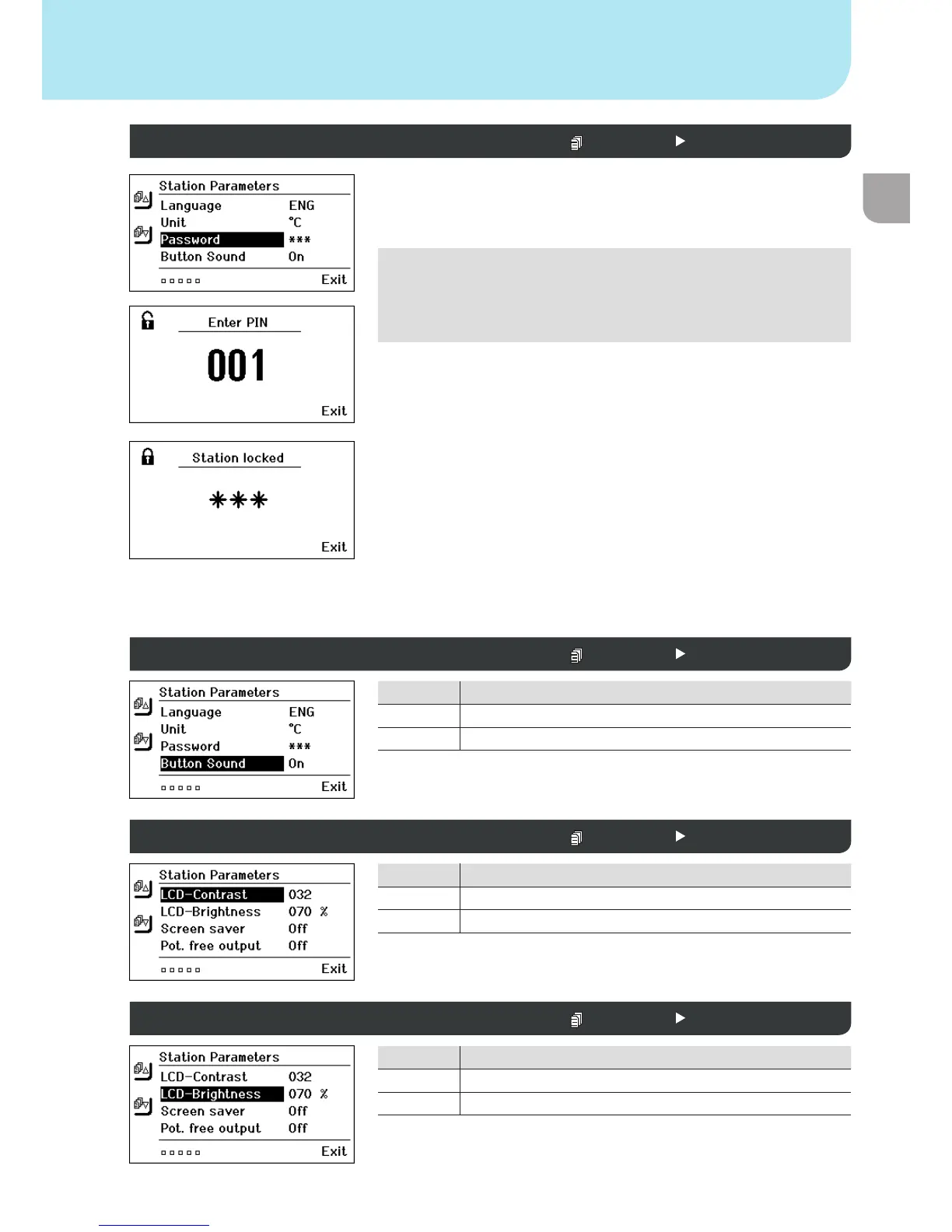
Weller WX2 - Parameter Menu: Lock and Display Customization; Password Lock Function

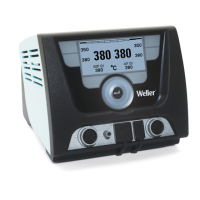
Weller WX2
Print Icon
To Next Page IconTo Next Page
To Previous Page IconTo Previous Page
Loading...

GB



Option Description
 
 
Note
If you want only one temperature value to be selectable, the control
keys xed temperature keys) must be set to the same temperature
value.
Lock the soldering station:



Unlocking the soldering station






Option Description
 
 
Option Description
 
 
Parameter menu
Password (lock function)  Station parameters 1
Touchtones on/off  Station parameters 1
LCD contrast  Station parameters 2
LCD background brightness  Station parameters 2

Table of Contents

Other manuals for Weller WX2

Related product manuals