EasyManua.ls Logo

Weller WX2 - Parameter Menu: Advanced Settings; Temperature Offset

Weller WX2
Print Icon
To Next Page IconTo Next Page
To Previous Page IconTo Previous Page
Loading...

GB




Option Description
 
 





Note
On tools with an LED ring light (e.g. WXDP 120), the process
window denes the illumination characteristics of the LED ring light.
If the LED is continuously illuminated, this means that the preselec-
ted temperature has been reached or that the temperature is within
the predetermined process window.
A ashing LED indicates that the system is heated or that the
temperature is outside the process window.
Parameter menu

中文
 
 
 
 
 
 
 
 
 
 
 
 
Option Description
 
 
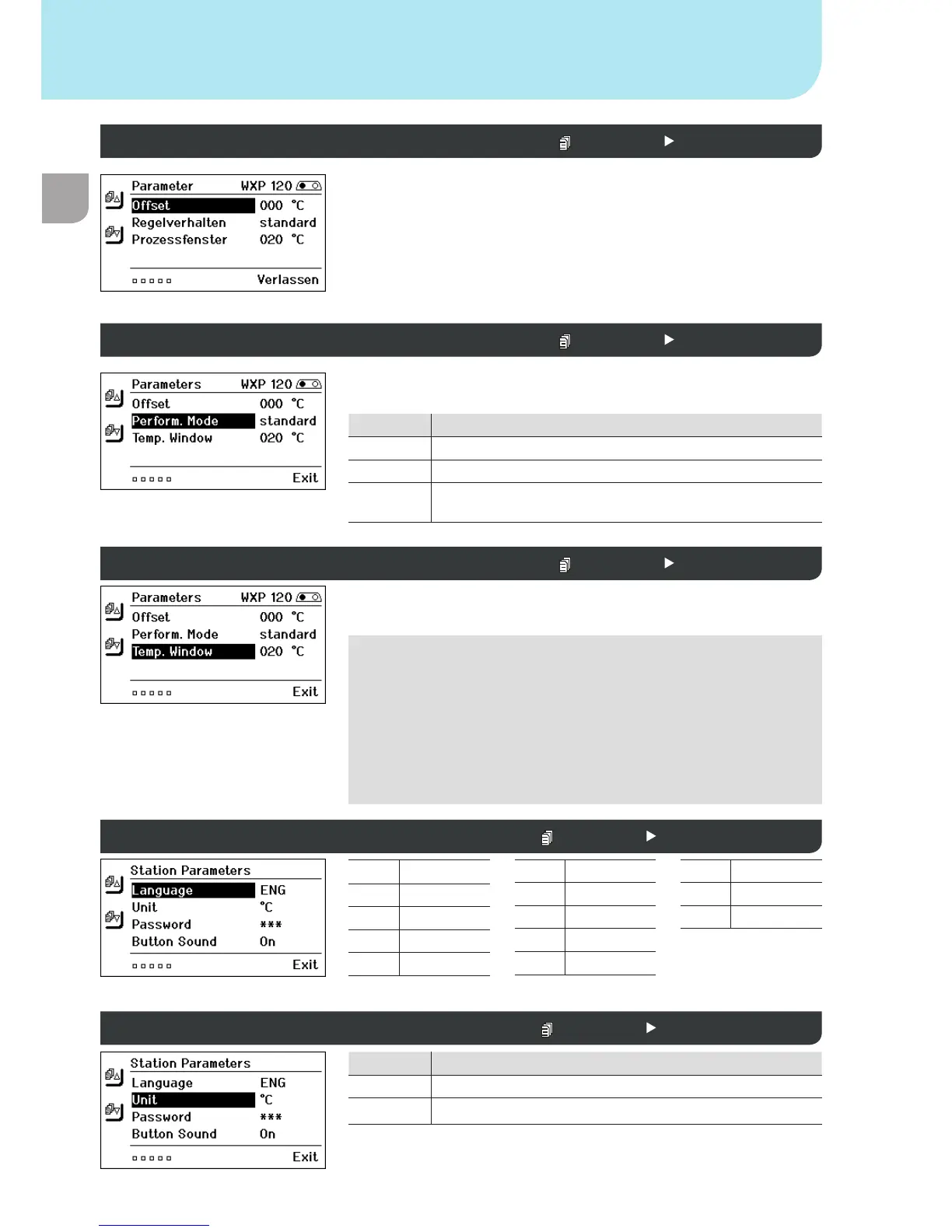
Offset (temperature offset)  Parameter menu 2
Control response  Parameter menu 2
Process window  Parameter menu 2
Language  Station parameters 1
Temperature version °C/°F (temperature units)  Station parameters 1

Table of Contents

Other manuals for Weller WX2

Related product manuals