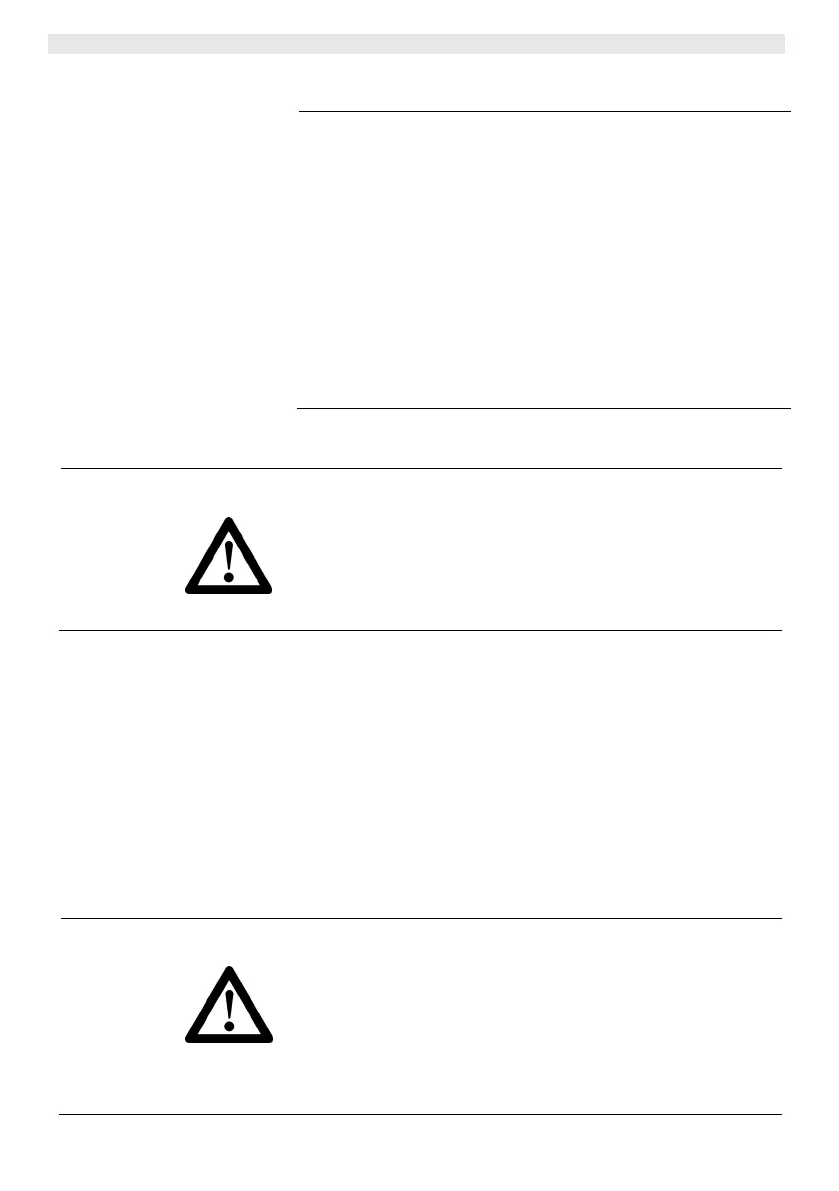
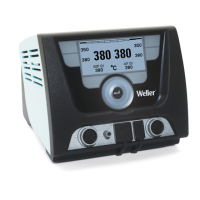
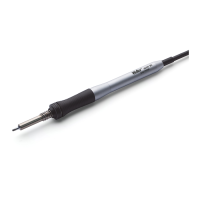
6-8 WXP 65
4.2 Technical data
Temperature range 100°C - 450°C (212°F - 850°F)
Tool cable Silicone rubber, heat resistant
Heating element Integrated heating wire element
Temperature senso
Platinum senso
Heating output 65 W
Voltage (heater) 24 V
Heat-up time (approx.) 7s (50°C to 380°C)
(120°F to 660°F)
Connection 6 pin connector, polarity protected with lock
Weight 30 g incl. cordless tip
Tip type
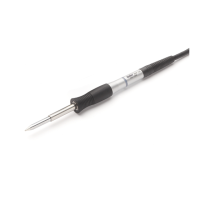
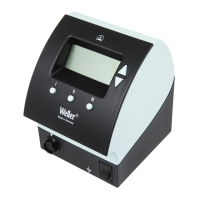
Supply unit
XNT series
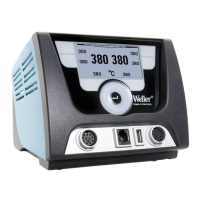
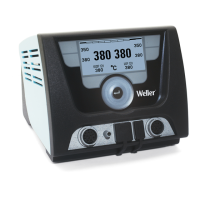
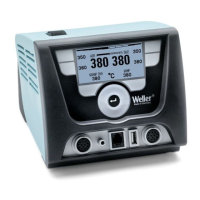
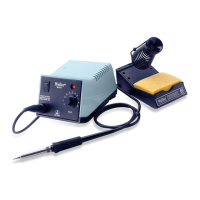
Weller WX stations
5 Commissioning the device
WARNING!
Risk of burns
The soldering tips of soldering irons become very hot during
soldering and desoldering processes.
There is a risk of burns from touching the tips.
Z Do not touch the hot soldering tips and keep them away from
inflammable objects.
1. Carefully unpack the WXP 65 soldering iron.
2. Place the soldering iron into safety rest WDH 10.
3. Insert the connecting plug (6) into the power supply socket and
lock it by turning it clockwise.
4. Check to make sure that the mains voltage matches the voltage
specified on the rating plate of the WX supply unit.
5. Switch on the supply unit and set the required temperature.
6. If the tool has not reached the required temperature, the status
indicator LED (4) will be lit continuously. Wet the soldering tip
with solder.
6 Replacing the WXP 65 soldering tips
WARNING!
Risk of burns
The soldering tip becomes hot during soldering and desoldering
processes.
There is a risk of burns from touching the soldering tip.
Z The soldering tool must be switched off and stand at least
3 min. in the safety rest (WDH 10) until the soldering tip has
cooled off. The status indicator LED (4) must be OFF. Only
replace the soldering tips when they are cold.


 To Next Page