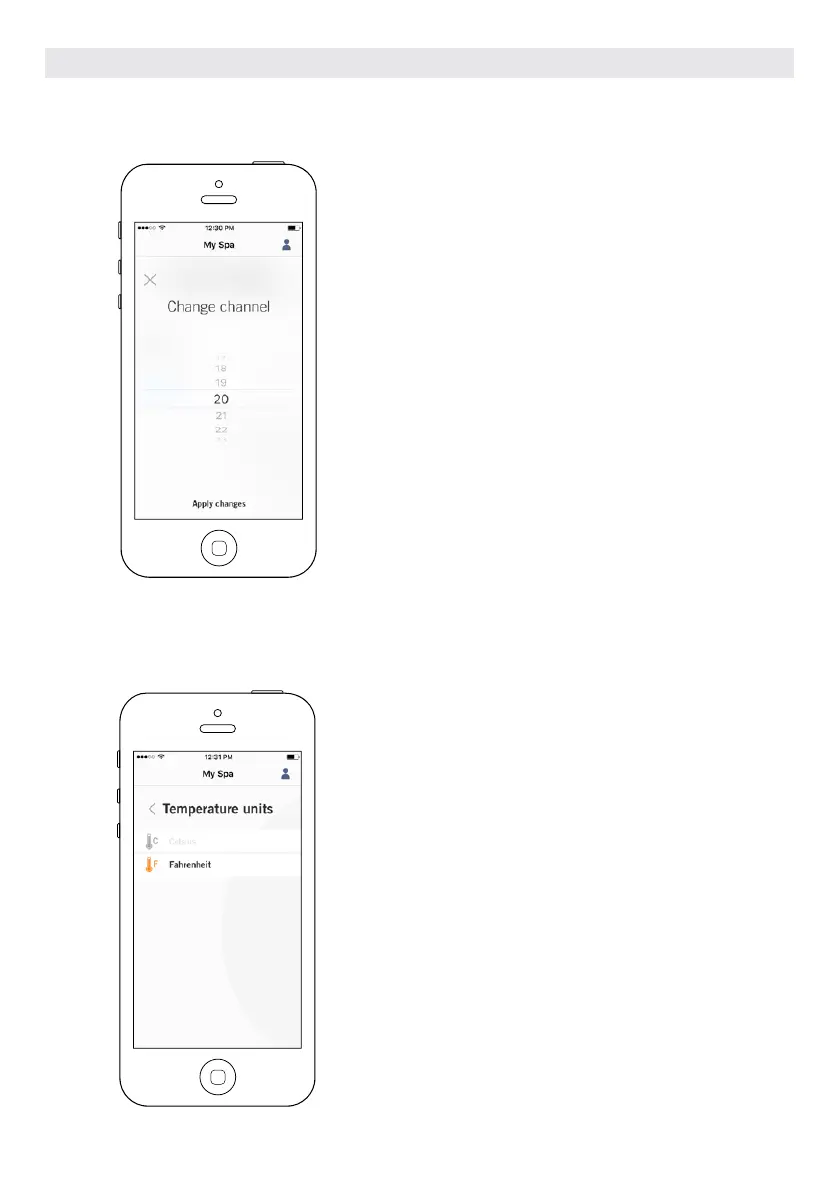
CHANGE CHANNEL
The Change channel page allows you to change the chan-
nel used by the two in.touch 2 modules.
In some cases, this can help you to have a stronger signal.
You can have access to this page by touching the fol-
lowing tabs: Spa settings (at the bottom right) - in.touch
network - channel
TEMPERATURE UNITS
This menu lets you change the units used to
display temperature.
You can have access to this page by touching the
following tabs: Spa settings (at the bottom right) -
temperature units.
OPTIONAL ACCESSORIES IN.TOUCH 2
116



 To Next Page