START THE IN.TOUCH 2 APPLICATION
Find the icon for the in.touch 2 application, then tap on
it to open it.
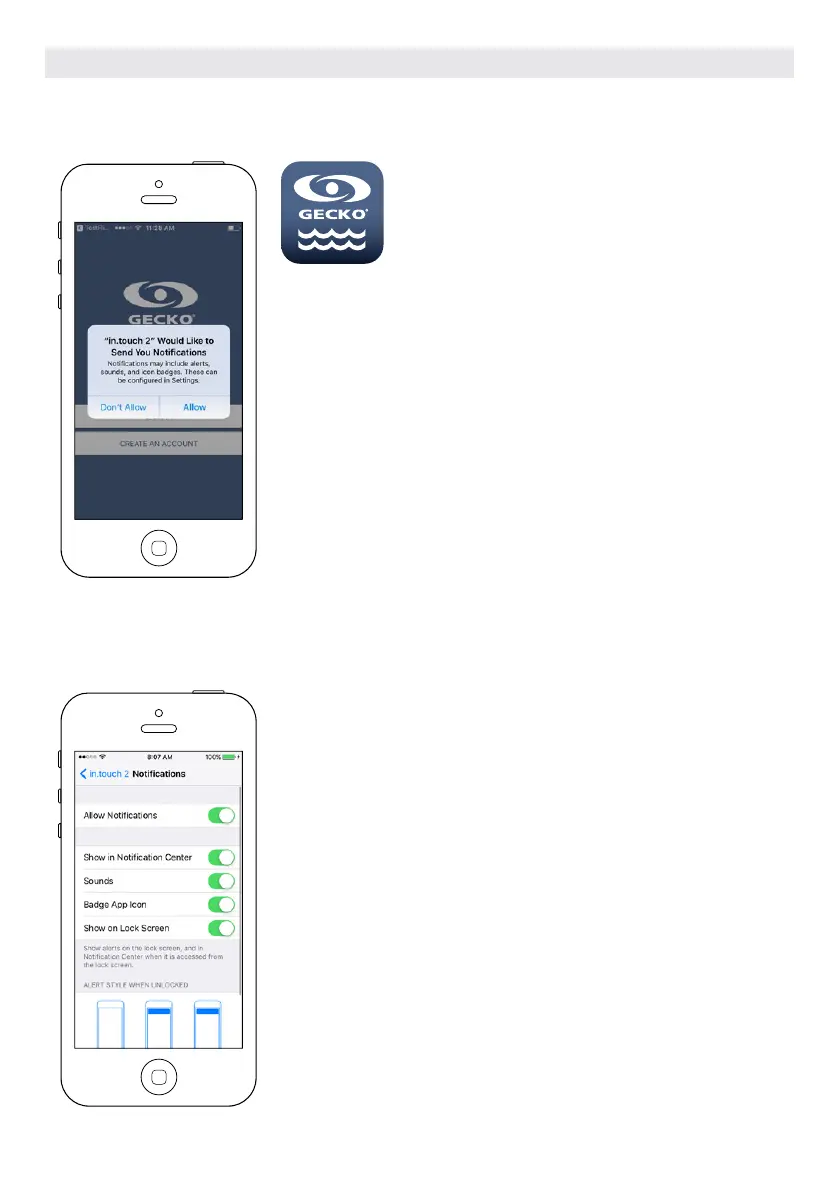
The first time you use the application a message will ask you: “in.touch 2”
Would like to send you notifications. If you choose Allow, the application will
send you notifications about the status of your hot tub. If you choose Don’t
Allow, the application will not send you notifications.
If you change your mind later concerning notifications, you may add or
remove notifications for the in.touch 2 application.
On iOS, go in your settings menu and choose in.touch 2. Select the notifica-
tions menu, you can turn notifications on or off from this page.
On Android, go to your settings menu and then into the notifications menu.
Select the in.touch 2 app, from this page you may turn notifications on or off.
OPTIONAL ACCESSORIES IN.TOUCH 2
106



 To Next Page