USER INTERFACE EASY 7
START OR STOP ACCESSORIES
To start or stop an accessory, press the
associated button. Icons will become
animated when their accessory is turned
on, and inanimate when turned off.
Icons on the screen will reflect the speed
or state of the devices running on your
hot tub. When an accessory has more
than two states, press the button until it
reaches the desired state.
WATER TEMPERATURE
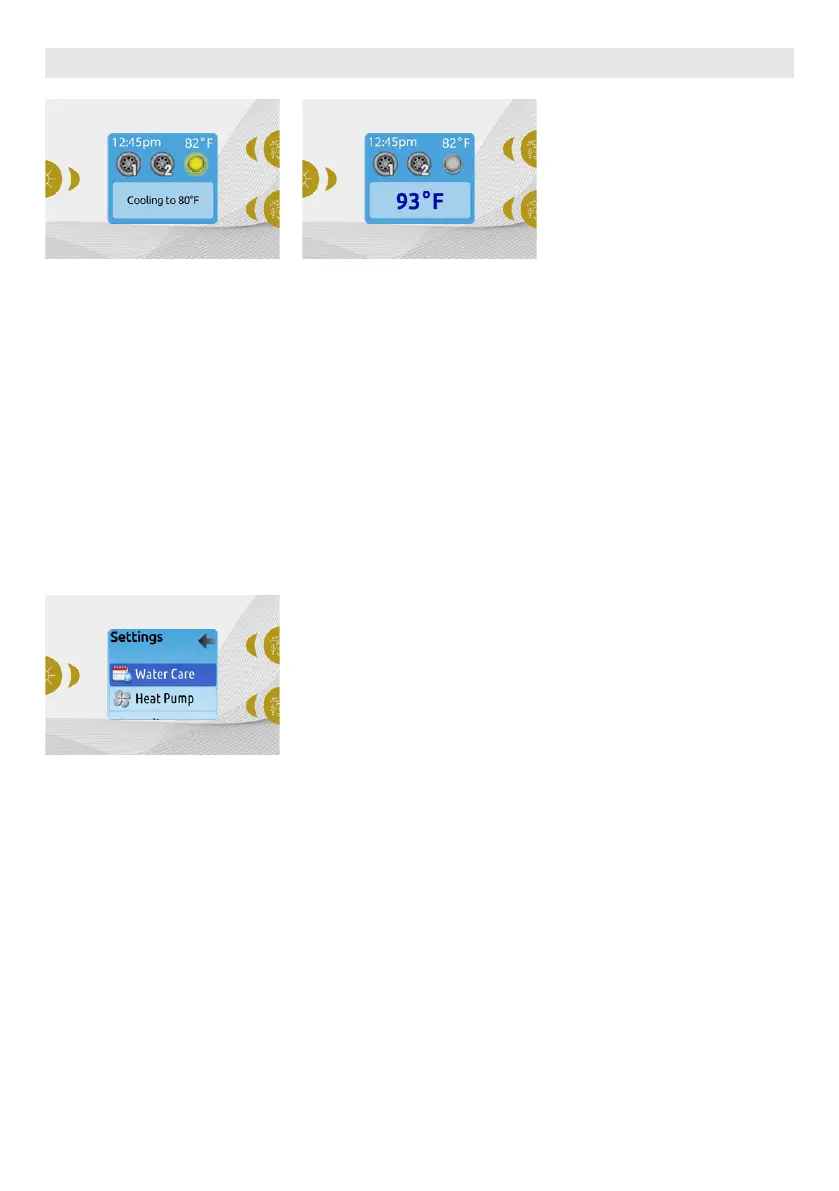
The temperature shown at the top of the
screen is the current water temperature.
Use the Up and Down buttons to set
the desired temperature. The set point
will appear in blue at the bottom. After
3 seconds without any change to the
set temperature value, the keypad will
resume the normal display of messages.
When the set value is lower than the
current temperature Cooling to xx.x will
appear. When the set value is higher than
the current temperature, Heating to xx.x
will be indicated. Normally there is a short
delay before the heating starts, during
which Heating Suspended is indicated.
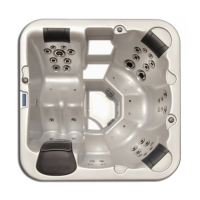
SETTINGS
From the home page you can access the
Settings, where you will find:
• Water care
• Heat Pump (if installed)
• Audio (if installed)
• in.clear-200 (linked version)
• Standby
• Maintenance
• Date & time
• Keypad
• Wi-Fi
• Config
• Restore
• About
Use the arrow keys to move up and down
in the list. To select an option, press the lit
button beside it (Light button).
At any point you can press the Settings
button to return to the home screen.
41



 To Next Page