@.
Do you need help? Visit our website: www.wellis.com
- 2021
13
Push the button briefly:
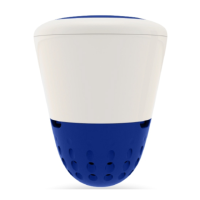
W.I.S. blinks green twice: W.I.S. is switched ON.
My W.I.S. blinks yellow twice: battery charge is low.
My W.I.S. does not blink: W.I.S. is switched off.
/ ...
Follow the steps below:
• Take W.I.S. out of the water.
• Dry W.I.S. thoroughly.
• Switch OFF the W.I.S. device (see page 11).
• Dampen the 2 sponges for the blue and the orange sensors.
• Place the 2 sponges inside the protective caps.
• Put the protective caps on the 3 sensors (grey, orange and blue).
• Place W.I.S. in its original packaging.


 To Next Page