EasyManua.ls Logo

Wenglor P1PY101 - User Manual

Default Icon
38 pages
Print Icon
To Next Page IconTo Next Page
Loading...
Operating Instructions
EN
Translation of the original operating instructions
Subject to change without notice
Available as PDF file only
Version 1.1.1
Status: 06/07/2021
www.wenglor.com
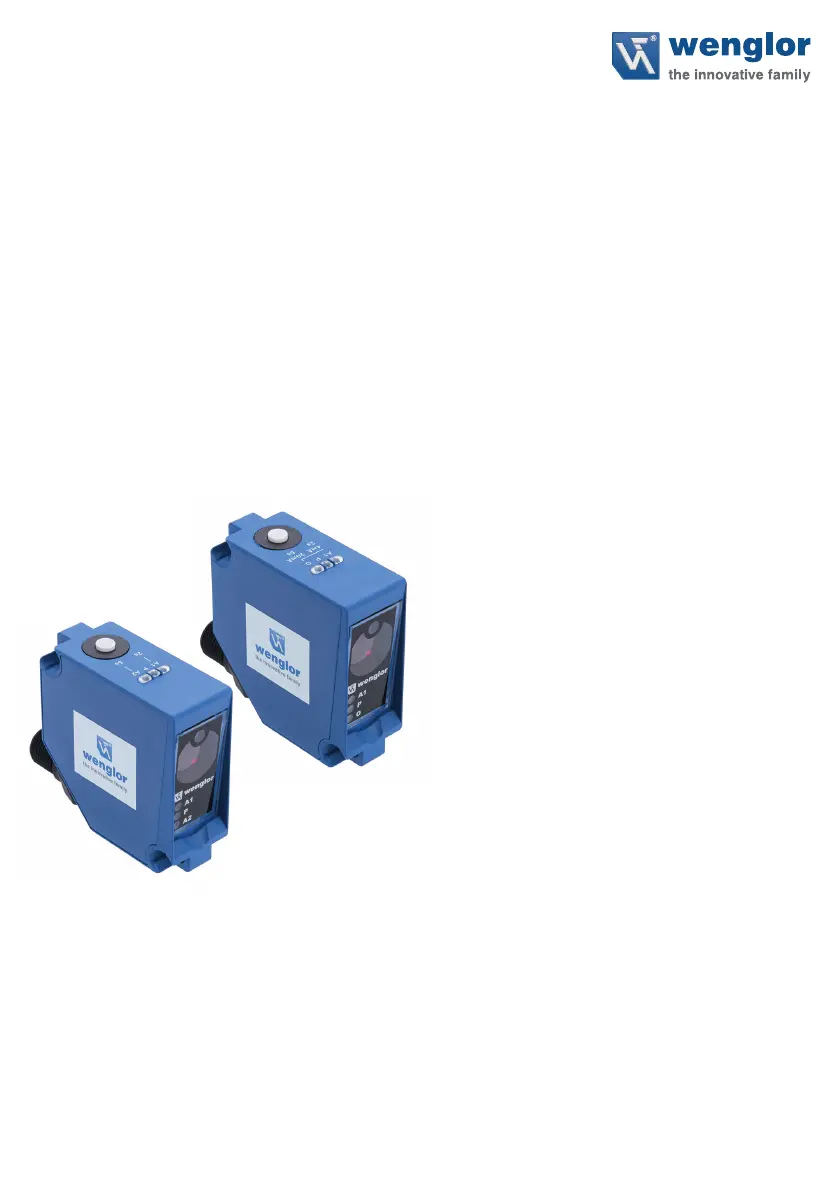
P1PY1xx
Long-Range Laser Distance Sensors
der wintec.

Questions and Answers

  • E
    Elizabeth RuizAug 8, 2025
    What to do if my Wenglor P1PY101 shows an error?
    • W
      wnortonAug 8, 2025
      If your Wenglor Security Sensor indicates an error, it might be due to a short circuit. Inspect the wiring and correct any shorts. Alternatively, the sensor may be overheating. If this is the case, disconnect it from the power supply and let it cool down. A device error could also be the cause. Try disconnecting and then reconnecting the sensor to restart it. If the problem persists, consider replacing the sensor.
  • D
    Donald CardenasAug 23, 2025
    Why is my Wenglor Security Sensors showing a warning?
    • J
      James MorrisAug 25, 2025
      A warning signal may indicate that the distance between the sensor and the object is too great. Try reducing this distance. Alternatively, undervoltage could be the cause. Ensure the voltage supply is at least 18 V DC.

Summary

Safety Precautions

Use for Intended Purpose

Specifies the intended application and industry sectors for the product.

Use for Other than the Intended Purpose

Warns against using the product outside its intended purpose or in hazardous environments.

Personnel Qualifications

States the required qualifications and training for personnel operating the product.

Modification of Products

Prohibits product modification and warns about consequences like loss of CE mark.

Laser;LED Warnings

Highlights warnings related to the laser class and LED usage.

Technical Specifications

Handling and Installation

Installation Procedures

Provides instructions for physically mounting the sensor and related precautions.

Electrical Connection Guide

Details how to connect the sensor's wiring, including connection diagrams.

Diagnosis and Troubleshooting

Explains how to diagnose issues using LED indicators and provides troubleshooting steps.

Sensor Configuration

IO-Link Communication

Settings via IO-Link;Parameters

Outlines how to configure sensor functions using IO-Link parameters.

Condition Monitoring;Process Data

Details the process data that can be read from or written to the sensor.

Configuration Software

Wenglor P1PY101 Specifications

General IconGeneral
Sensor TypePhotoelectric sensor
Light SourceInfrared LED
Protection ClassIP67
Housing MaterialPlastic
TypeDiffuse reflection sensor
Supply Voltage10-30 V DC
Switching OutputPNP
Connection TypeConnector

Related product manuals