EasyManua.ls Logo

WePresent WiCS-2100 - 2 Package Contents; 3 Physical Details

WePresent WiCS-2100
44 pages
Print Icon
To Next Page IconTo Next Page
To Previous Page IconTo Previous Page
Loading...
5
WiCS-2100 User’s Manual
2 Package Contents
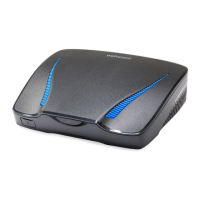
• wePresent WiCS-2100 (Base Unit)
• Power Adapter (DC +12V, 2A)
[Manufacturer: Asian Power Devices Inc./Model: WA-24Q12R]
• Wall-Mount Kit
• Quick Start Guide
• Warranty Card
• CE DoC and Warning Statement
3 Physical Details
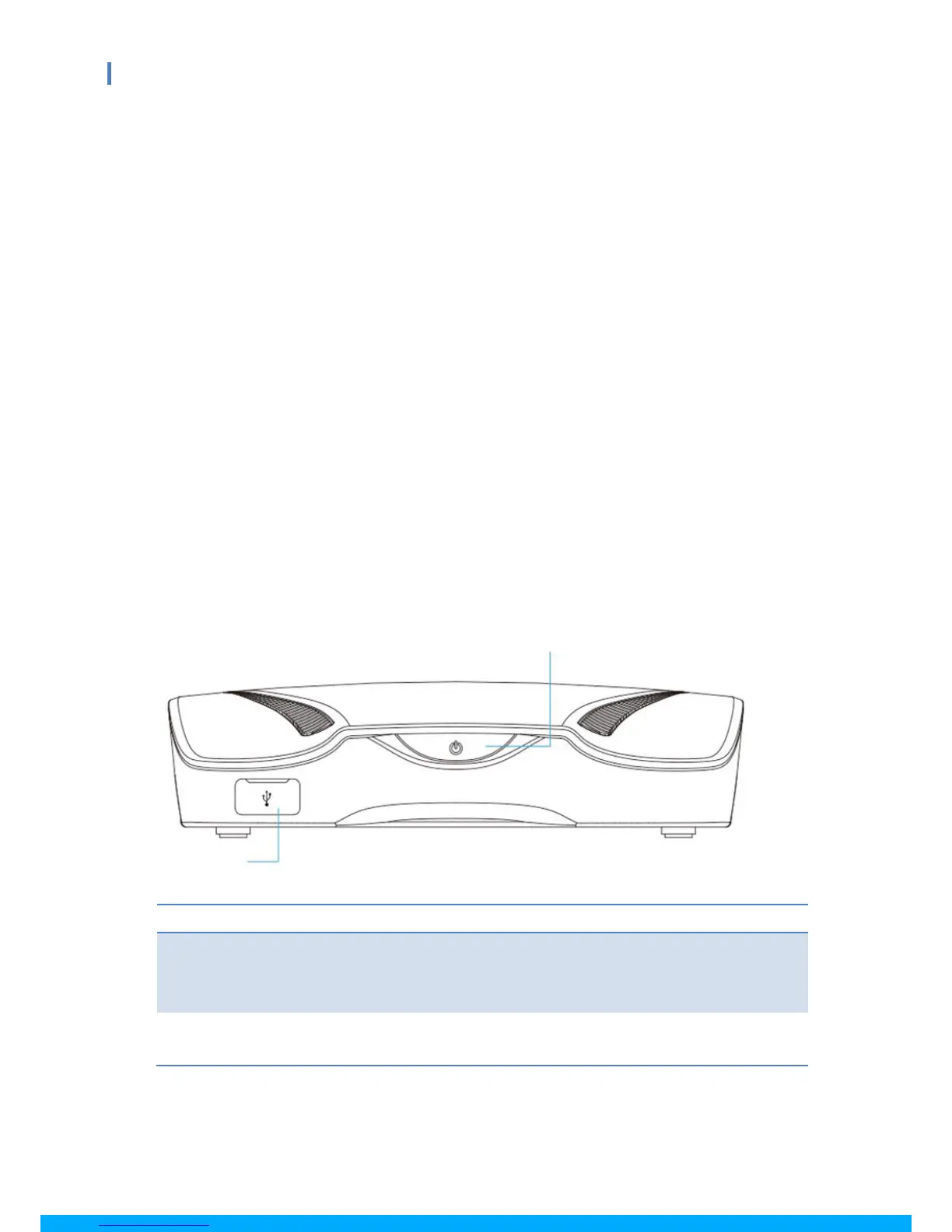
Front
Description
Standby button: press the button to enter the standby mode
LED indicator: red – system loading; blue – system ready;
breathing blue – standby mode
USB host 2.0 port for USB thumb
drive/mouse/keyboard/touch device
Stand-by Button and LED
Standby Button and LED Indicator
USB Port

Other manuals for WePresent WiCS-2100

Related product manuals