16
Operation and displaying of controller
Initialization Interface
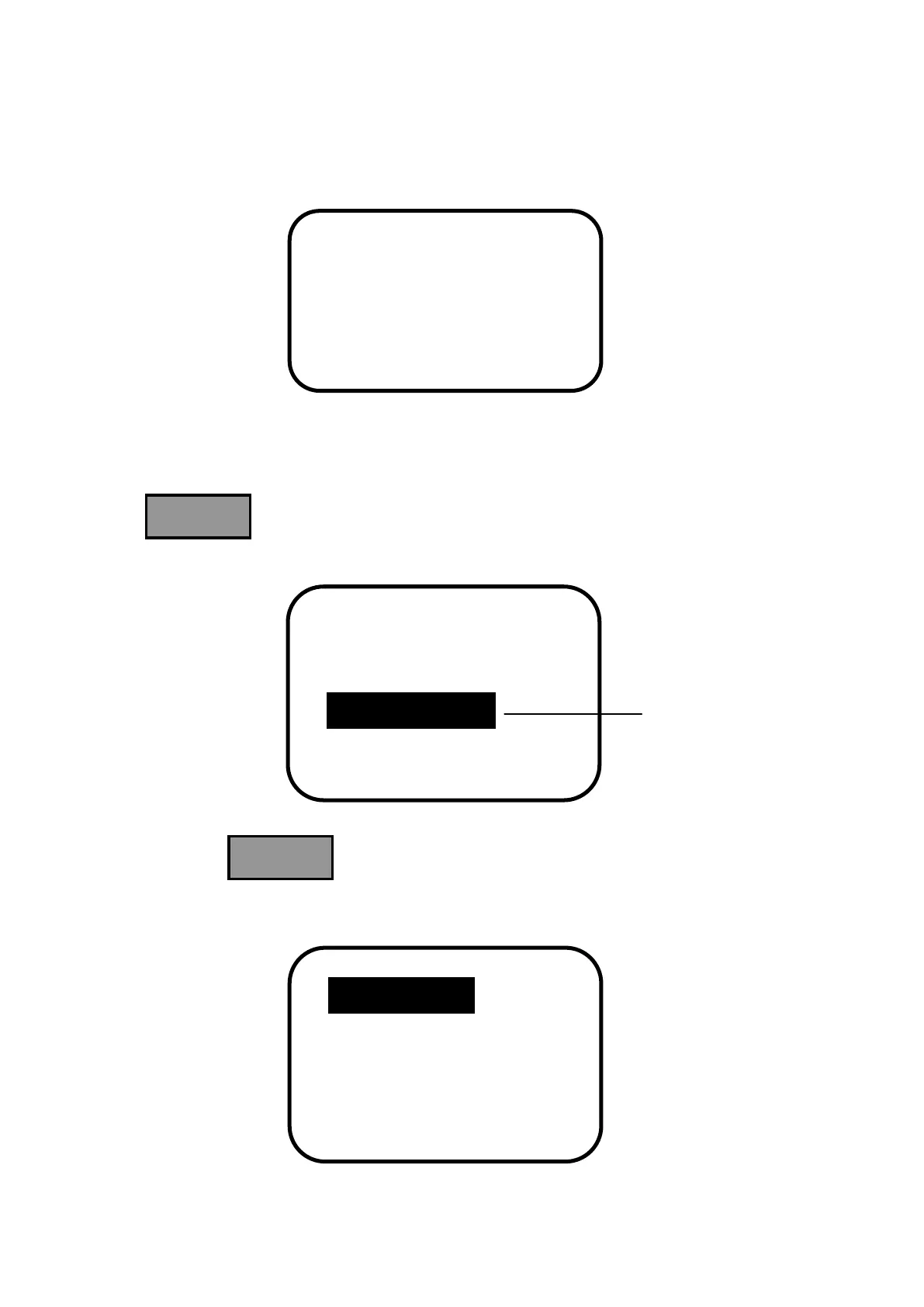
When controller is powered on, it turns into initialization, refer to the following picture:
Main Menu Interface
When controller is initialized, it is automatically turned into monitoring interface. Press
button to turn into main menu 1 interface which displays the following
contents:
Press the button continuously, entering into main menu 2 interface which
displays the following contents:


 To Next Page