32
the main menu interface.
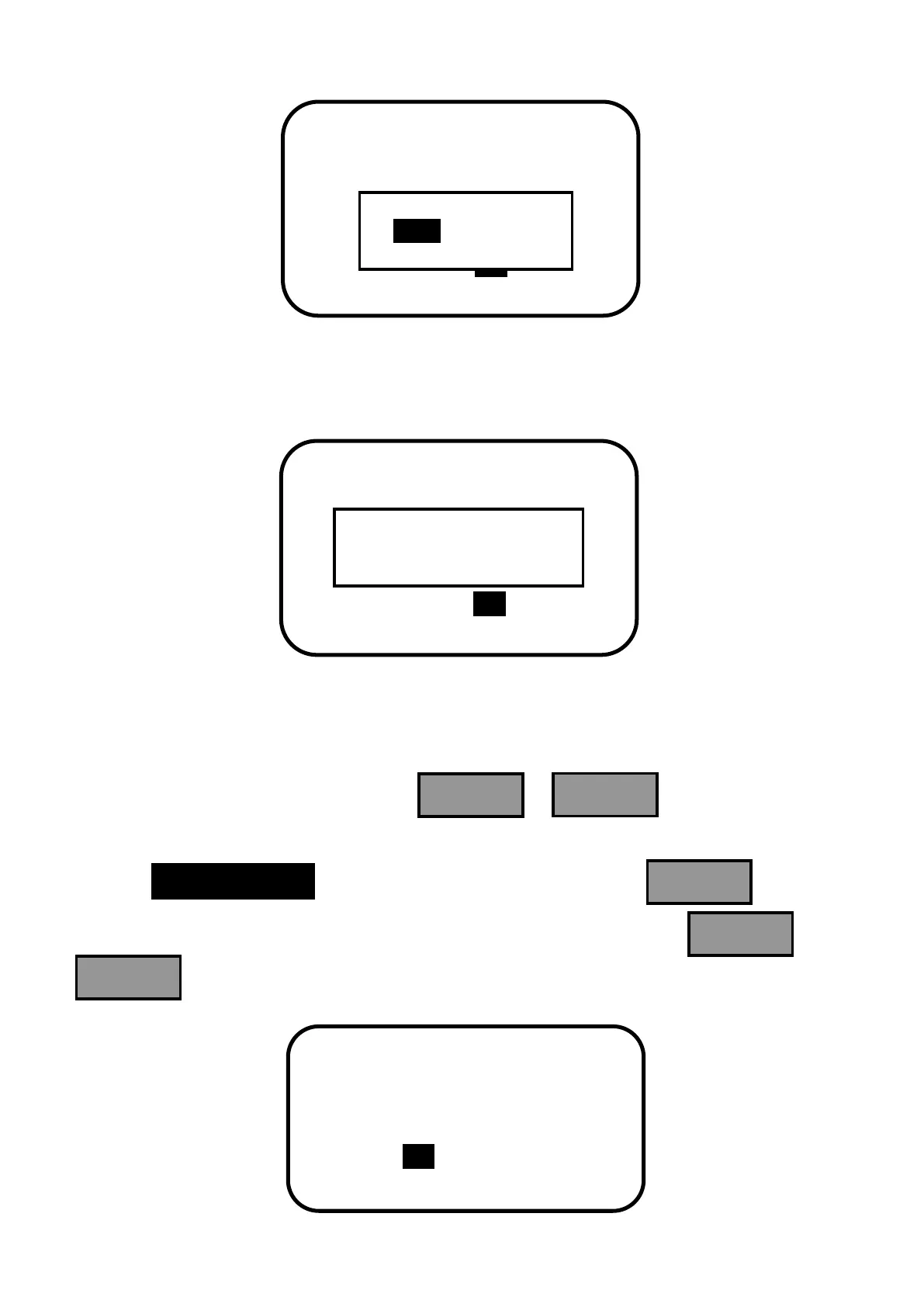
When save confirmation chosen, the indication of successful saving will occur as follows.
After parameters successfully saved, it returns to main menu interface.
Factory Reset Interface
In the main menu interface, when press or , the inverse cursor
moves between the interfaces of main menu 1 and main menu 2. When the inverse cursor
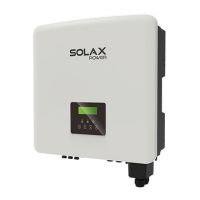
rests on 6.Factory Reset in the interface of main menu 1, press and enter
into factory reset interface with the following contents displayed. Press or
to choose whether recover to factory reset.


 To Next Page