25
Load Control Interface
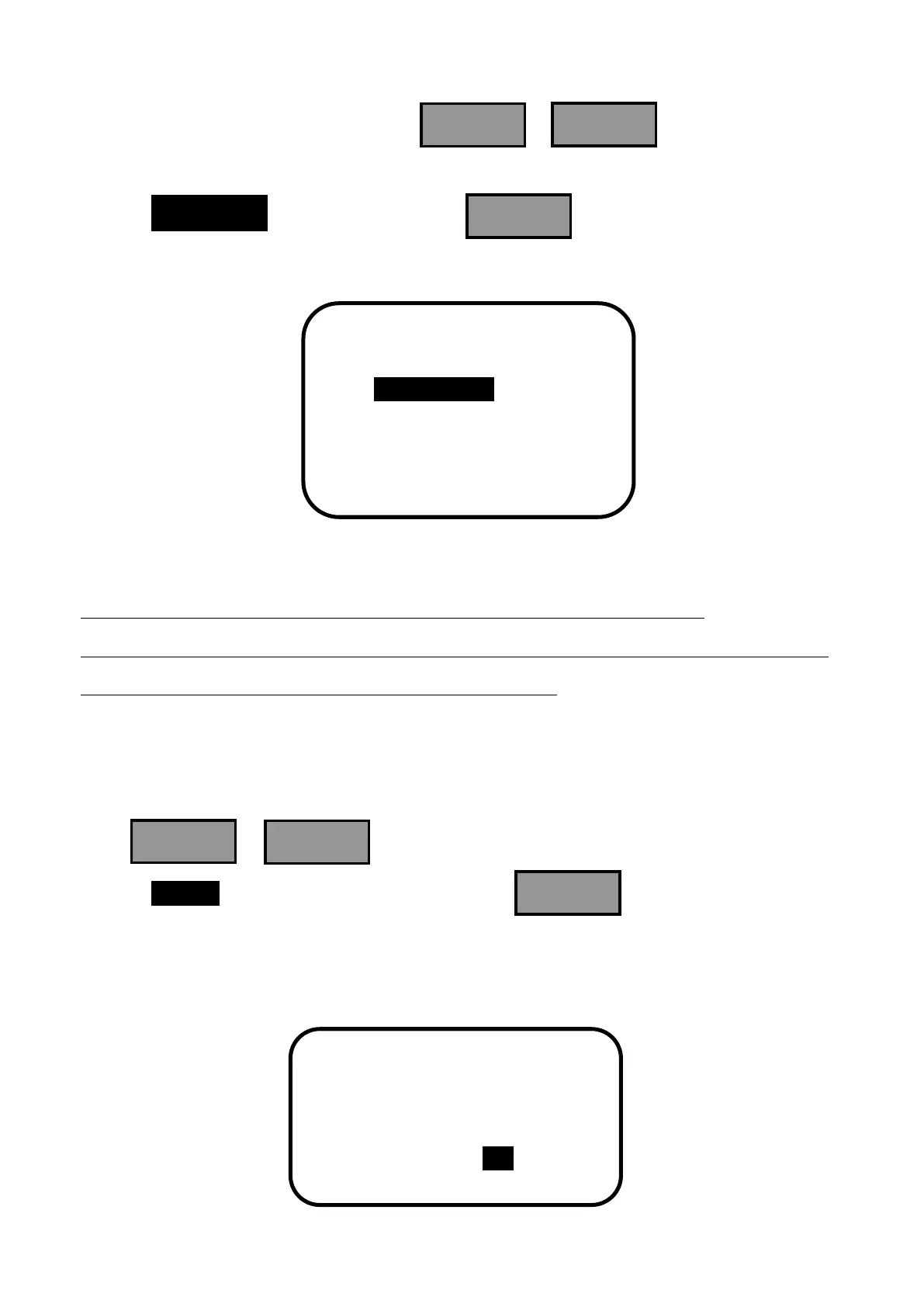
In the main menu interface, when press or , the inverse cursor
moves between the interfaces of main menu 1 and main menu 2. When the inverse cursor
rests on 4.Load Set in main menu 1, press and enter load control interface
with the following contents displayed.
﹡When set light control threshold voltage, it should meet the requirement :
DTTV (Day Time Threshold Voltage) >= NTTV (Night Time Threshold Voltage)+1V.
Notice: Adjust DTTV (OFF) first and then NTTV (ON).
▼ Manual control interface
Press or to choose load control mode. When the inverse cursor
rests on Manual in the load control interface, press to enter manual control
interface which displays the following contents. In manual control mode, the load will
work as previous setting when restart the controller.


 To Next Page