24
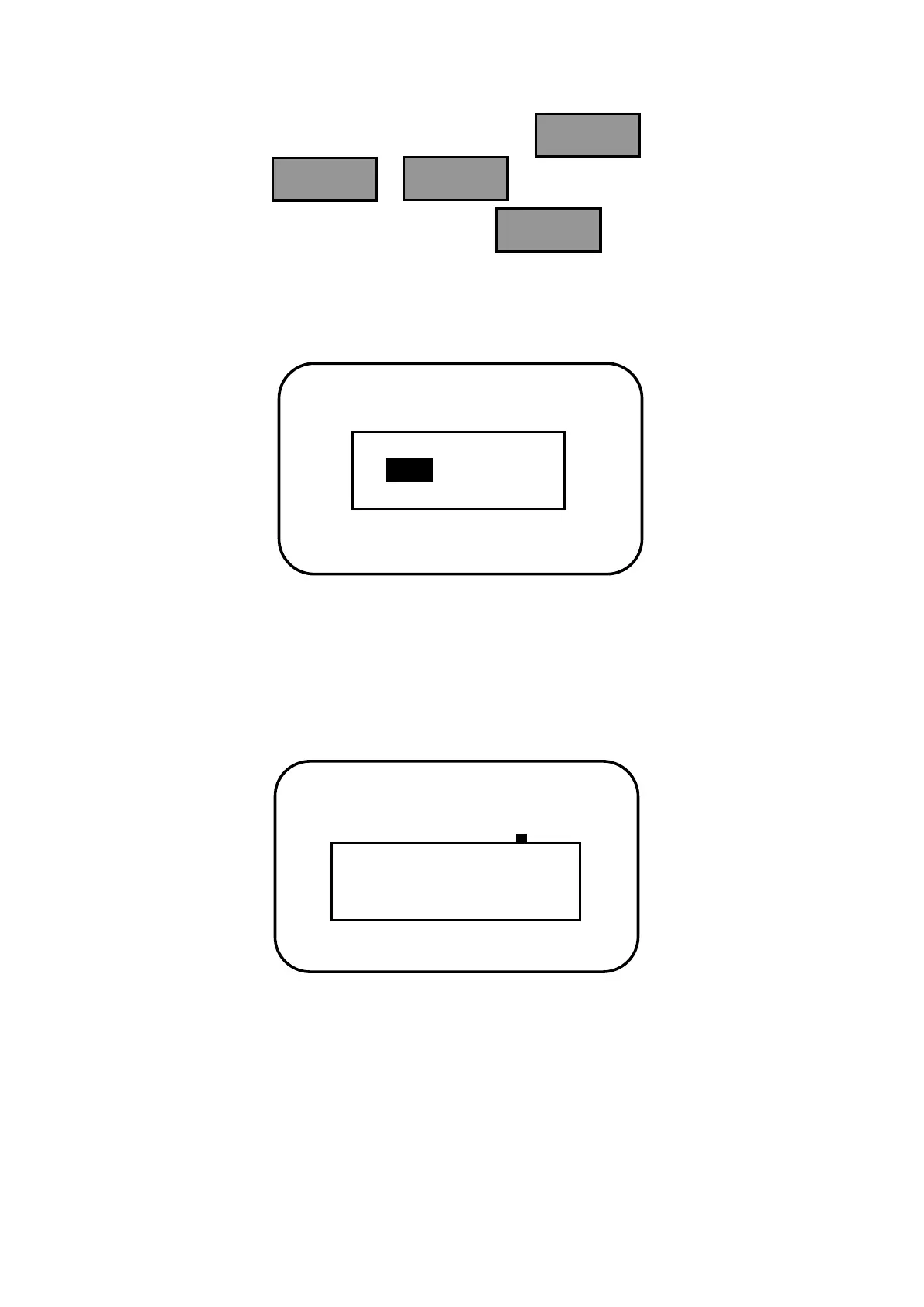
Only when the inverse cursor moves to the option of discharging limit voltage, the
modified parameters information can be saved. Press and the following
picture appears. Press or to choose save confirmation or save
cancellation. After choosing confirmation, press again, the modified
parameters will be saved or cancelled. If choose save cancellation, the inverse cursor
returns to main menu interface.
When save confirmation chosen and if the parameters are set reasonably, the indication of
successful saving will occur as follows. After parameters successfully saved, it returns to
main menu interface.


 To Next Page