21
interface. Automatic default off time of LCD backlight is one (1) minute.
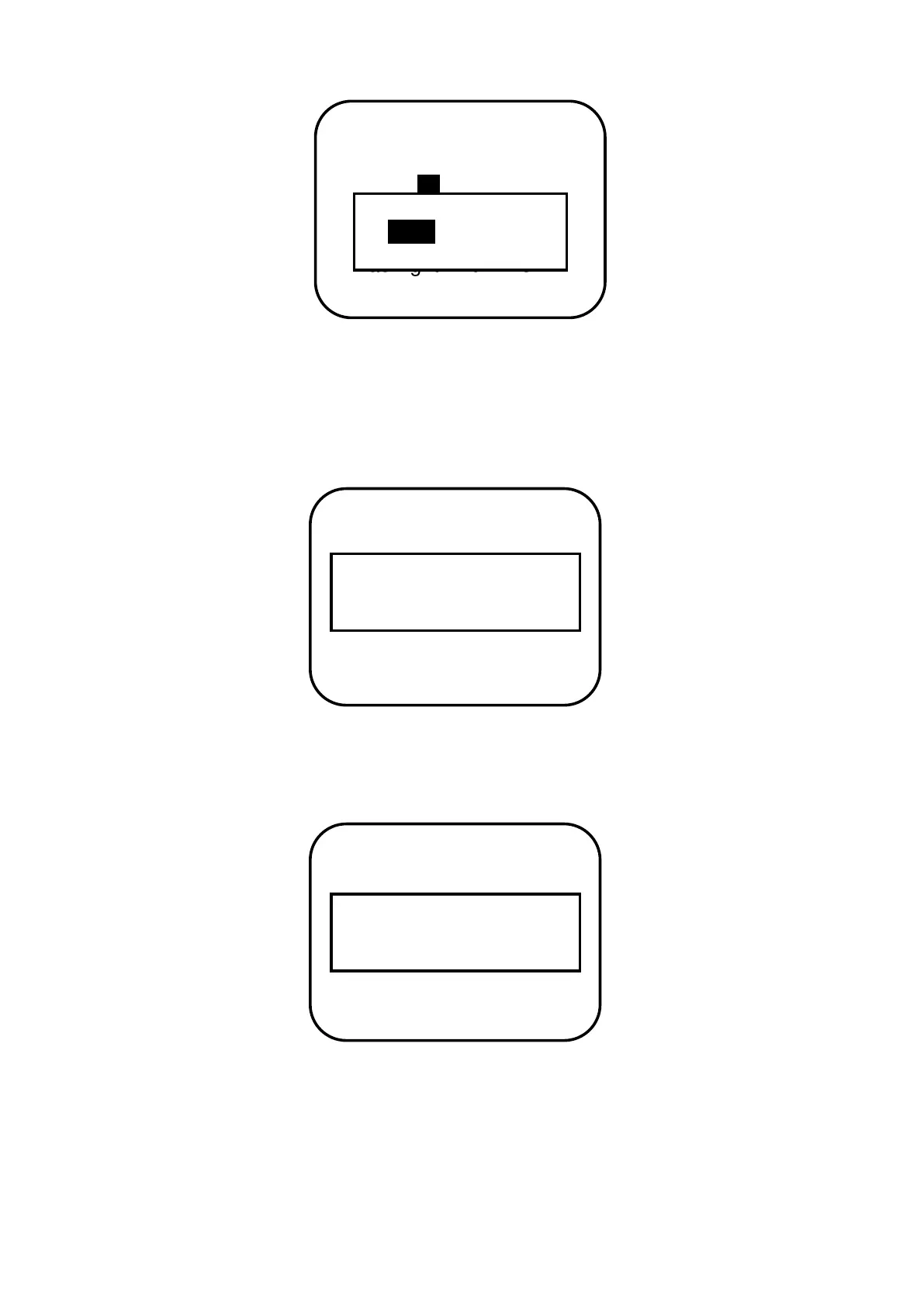
If save confirmation is chosen, the system will automatically check the validity of
parameters. If the parameters are reasonably set, the indication of successful saving will
occur as follows. After parameters successfully saved, it returns to main menu interface.
If the following prompt occurs when it is being saved, it indicates failure of saving and
parameters setting is illegal. So please verify parameters information.


 To Next Page