30
When choose Double as time control mode, it is double time interval control.
﹡
In the double time work mode, time2 could not be the same as time 1 when Setting.
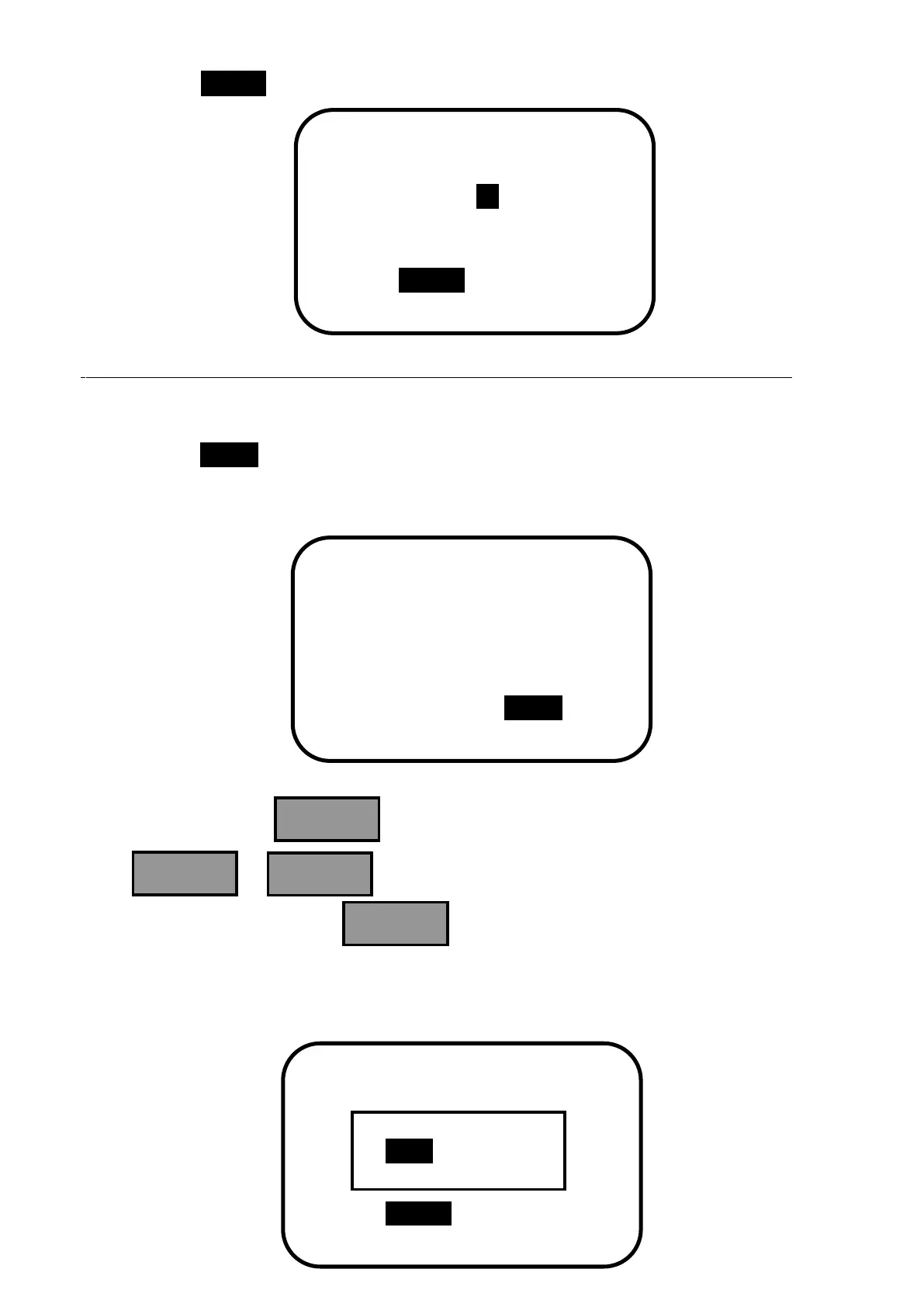
When choose Single as time control mode, it is single time interval control and only
parameters of time interval 1 can be modified. The interface is as follows:
After confirmed, press , and the following picture appears.
Press or to choose save confirmation or save cancellation. After
choosing confirmation, press again, and the modified parameters can be
saved or cancelled. When save cancellation is chosen, the inverse cursor moves back to
the main menu interface.


 To Next Page