Page 9
Westek App
How-To and Feature Guide
SMARTPLUG1, SMARTPLUG2, SMARTINWALL,
SMARTPLUG2A, SMARTLAMP
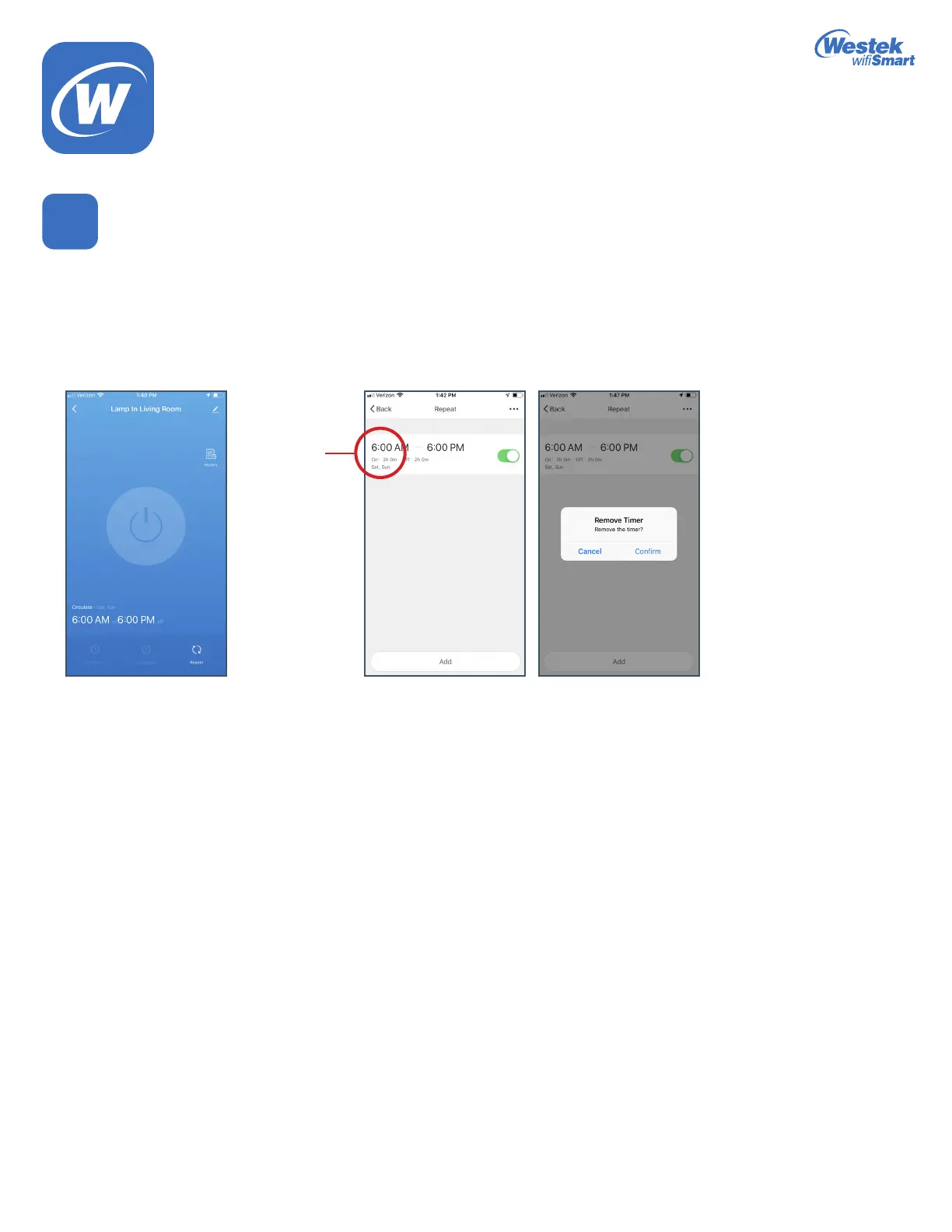
Deleting A Scheduled Program
7
1. Whether you need to delete a timer program or a repeating program, its easy to do!
2. Go into the function that you need to delete.
3. On the main screen, you will see your list of scheduled programs for that particular function.
4. Press and hold down on the program you would like to delete.
5. A pop up message will appear, asking if you would like to remove the program. Hit Conrm.
Select and
Hold
WiFi_TL_002_0619_How-To and Feature Guide
Rev. 2


 To Next Page