Page 5
Westek App
How-To and Feature Guide
SMARTPLUG1, SMARTPLUG2, SMARTINWALL,
SMARTPLUG2A, SMARTLAMP
Programming Options
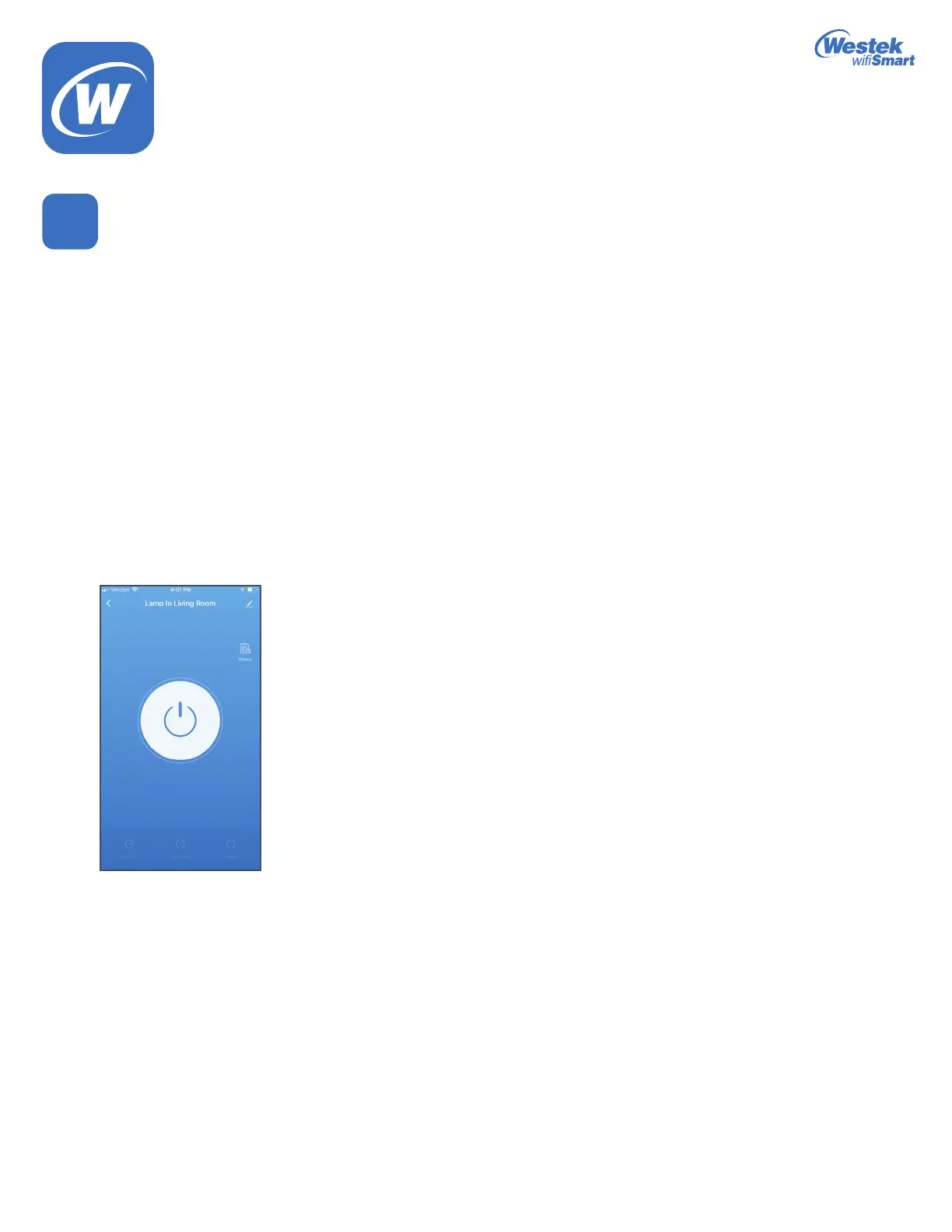
1. Each device will have its own unique set of programming options – this way, you can control each device however you want!
a. Power button – Press this to turn the device on or off. When it is lit up, the device is turned on.
b. Along the bottom, you have 3 programming options. We will get into this in more detail later, but some general information:
i. Program–Setschedulesforwhenyouwantthedevicetoturnonandoffaccordingtospecictimes:
1.Example–Devicewillturnonat5:25pmandwillturnoffat7:01pmeveryMonday
2.ThisisalsowhereyouwillndtheRandom function
ii. Countdown – Turn the device on or off for a certain amount of time
1.Example–Devicewillturnoffafter3hoursand30minutes
iii. Repeat – This allows you to program the device to stay on for a certain amount of time and stay off for a certain amount of
timeandthiswillcontinuetorepeatforthespecictimeset.
1.Example–Devicewillturnonfor10minutes,turnofffor1minute.Thiswillrepeatbetweenthetimesof6:00am–8:00am.
c. History – This will tell the times the device was on and off.
d. Menu/More Button
i. These are the 3 dots in the upper right corner
ii. This provides you with more device options and information
iii. We’ll take a look at this a little later in Step 11
6
WiFi_TL_002_0619_How-To and Feature Guide
Rev. 2


 To Next Page