LEONARDO DATALOGGER
User manual
6
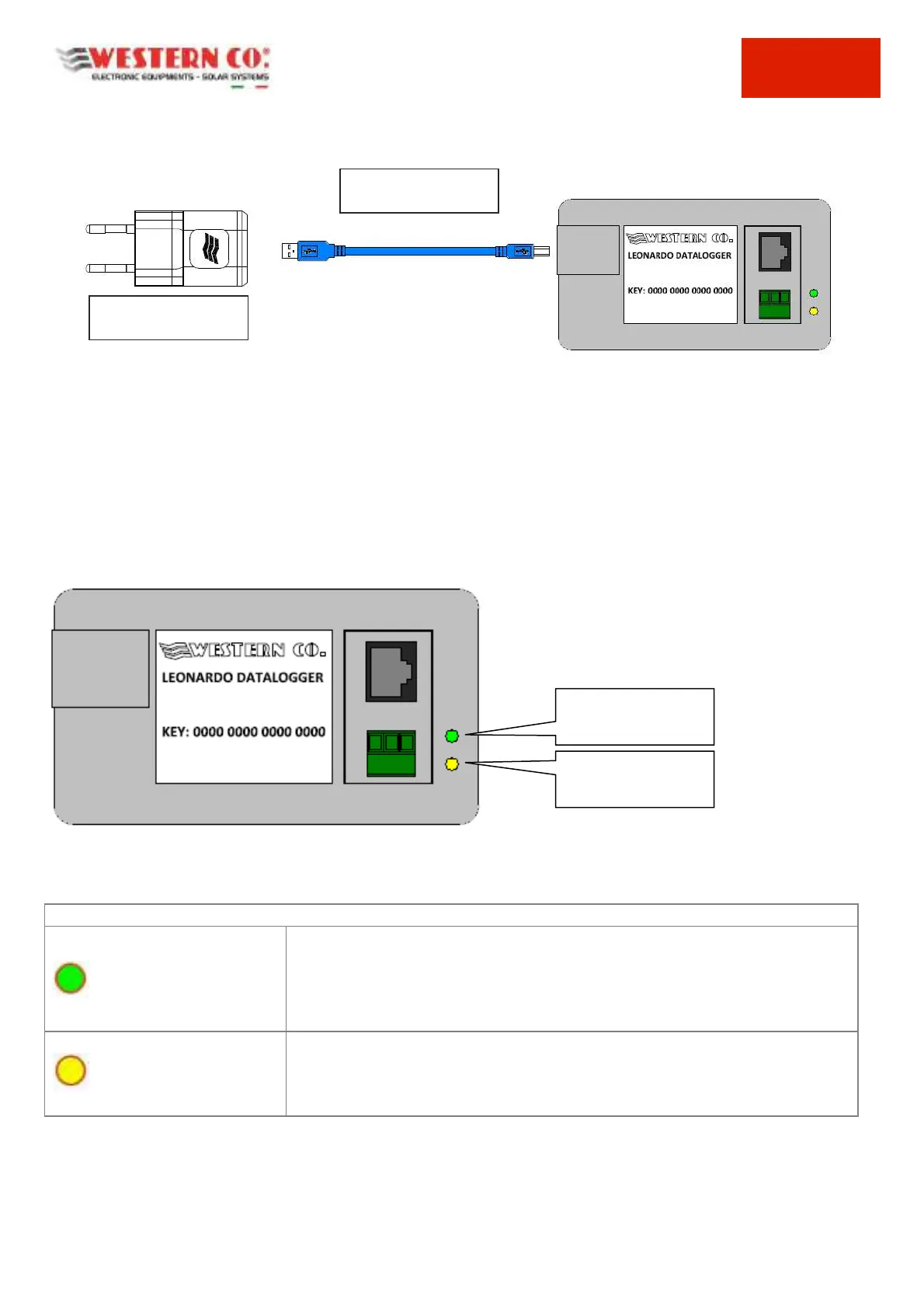
Pic.6 AC Supplying from the Grid
Reports from the Leonardo Datalogger
Once the Leonardo Datalogger has been installed, as indicated in the previous paragraph, it is possible to check the
operating status of the system through the LEDs indicating the functioning of the system, present on the Datalogger
box.
Pic.7 Signalling LEDs
GREEN LED ON: ACTIVE connection to the internet server.
GREEN LED OFF: connection to the internet server failed. Check the internet
connection, the DHCP configuration of the ROUTER or the configuration of the
static IP addresses
YELLOW LED ON: ACTIVE connection to the internet server.
YELLOW LED OFF: communication with the inverter failed. Check the serial
connection cable with the inverter and the external charge controllers
Tab. 2 LED STATUS Signalling
GREEN LED
INTERNET
CONNECTION
YELLOW LED
INVERTER
CONNECTION
AC UNIVERSAL POWER
SUPPLY from the GRID



 To Next Page