LEONARDO DATALOGGER
User manual
9
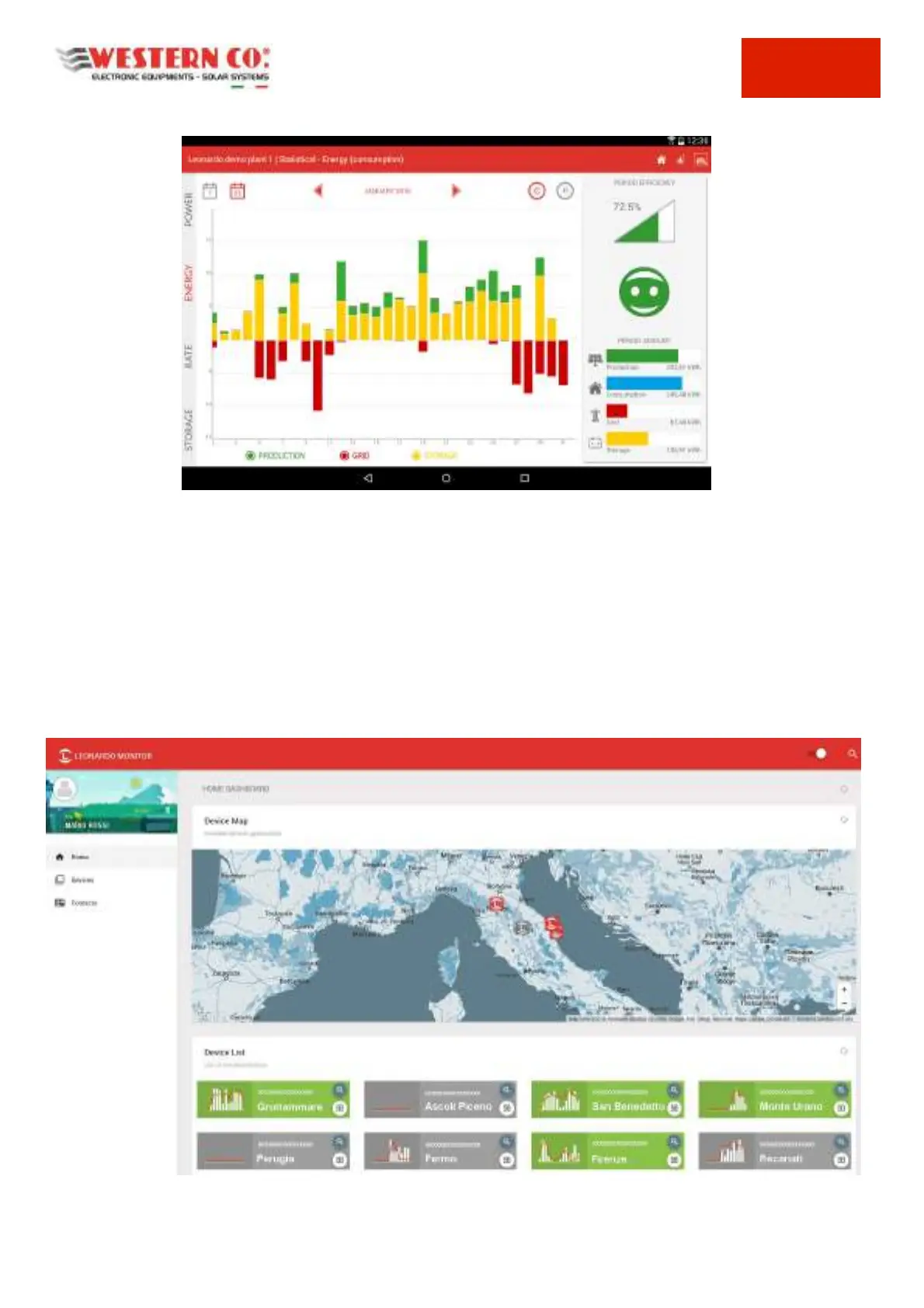
Pic.11 Historical Data Screen - Energy
For more information on the Leonardo Monitor APP, please refer to the presentation on the STORE, dedicated to the
download for the specific device, or at www.leonardosystem.com.
Displaying on the WEB Portal
For WEB displaying, dedicated to the most technical and detailed remote monitoring, both for end users and for
installers of several systems, the access via WEB of the data acquired from each individual system is available.
Access to the portal is also available via the following address: http://webmonitor.leonardosystem.com/, where—by
creating a new user with login and password username, it is possible to associate a new system. This is once again
possible through the 16-digit/letter activation KEY, printed on the top label of the Leonardo Datalogger.
Fig.12 Portale WEB MONITOR



 To Next Page