III. VOICE CONTROL
1. Voice Control of RV Panel
Users can use voice to control the equipment in the RV and query status information
such as power and water tanks.
a. How to use the voice command on the RV Panel
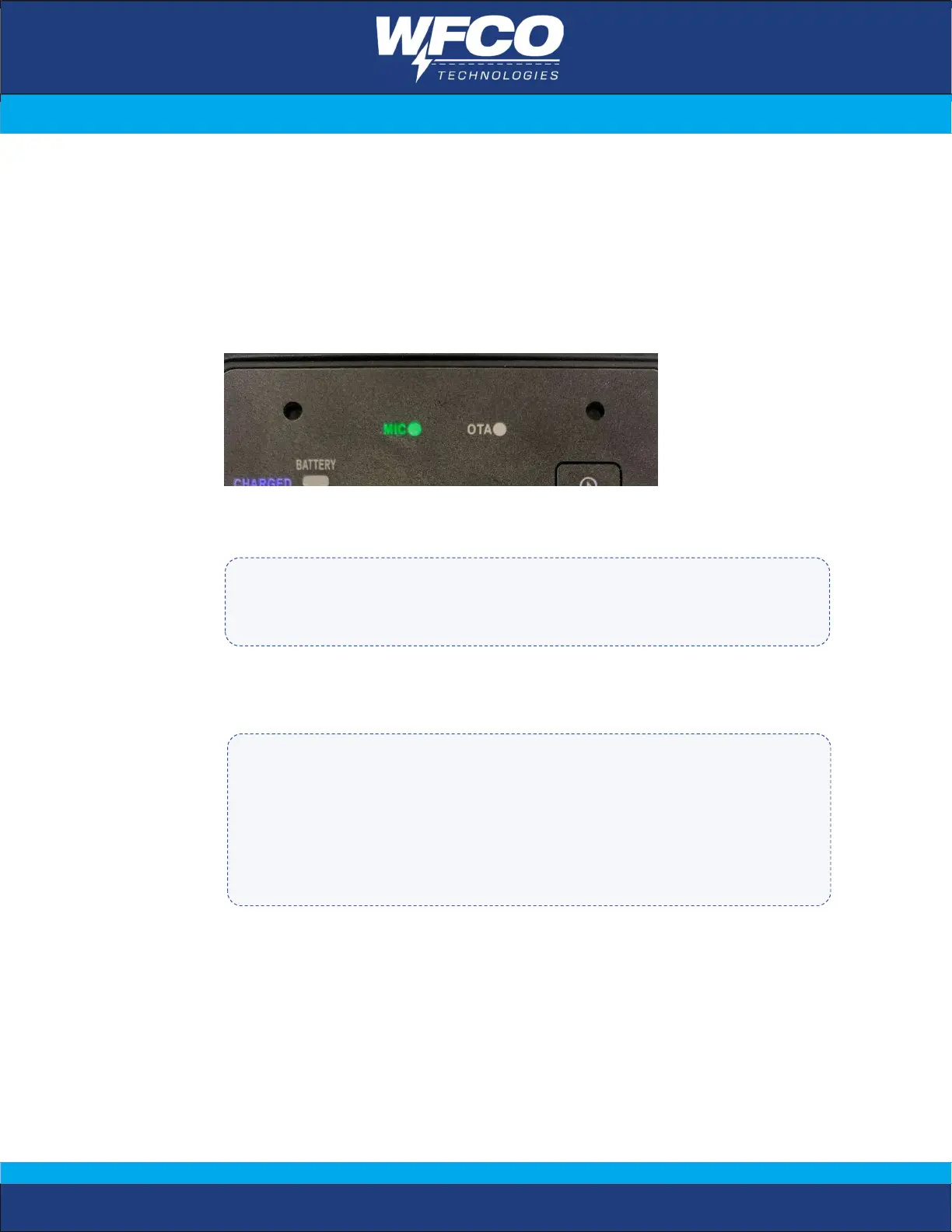
Turn on the RV panel and wait until the MIC light is green.
User: Say the wake-up word “Hey, Power Pro”. (the specific wake-up word may
differ based on the RV model)
System reply: ‘What can I do for you’ / ‘How may I help you’
User: Speak any voice commands below
• Please do not repeat the wake-up word continuously when waking up the panel.
• Please make sure you hear the system reply before continuing to say the voice command.
Voice Control Tips
• Please speak the voice command a little louder when you are at a distance from the panel and
the environment is noisy.
• If the distance to the panel is less than 0.5m, please speak the voice command at normal
volume.
• When speaking voice commands, please face the voice panel to ensure the accuracy of
recognition.
• Please avoid speaking too fast or pausing too long in a voice command.


 To Next Page