11
INSTALLATION GUIDELINES
• Please determine the remote cable route throughout the home or vehicle/boat, both to and
from the inverter before connecting any wires.
• Always check for existing electrical, plumbing, or other areas of potential damage before
drilling or cutting into walls to mount the remote.
• Make sure all wires have a smooth bend radius and do not become kinked.
• Please ensure the conductors passing through walls, bulkheads, or other structural members
are protected. This minimizes insulation damage such as chang, which can be caused by
vibration or constant rubbing when installing this remote in a boat, RV, or truck.
INSTALLATION OVERVIEW
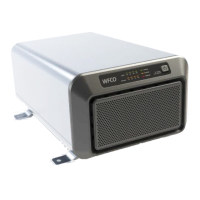
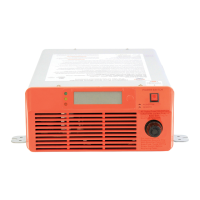
The remote is required in order to connect the inverter. Each inverter must be connected directly
to the remote using the supplied RJ11 communication cables. The remote must be located close
to the inverters within nine meters and acts as the system control panel.
MOUNTING THE INVERTER
• Select an appropriate location to install the remote.
• Mount the remote base to the wall using the four screws provided.
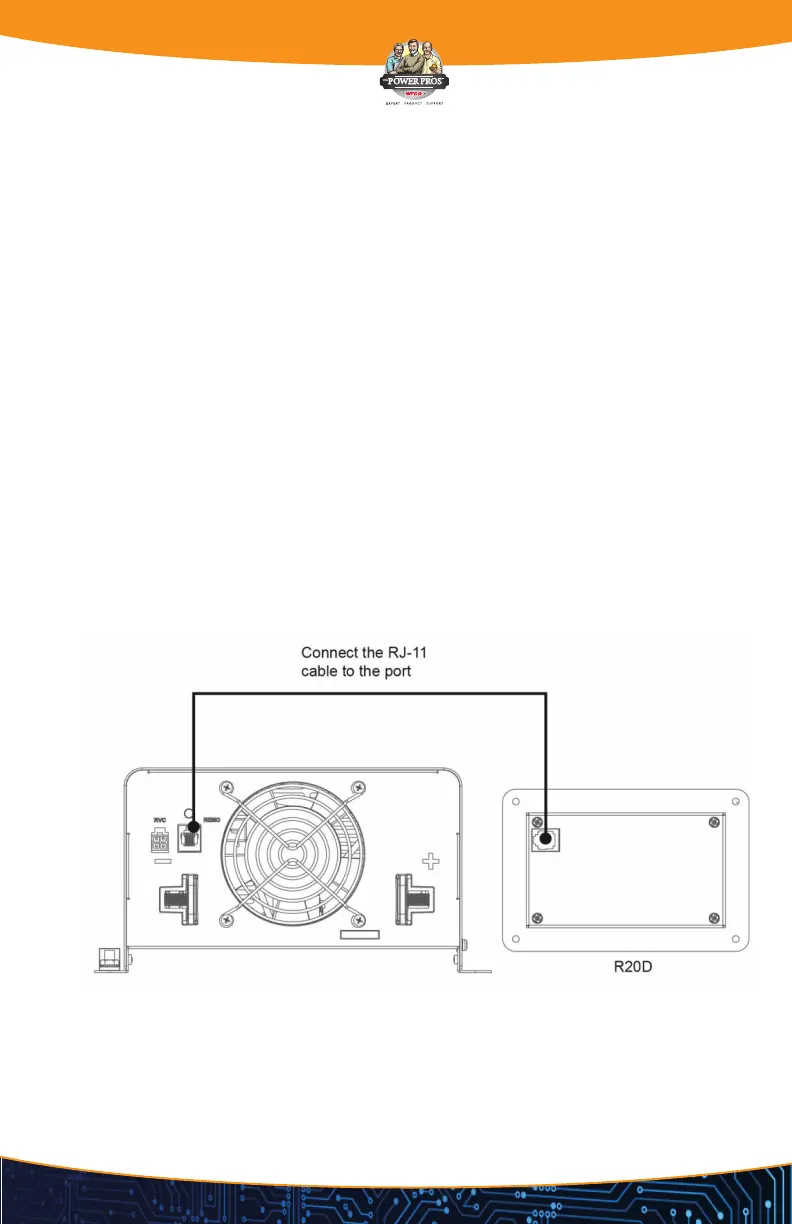
CONNECTING THE RJ-11 CABLE
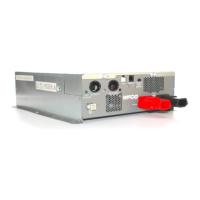
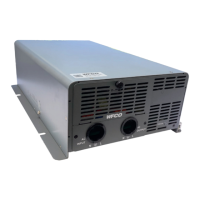
Please use RJ-11 cable supplied with remote to connect to inverter. See below indication.

 To Next Page
 Loading...