14
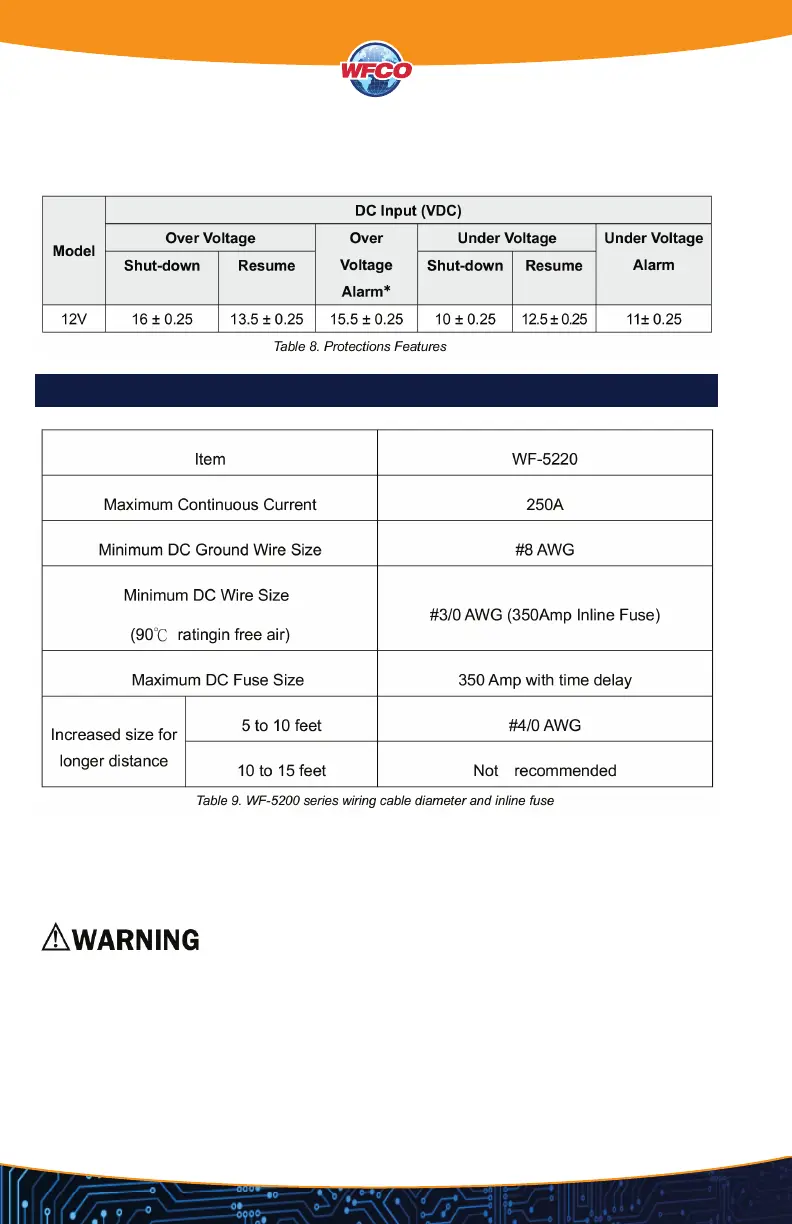
PROTECTION FEATURES
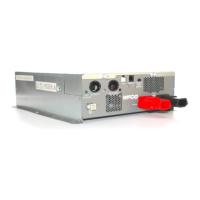
Connect the cables to the power input terminals on the front panel of the inverter. The red
terminal is positive (+) and black terminal is negative (-). Insert the cables into the terminals and
tighten the screw to clamp the wires securely.
• Make sure all the DC connections are tight (torque to 11 ft-lbs, 15 Nm Max.). Loose
connections could overheat and result in a potential hazard.
• The installation of a fuse must be on the positive cable. Failure to place a fuse on “+” cables
running between the inverter and battery may cause damage to the inverter and will
void warranty.
• Also, only use high quality copper wire and keep the cable length short - maximum of
three - six feet.
DC WIRING CONNECTIONS

 To Next Page
 Loading...