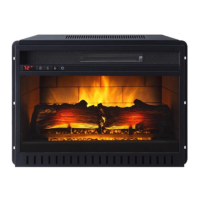
COMBINATION ELECTRIC FIREPLACE/HEATER
Whalen Furniture Mfg. Inc. Page 5 Factory No. XX-XXXXX
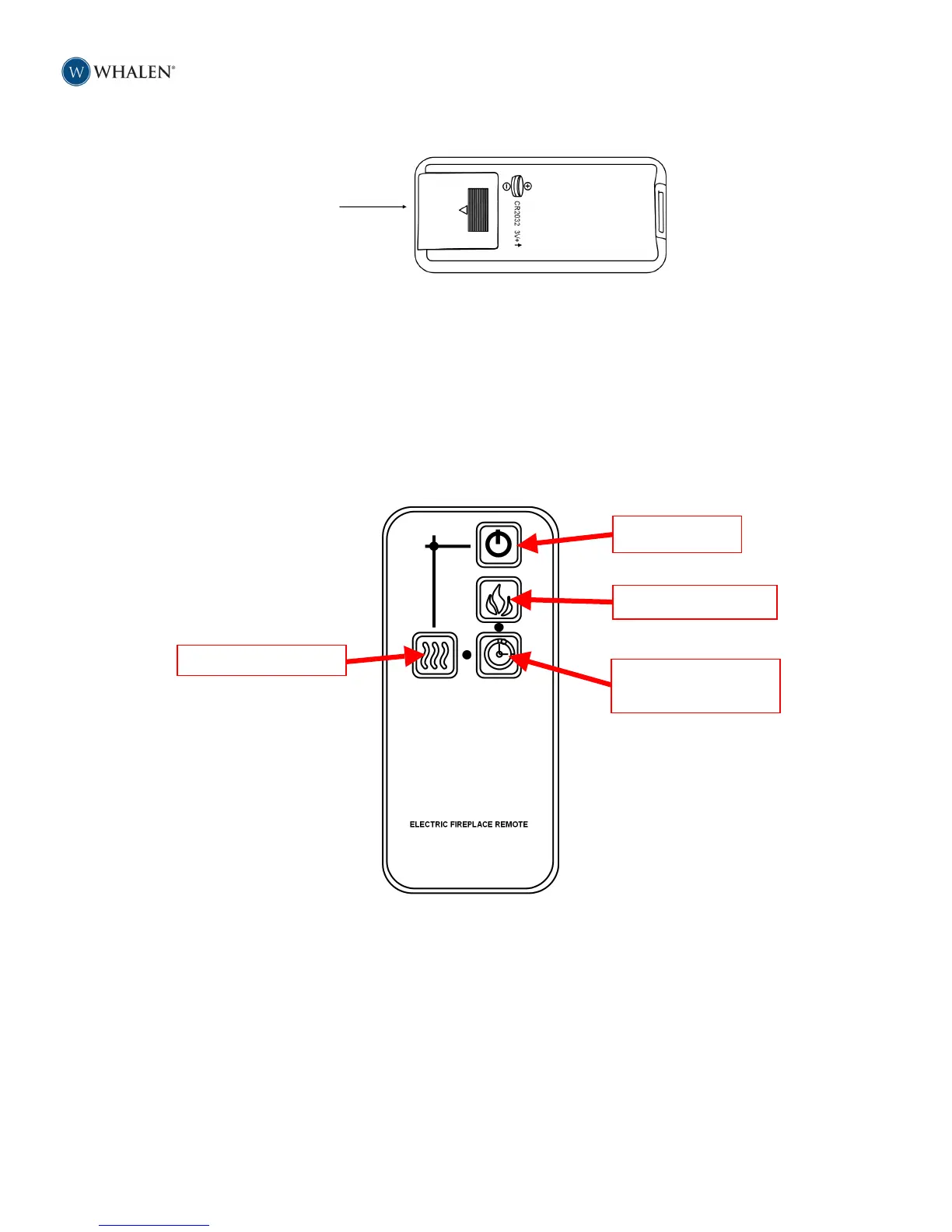
5. Reinstall the battery cover, making sure it clicks into position. (Figure 8)
Figure 8
6. Turn the remote over and aim it towards the fireplace/heater unit.
7. Press the power button on the upper left, and see if the flames on the fireplace/heater turn on
or off.
8. If nothing appears to happen, check to make sure the battery is installed correctly, and try
again.
• Remote Control Button Functions
The remote control mimics the buttons on the front panel of the fireplace/heater. The remote control does
not have a display function. The buttons on the remote control work as follows: (Figure 9)
These remote control buttons work exactly the same as the buttons on the front panel of the fireplace/heater.
See the FIREPLACE/HEATER section above to review the front panel button functions, and familiarize yourself
with the remote control.
That’s all there is to it. Your Whalen Fireplace/Heater is now ready for you to enjoy for many years to
come.



 To Next Page