3. Run the package
Follow the installation prompts to install the software. The software only needs to be
downloaded and installed only once, and a later version can be upgraded online. After the
software is installed, the driver will be installed. Click “Install” and the driver will be installed
automatically. Click “OK” after the installation is complete. The driver needs to be installed only
once when the software is first installed.
Ⅱ. Pair the drone with the remote control
1. After the software is installed, double-click the icon on the desktop to run the
software.
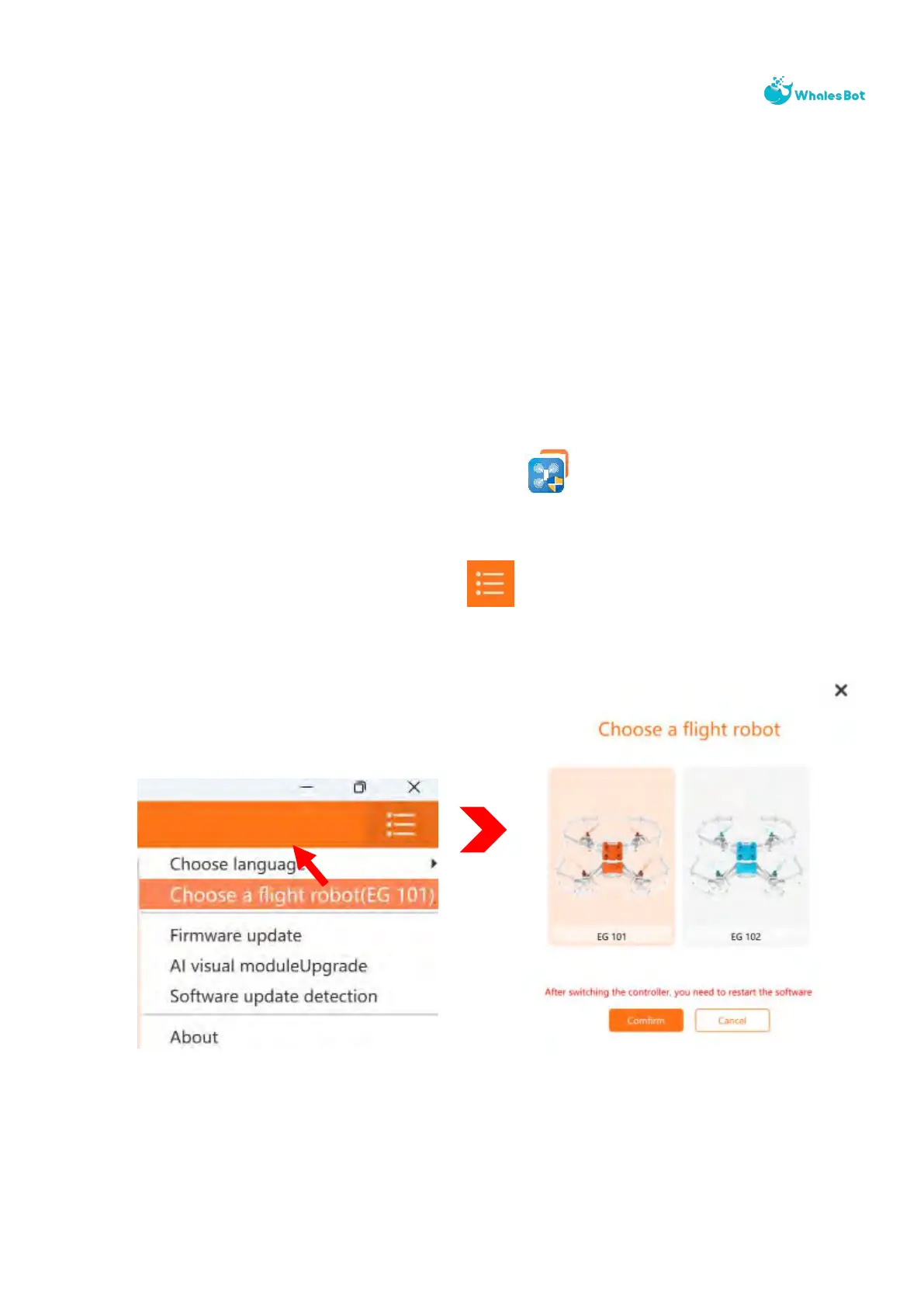
2. In the upper-right corner of the UI, click , select the drone type, and then click
“Confirm”.
3. Use a Type-C cable to connect the remote control to your computer.



 To Next Page