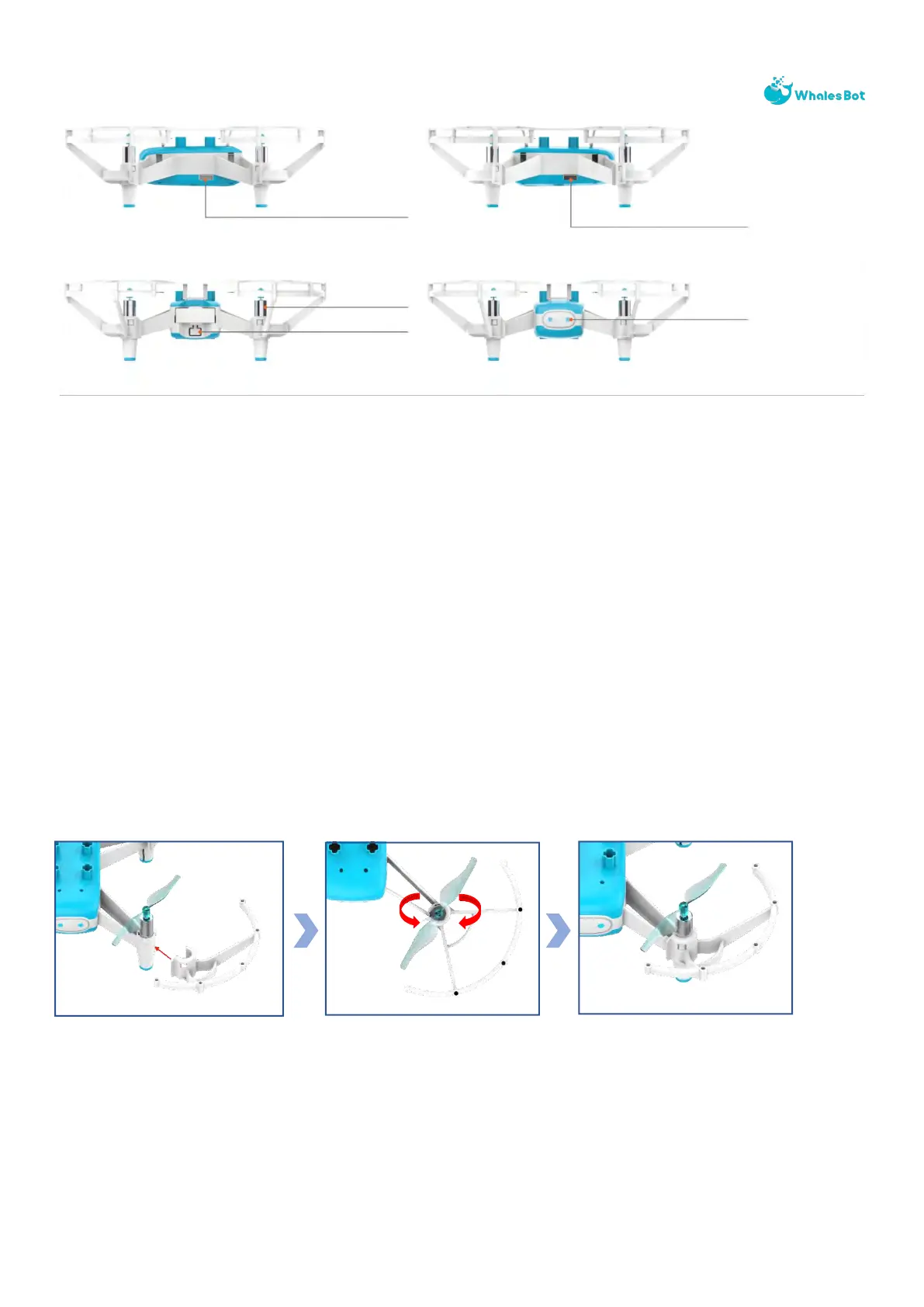
2.2 Installation and removal of protection cover
The protection cover is used to reduce the damage caused by a collision between the propeller
and a person or object.
Installation
Press the installation position of both sides of the propeller protection cover inward and you
will hear the sound of "click". Ensure that the groove of the protection cover firmly sticks to the
projection of the tripod under the motor.
After the side propeller protection cover is installed successfully, align the upper cover with the
hole, install and press it tightly.
Power On/Off
Short Press for Power On
Long Press for Power Off
(About 2 Seconds)
Status Indicator
Blinking Red Light: Low
Battery or Alert
Blinking Green Light: Waiting
to Connect
Blinking Blue Light: Connected
Blinking Blue Light: Gyroscope
Calibration



 To Next Page