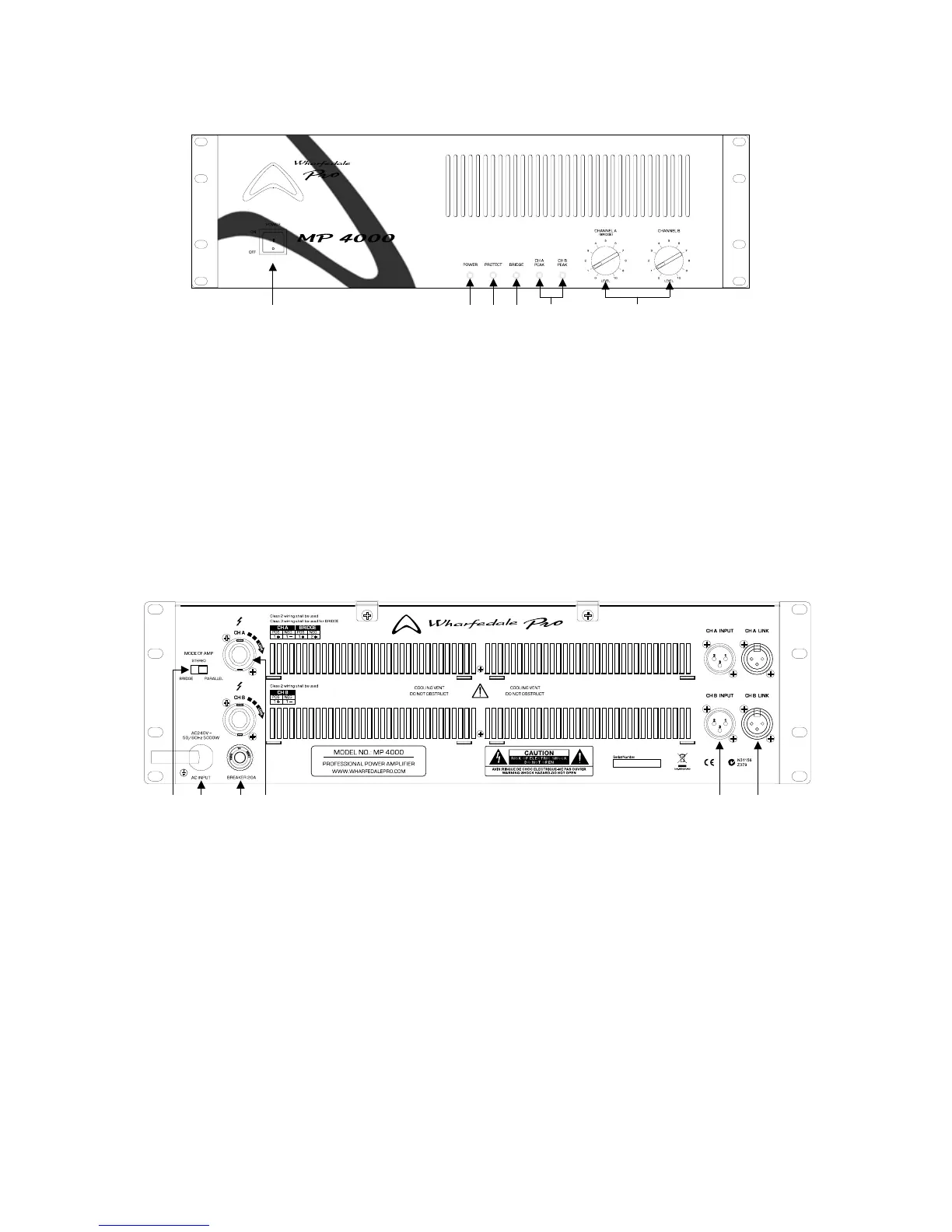
4
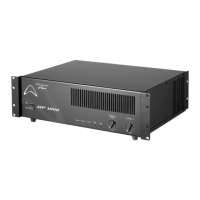
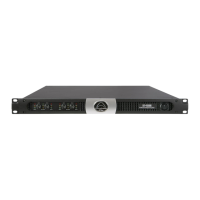
1. Power Switch: Push to power the amplier up or down.
2. Power LED: Illuminates when the amplier is connected to mains power and switched on.
3. Protect LED: Illuminates when the amplier is in protect mode due to short circuit, over current or thermal overload.
4. BRIDGE LED: Illuminates when the amplier works at the bridge mode.
5. Peak LED: Illuminates when the amplier is being driven into clipping.
6. Input Trim: Controls the output level of the amplier.
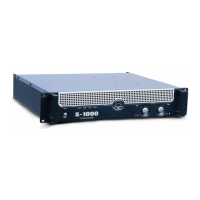
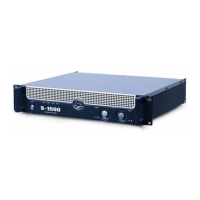
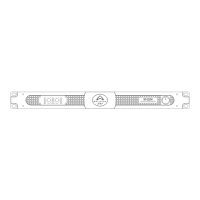
FRONT PANEL FEATURES AND CONTROLS
REAR PANEL – FEATURES AND CONTROLS
1. Mode Switch: There are 3 switchable operating modes, parallel, stereo and bridge.
2. Mains Power Cord: The unit has a fixed power cord, and for the safety, this cord is not allowed to be replaced
arbitrarily by the user.
WARNING: DO NOT ATTEMPT TO BYPSS THE GROUND CONNECTION OF THE POWER CORD!
3. Circuit Breaker: Provides over-circuit protection to amplier. Push to reset it after overhaul.
4. SPEAKON Output: For connection to passive loudspeakers.
5. XLR Input: Balanced XLR input for connection to 0dBu line level sources.
6. XLR link Output: Balanced XLR output to another MP amplier.
1 2 3 4 5 6
1 2 3 4 5 6


 To Next Page