3
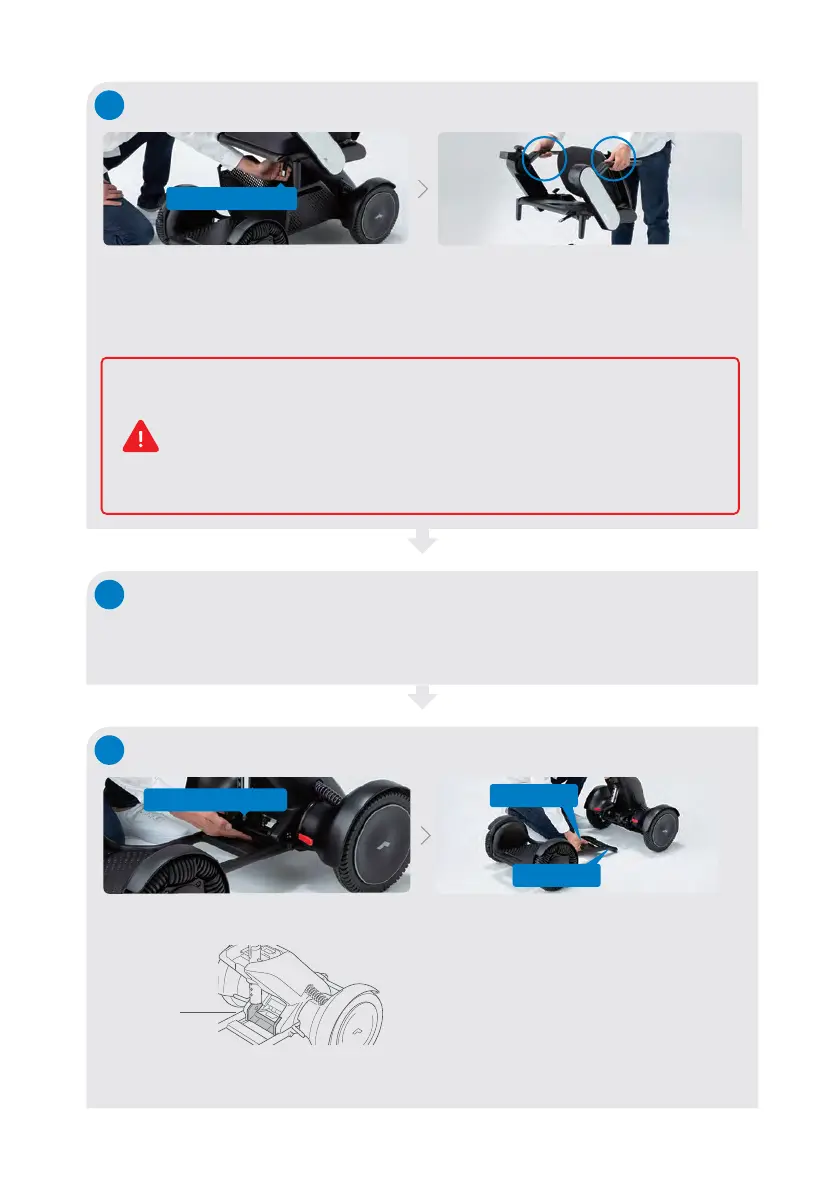
Remove items from storage basket, then lift the storage basket straight up by holding
its handles and remove it from the front drive base.
Removing the storage basket
4
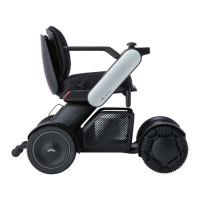
Disconnecting the front drive base
Raise the base release handle.
Grab the handle near the center of the
front drive base and disconnect Bar B
on one end of the front drive base from
the hook of the rear drive base.
2
※Lift the seat assembly slowly so that it does not damage other parts.
※When placing the seat assembly on the floor, place it with the cushion facing up.
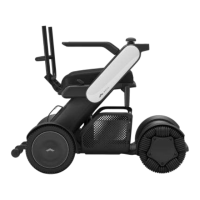
Removing the seat assembly
Pull up the seat release lever toward you. Lift up the seat assembly by the arm rests.
6
Base release handle
Seat release lever
Bar B
Handle
When lifting the seat assembly, the magnetism of the magnetic connectors
located at the connection between the seat assembly and rear drive base
may have an adverse effect on electrical medical devices. Persons who
have an implanted pacemaker, implanted defibrillator, or other electrical
medical devices in their bodies, must leave a minimum of 8 inches (20 cm)
between themselves and the magnetic connectors.
Base release
handle
* When disassembling, support the rear drive base with your hand
to prevent it from falling over.


 To Next Page