EasyManua.ls Logo

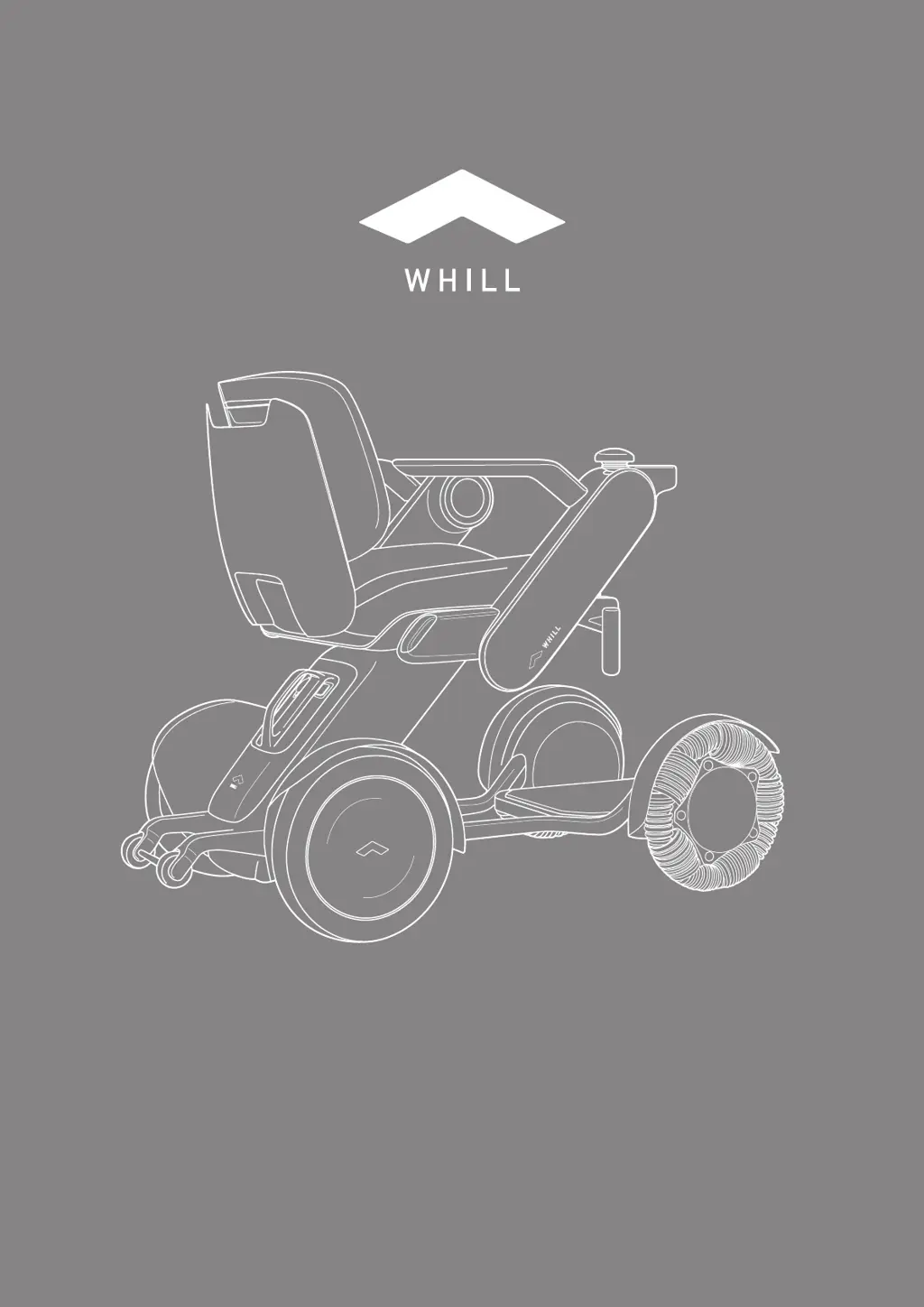
WHILL C2 - User Manual

WHILL C2
114 pages
Print Icon
To Next Page IconTo Next Page
Loading...
WHILL Model C2/Ci2
en-US/CA
User Manual

Table of Contents

Other manuals for WHILL C2

Questions and Answers

  • T
    Tammy GeorgeAug 18, 2025
    What to do if my WHILL C2 doesn't turn on?
    • S
      Scott RomanAug 18, 2025
      If your WHILL Scooter isn't turning on, here's what you can check: 1. Ensure the battery is charged. 2. Make sure the battery is fully inserted into the battery compartment on the rear drive base. Try removing it and re-attaching it after 10 seconds. 3. Inspect the connectors between the seat assembly and the rear drive base for any foreign substances. Clean if necessary, as dirt can prevent the device from turning on.
  • K
    Kelly SparksAug 20, 2025
    Why does the maximum speed of my WHILL C2 decrease?
    • C
      Christopher RamirezAug 20, 2025
      The maximum speed of your WHILL Scooter might decrease if the battery temperature has dropped significantly. Store the battery in room temperature or at least in an ambient temperature of above 0°C (32°F) until the battery temperature rises above 0°C (32°F).
  • A
    Anne RobersonAug 23, 2025
    How to fix a stuck arm release lever on WHILL Scooter?
    • D
      douglas83Aug 23, 2025
      If the arm release lever on your WHILL Scooter is stuck or difficult to move, it may be due to foreign substances like dust in the root part of the arm. Inspect the root part of the arm and clean it with a brush or air duster.
  • L
    Lisa StewartAug 26, 2025
    What to do if the battery charge level is low on my WHILL Wheelchair?
    • D
      Darrell BautistaAug 26, 2025
      If the battery charge level of your WHILL Wheelchair is low, you should recharge the battery.
  • S
    Sierra LongAug 28, 2025
    Why does the maximum speed of my WHILL Wheelchair decrease?
    • N
      Nicolas FitzgeraldAug 28, 2025
      If the maximum speed of your WHILL Wheelchair decreases, it might be because the battery temperature has dropped significantly. Store the battery in room temperature or at least in an ambient temperature above 0°C (32°F) until the battery temperature rises above 0°C (32°F).
  • K
    Kathleen RamirezAug 30, 2025
    What to do if my WHILL Wheelchair does not start properly?
    • L
      Lorraine BradfordAug 30, 2025
      If your WHILL Wheelchair does not start properly, remove the battery, then reinsert it after 10 seconds. Turn the device on after 5 seconds.
  • S
    Steven IngramSep 2, 2025
    What does it mean when the smart key icon appears on my WHILL Wheelchair?
    • M
      Michael RoseSep 2, 2025
      If the specified icon appears on your WHILL Wheelchair, it means the smart key battery level is low. Replace the smart key battery.
  • M
    Mr. Marvin CabreraSep 4, 2025
    What to do if I connected the charger while the WHILL Wheelchair was on?
    • C
      Christopher MyersSep 4, 2025
      If the charger was connected to your WHILL Wheelchair while the power was on, or the device was turned on while connected to the charger, disconnect the charger from the battery.
  • C
    Courtney WillisSep 6, 2025
    What to do if the WHILL Wheelchair won't turn on and the specified icon appears?
    • S
      Scott FoxSep 6, 2025
      If the specified icon appears and your WHILL Wheelchair doesn't turn on, the device may be on a steep uphill slope. Move slowly to a place where the slope is gentle, while checking your safety.
  • B
    Beth NewmanSep 9, 2025
    What to do if the joystick wasn't neutral when I turned on my WHILL Wheelchair?
    • B
      Brandon GainesSep 9, 2025
      If the joystick of your WHILL Wheelchair was not in the neutral position when the power was turned on, power it back on without touching the joystick.

Summary

Safety Precautions

Electromagnetic Interference (EMI)

Risks and precautions for electromagnetic interference affecting device operation.

Device Labels

Information on warning and identification labels on the device.

About the WHILL Device

Packaged Items

List of items included in the device packaging for user verification.

Device Parts and Functions

Identification and explanation of the device's main components and their purposes.

Compatible Accessories

Information on available accessories and how to inquire about them.

Battery Charging

Battery and Charger Components

Details the physical components of the battery and charger unit.

Charging Procedure

Step-by-step instructions for charging the device's battery.

Operating Procedures

Pre-Operation Inspection

Essential safety checks before using the device.

Getting In and Out

Safety precautions for entering and exiting the device.

Lap Belt Fastening

Instructions for securely fastening and using the lap belt.

Powering On the Device

Procedure for turning on the device and checking initial settings.

Driving the Device

Fundamental techniques for operating the device, including movement and control.

Releasing and Engaging Brakes

How to disengage and re-engage the device's brakes for manual movement.

Carrying Items

Guidance on using the storage basket and back support for carrying items.

Smart Key Operation

Functionality of the smart key for locking and unlocking the device.

Assembly, Adjustment, and Disassembly

Component List for Disassembly

Lists the main components that can be disassembled from the device.

Device Assembly Instructions

Step-by-step instructions for assembling the device components.

Adjustment Procedures

Customizing the device for user comfort and specific needs.

Device Disassembly Procedures

Steps for taking the device apart into its main components.

Storage and Transport

Device Storage Guidelines

Proper guidelines and precautions for storing the device.

Transporting the Device

Instructions and safety considerations for transporting the device.

Smartphone App Information

Maintenance and Inspection

User Maintenance Tasks

Routine cleaning and upkeep tasks for the user.

Smart Key Battery Replacement

Guides on replacing the battery in the smart key.

Reinstalling the Joystick

Instructions for reattaching the joystick to the control pad.

Periodic Device Inspection

Recommendation for periodic professional inspections of the device.

Authorized Repair and Parts Services

Services provided by authorized personnel for repairs and parts.

Device Disposal Guidelines

Advice on proper procedures for disposing of the device and its parts.

Warranty Information

Directs users to warranty details for the device.

Finding Manufacturing Date

How to determine the manufacturing date using the device's serial number.

Troubleshooting

Specifications and Test Results

Device Specifications

Lists the technical specifications of the WHILL Model C2/Ci2 device.

Dimensions and Test Results

Detailed measurements and performance test results for the device.

WHILL C2 Specifications

General IconGeneral
Range20 km
Turning Radius76 cm
BatteryLithium-ion
Seat Width43 cm
Seat Depth40 cm
Ground Clearance5 cm
Battery Voltage25.2 V
Battery Capacity10 Ah
FoldableNo
IP RatingIPX4
Motor TypeBrushless DC motor
Max Speed5 mph (8 km/h)
Weight Capacity113 kg
Max User Weight113 kg