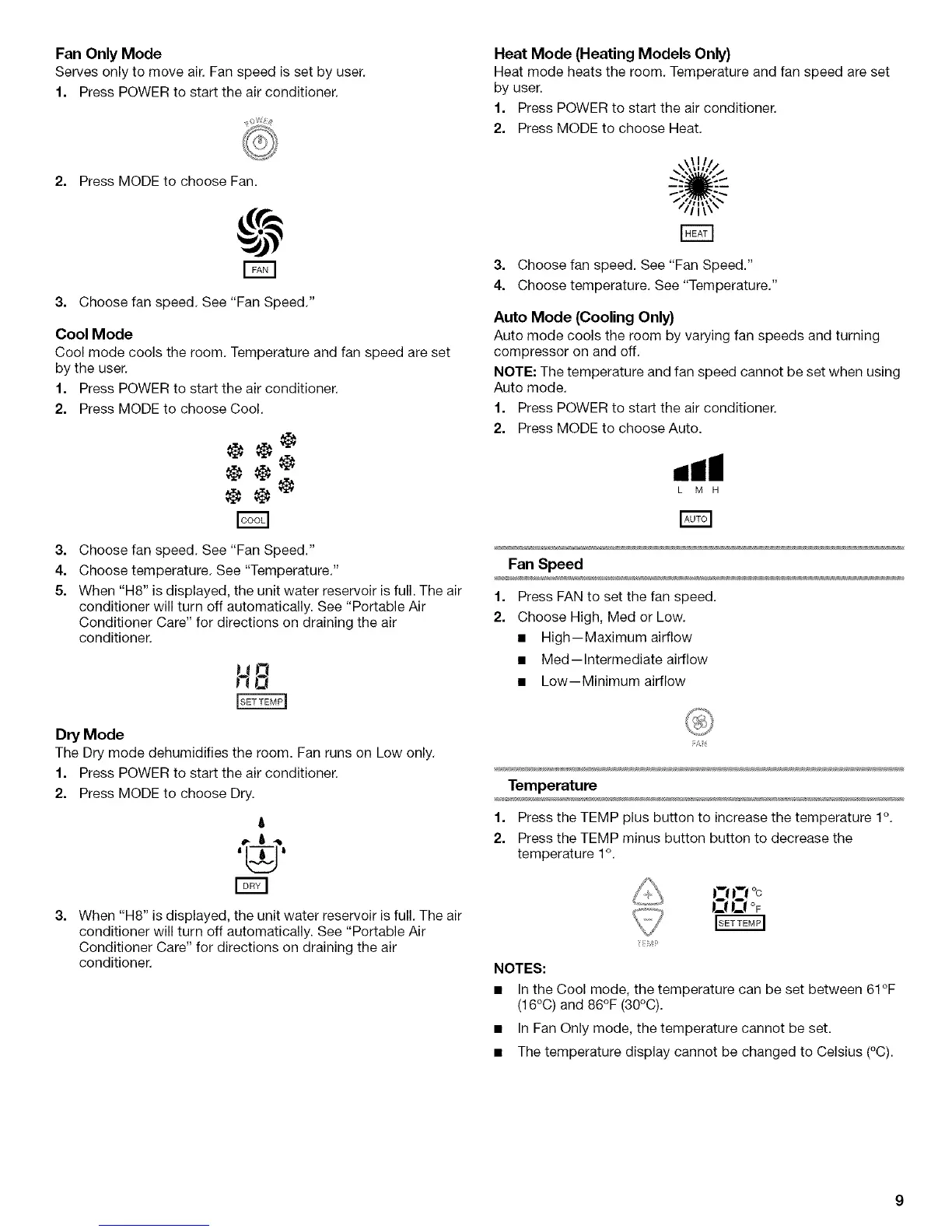
Fan Only Mode
Serves only to move air. Fan speed is set by user.
1. Press POWER to start the air conditioner.
2. Press MODE to choose Fan.
3. Choose fan speed. See "Fan Speed."
Cool Mode
Cool mode cools the room. Temperature and fan speed are set
by the user.
1. Press POWER to start the air conditioner.
2. Press MODE to choose Cool.
3.
4.
5.
Choose fan speed. See "Fan Speed."
Choose temperature. See "Temperature."
When "H8" is displayed, the unit water reservoir is full. The air
conditioner will turn off automatically. See "Portable Air
Conditioner Care" for directions on draining the air
conditioner.
1!O
Dry Mode
The Dry mode dehumidifies the room. Fan runs on Low only.
1. Press POWER to start the air conditioner.
2. Press MODE to choose Dry.
6
'[i__.j'
3.
When "H8" is displayed, the unit water reservoir is full. The air
conditioner will turn off automatically. See "Portable Air
Conditioner Care" for directions on draining the air
conditioner.
Heat Mode (Heating Models Only)
Heat mode heats the room. Temperature and fan speed are set
by user.
1. Press POWER to start the air conditioner.
2. Press MODE to choose Heat.
t//l\\_
3. Choose fan speed. See "Fan Speed."
4. Choose temperature. See "Temperature."
Auto Mode (Cooling Only)
Auto mode cools the room by varying fan speeds and turning
compressor on and off.
NOTE: The temperature and fan speed cannot be set when using
Auto mode.
1. Press POWER to start the air conditioner.
2. Press MODE to choose Auto.
,,ill
L M H
Fan Speed
1. Press FAN to set the fan speed.
2. Choose High, Med or Low.
• High--Maximum airflow
• Med--lntermediate airflow
• Low--Minimum airflow
F_
Temperature
1. Press the TEMP plus button to increase the temperature 1°.
2. Press the TEMP minus button button to decrease the
temperature 1°.
OF
NOTES:
• In the Cool mode, the temperature can be set between 61°F
(16°0) and 86°F (30°0).
• In Fan Only mode, the temperature cannot be set.
• The temperature display cannot be changed to Celsius (°C).



 To Next Page