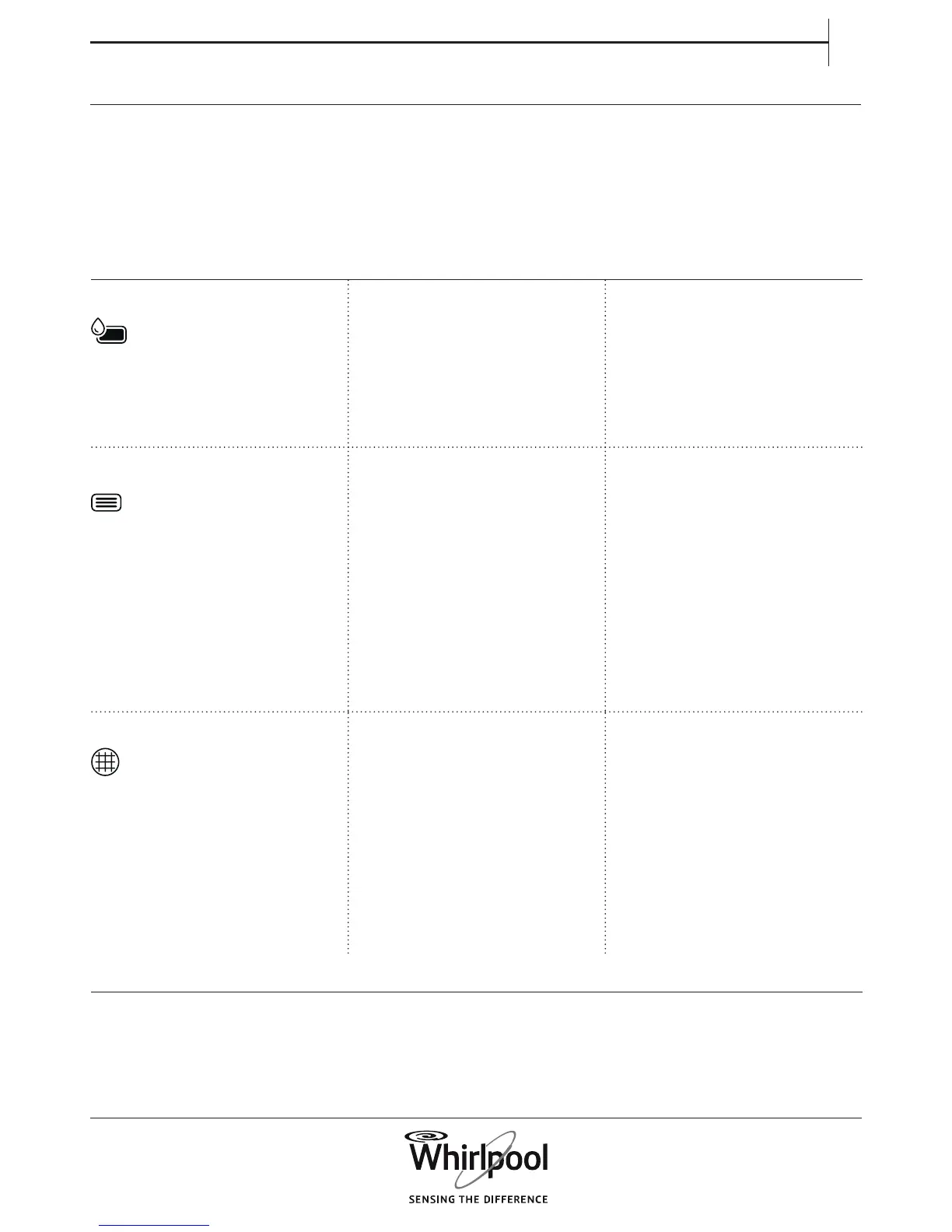
FAILURE INDICATOR AND MESSAGES
Make sure to
• Empty the water tank after each programme
• Clean the door lter after each programme
• Clean the bottom lter about every two months
Refer to section CARE AND MAINTENANCE for
emptying water tank or cleaning lters.
Failure Indicator Possible Cause Solution
The empty “Water Tank” lights on Water tank may be
• lled with water • Empty water tank; make sure to
insert it properly afterwards.
• not correctly positioned • Push in the water tank to make
sure that it is correctly inserted in
the tank compartment.
The “Bottom Filter” lights on
Bottom lter may be
• blocked by lint • Clean the bottom lter;
make sure to insert it properly
afterwards
• not correctly positioned • Push in the bottom lter and
move the release levers into
vertical position, to make sure
that the lter is correctly inserted
in the lter compartment. Close
the ap.
The “Door Filter” lights on
Door lter may be
• blocked by lint • Remove and clean the door
lter; make sure to insert it
properly afterwards so that it
completely integrates in the lter
compartment.
• not correctly positioned • Check position of the door
lter; make sure that it is properly
inserted in the lter compartment.



 To Next Page