41
GB
2
3
1
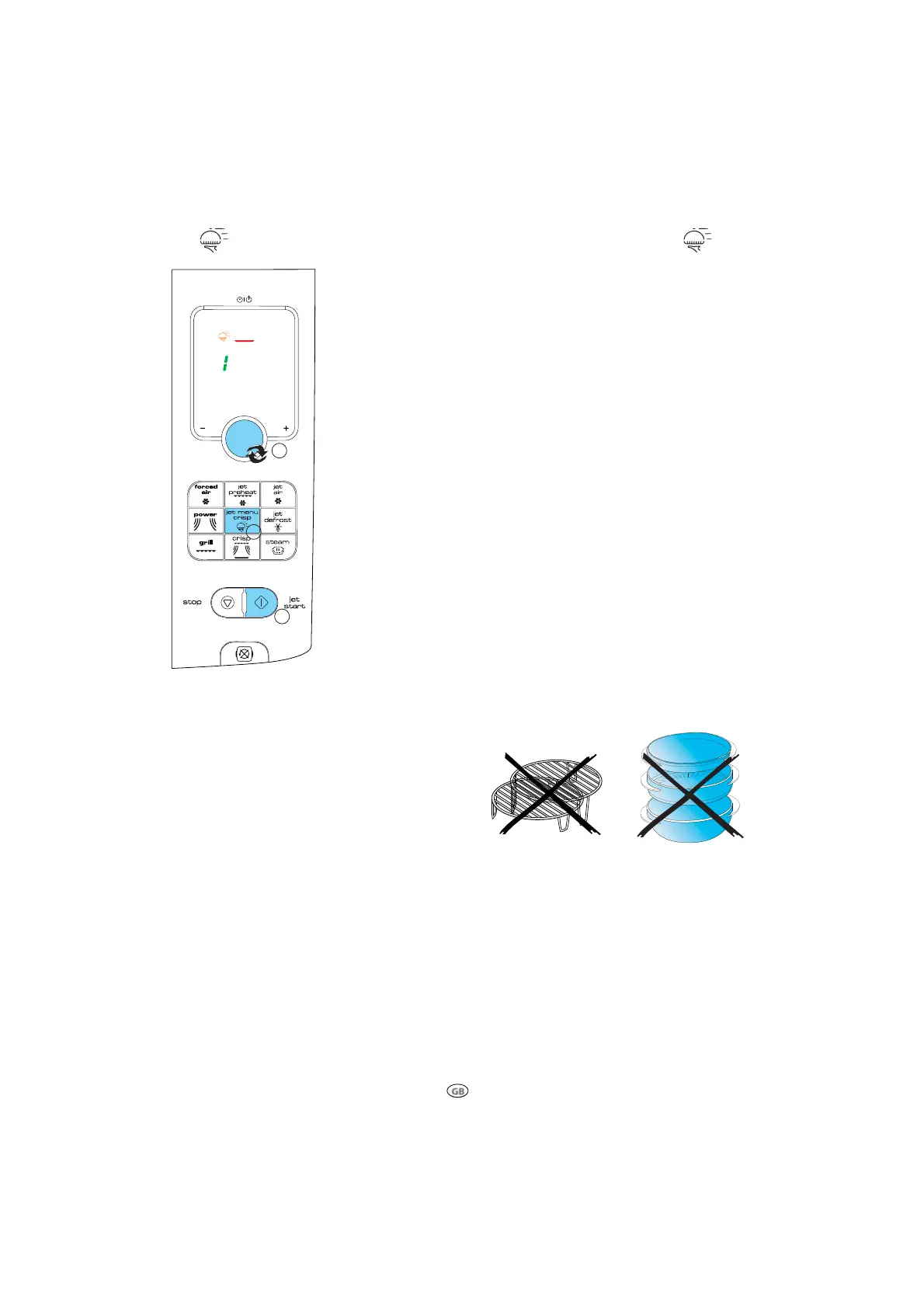
JET MENU CRISP
USE THIS FUNCTION TO cook various types of frozen foods.
THE OVEN WILL automatically select cooking method, time and pow-
er needed.
q
PRESS THE JET MENU CRISP BUTTON repeatedly to select the food
class. (see table)
w
TURN THE ADJUST KNOB TO set the weight of the food.
e
PRESS THE START BUTTON.
S
OME FOOD CLASSES REQUIRE the food to be added, turned or stirred
during cooking (varies between models). In these cases the oven
will stop and prompt you to perform the needed action.
Open the door.
Add, Stir or turn the food.
Close the door and restart by pressing the Start button.
NOTE: If the door isn’t opened at this time (within 2 minutes) the
oven will stop and go to “ stand by mode” .





 To Next Page