17
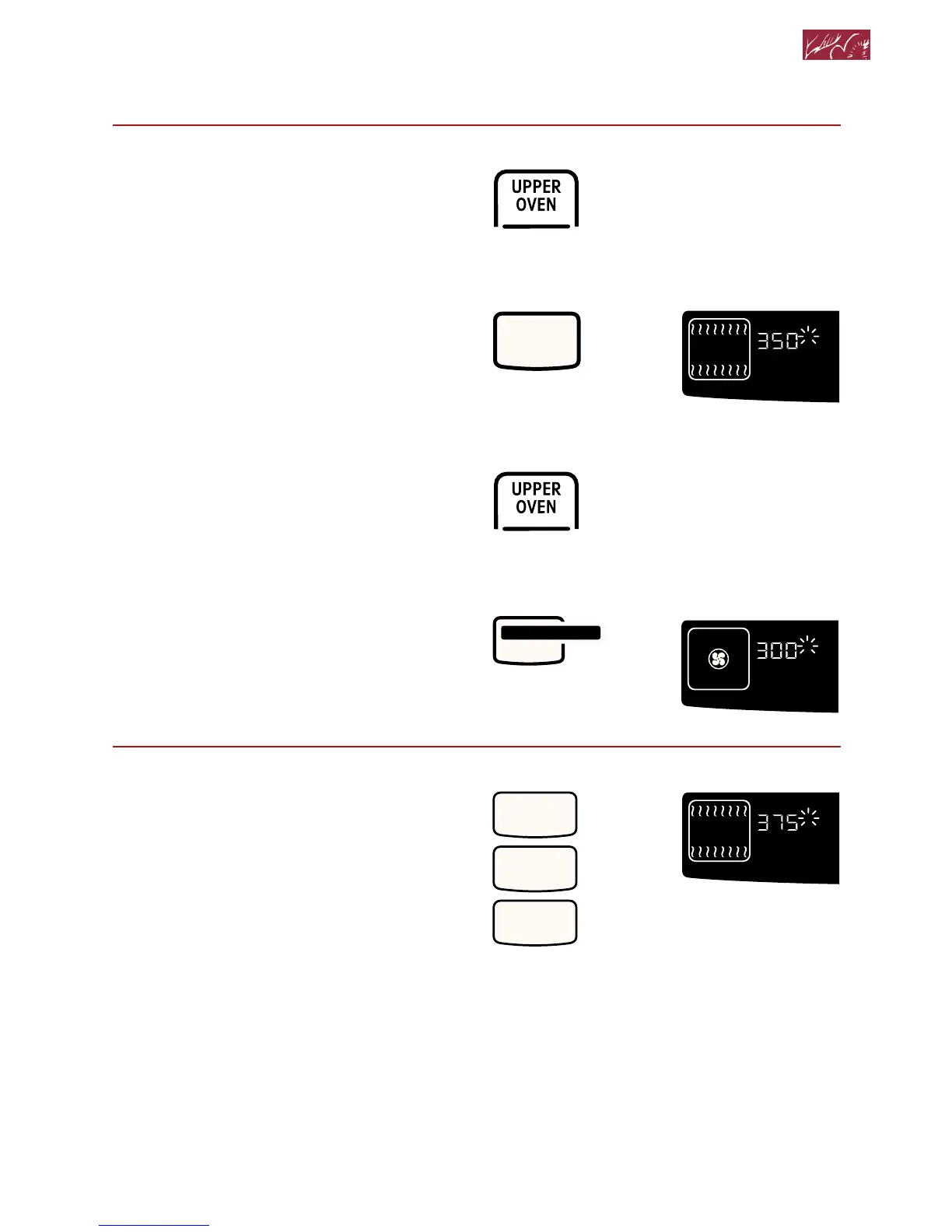
2. Choose baking setting.
NOTE: On double ovens, the cavity
symbol flashes to tell you which oven
you are setting.
3. Set temperature (optional).
Do this step if you want to set a tem-
perature other than 350°F for Bake or
300°F for Convection Bake.
NOTE: See a reliable cookbook or your
convection oven cookbook for tempera-
ture recommendations.
PRESS
Using Your Oven
to select oven
(for double ovens)
BAKE
PRESS YOU SEE



 To Next Page