42
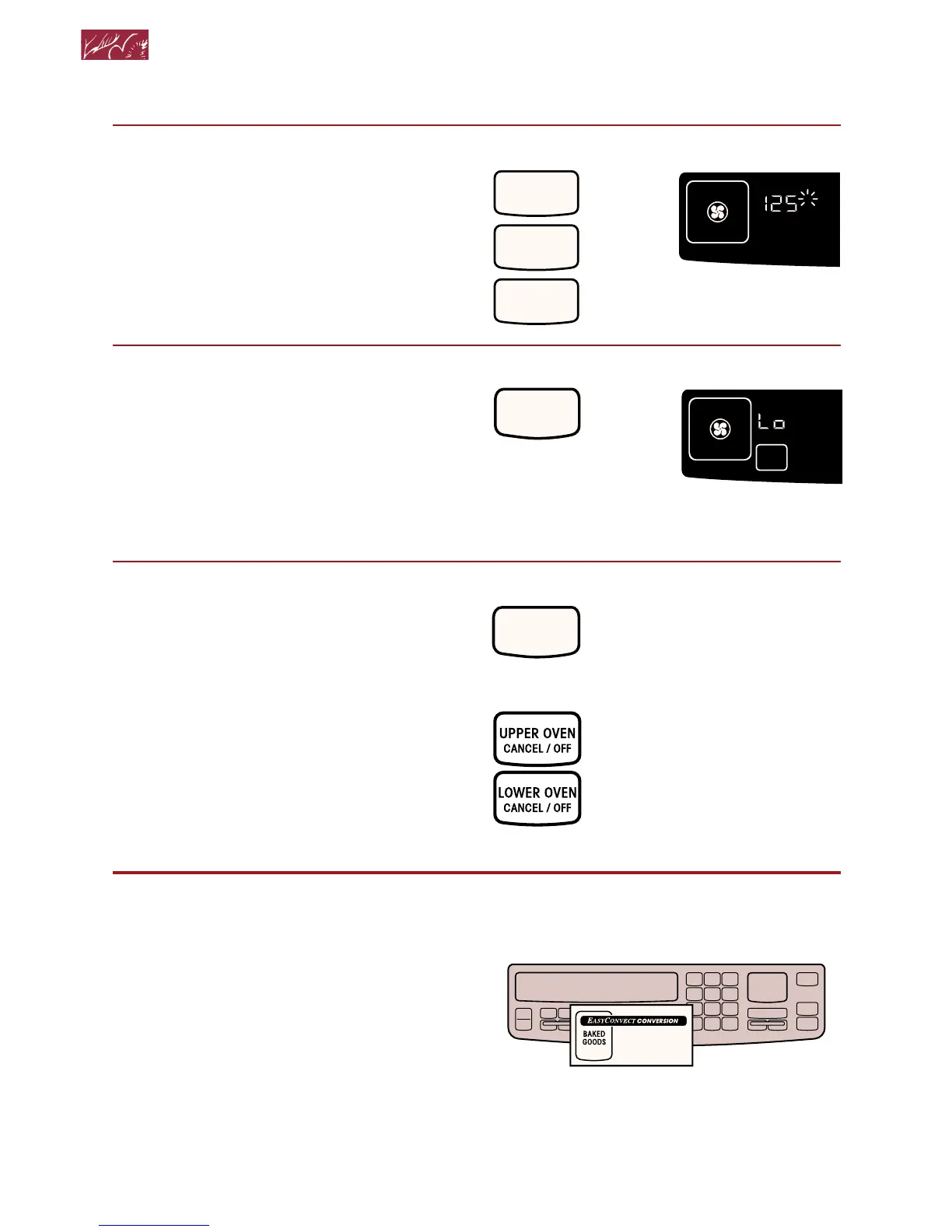
5. Set temperature (optional).
Do this step if you want to set a
temperature (from 100°F to 200°F)
other than 140°F.
6. Start oven.
NOTE: If you want to change the dehy-
drating temperature after dehydrating has
begun, repeat Steps 4, 5, and 6.
7. When dehydrating is done,
turn off oven.
Raising (proofing) bread
(upper oven/single oven/both ovens on Models KEBS208D
and KEBS278D)
You can use your THERMAL-CONVECTION*
oven to proof bread. For more information
see your convection oven cookbook, pro-
vided with your oven.
NOTE: These examples are for double
upper ovens only. Other ovens may look
slightly different.
ON
NIGHT LIGHT
O
F
DEHYDRATE
COOK TEMP
ENTER
PRESS YOU SEE
(example shows
125°F dehydrating
temperature)
1
2
5
PRESS YOU SEE
NIGHT LIGHT
DEHYDRATE
COOK TEMP
ENTER
ON
(display shows
“Lo” until oven
reaches 100°F)
CANCEL
OFF
(single ovens)
OR
PRESS YOU SEE
(display will go blank)
(double ovens)
START
NOTE: If you do not turn off oven after
proofing bread, the oven will keep running
until you press Cancel/Off pad.
Using Your Oven



 To Next Page